Generated transition
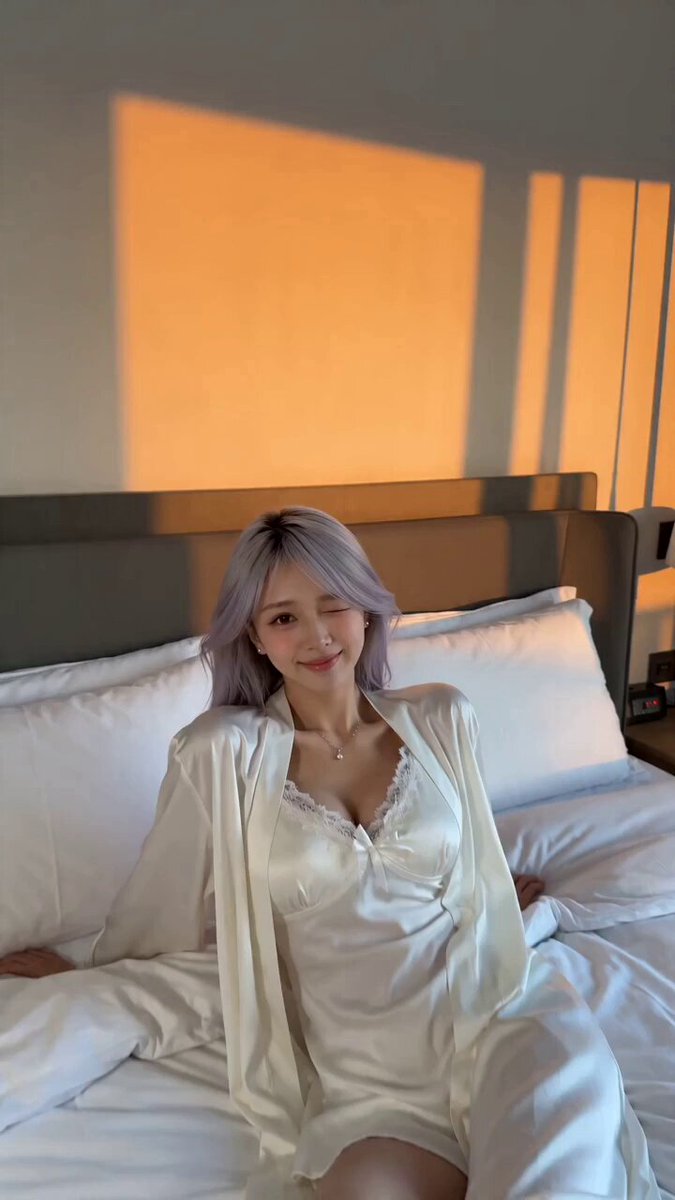
Match Cut
Two scenes joined by a shared shape or movement.
The Open Sora AI video transition generator links one scene to the next with match cuts, wipes, morphs, glitches, spins and selfie switches. Upload a starting image, choose how the scene should change, edit the prompt and generate.
These are earlier AI results. Your images, prompt, model, ratio and length all shape the final move.
Every style is built on a real editing technique. Picking one writes its motion into the prompt, and you can change any part of it.
Two scenes joined by a shared shape or movement.
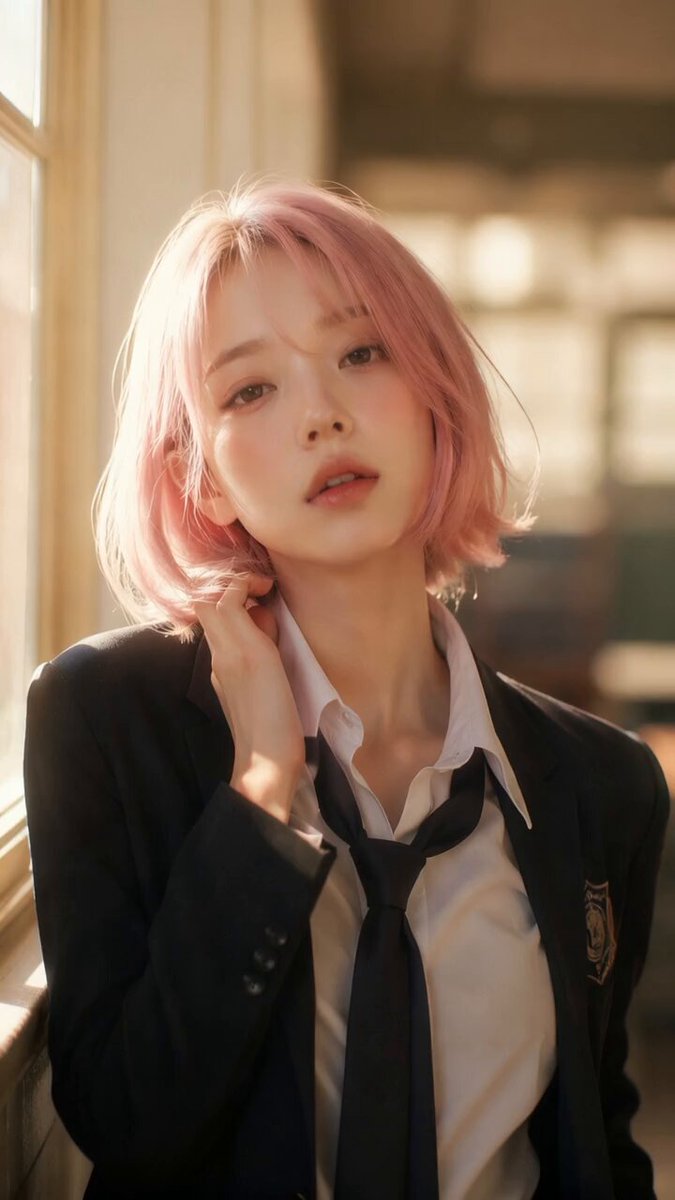
A hand or object covers the lens and reveals a new scene.
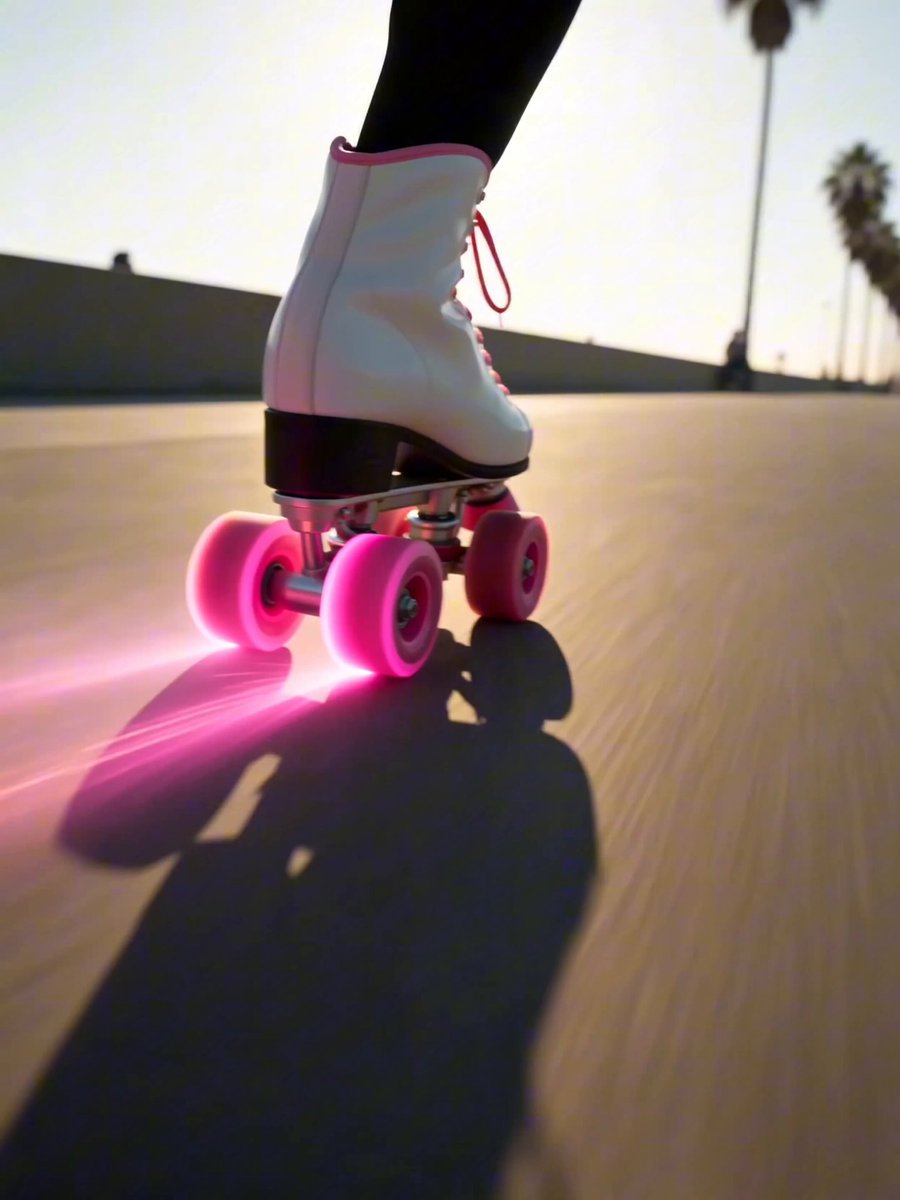
A quick digital break snaps you into the next scene.
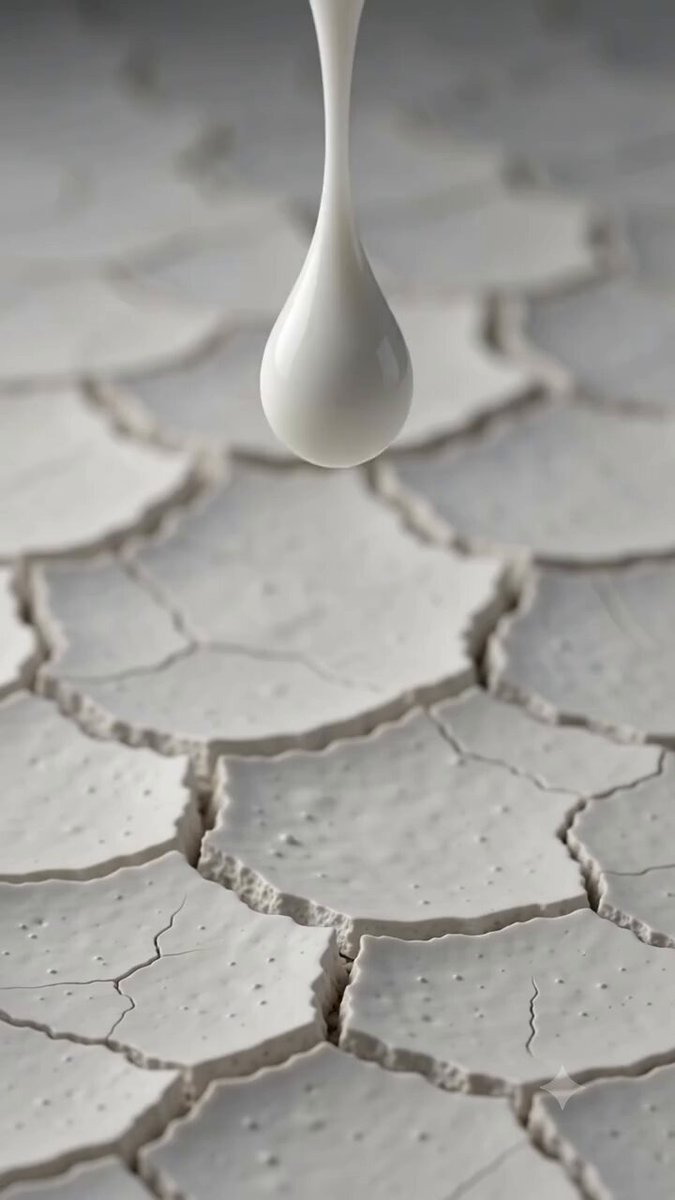
Shapes and materials flow into the next subject or place.
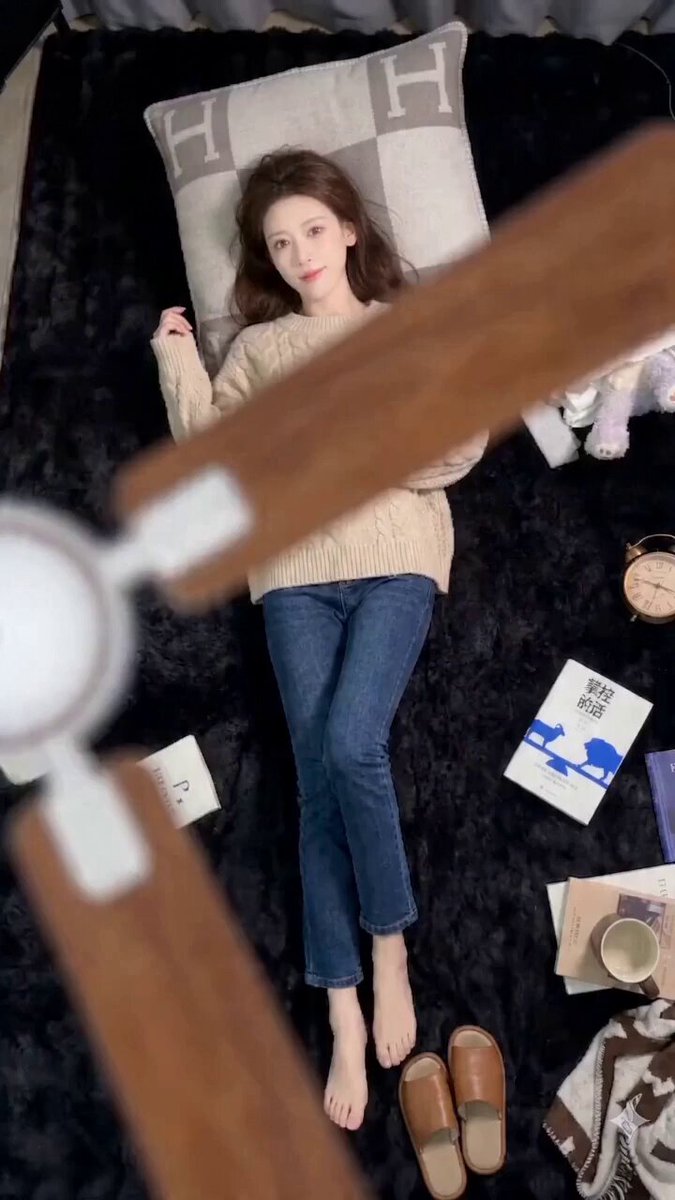
The look changes behind a passing object; the pose holds.
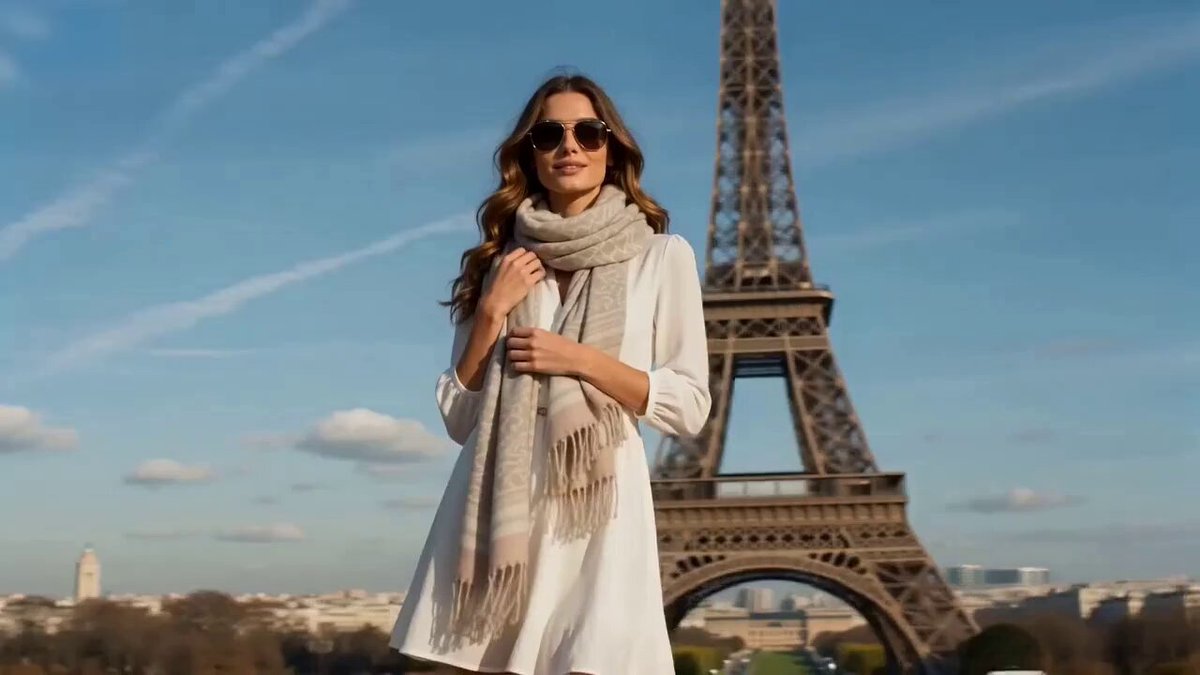
One continuous spin through outfits, places or moments.
Transitions look best when the start and end share something — a similar subject position, outline, dominant shape or camera direction. That shared element gives the AI an obvious path from one scene to the other.
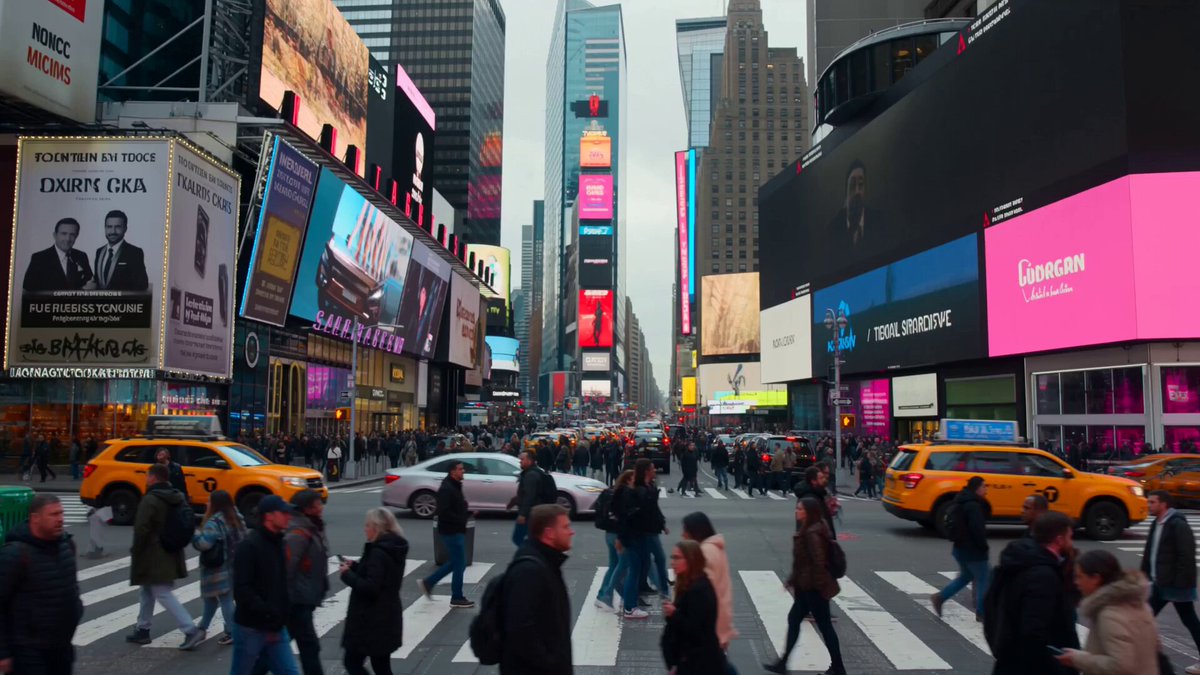 Visual anchor
Add a clear starting image. On models that support it, add a second image as the scene you want to land on.
Match cut, wipe, glitch, morph, outfit, spin or selfie. The style fills the prompt; model and output settings stay yours.
Watch how the scenes join, then adjust the prompt, length, framing or model if the reveal needs a cleaner beat.
Describe what triggers the transition, which way it moves, what covers the lens, the camera path, the timing and the reveal. The style gives you a structure; the prompt decides the details.
Start from one of these structures and swap in your own subject, setting, trigger and destination.
A rising camera carries a starlit portrait all the way to Earth from orbit.
Begin on a quiet side profile looking up at a dense night sky. Lift the camera smoothly as the stars thin into space and the curve of Earth enters the frame, then let the same profile become a silhouette inside a spacecraft window. Preserve the viewing angle, upward gaze, and slow continuous rise.
A macro shot turns a record's grooves into a sandstone canyon.
Begin with a macro shot of a needle moving through a spinning vinyl groove. Push into the groove until its curved ridges fill the frame, then transform those ridges into a vast sandstone canyon while keeping the same circular motion, warm light, and camera direction.
A fast push forward rips a desert open into the ocean.
Fly forward continuously through a desert as the dunes split into layered sheets and reveal a stormy ocean underneath. Keep the camera speed and horizon aligned while water, city structures, and a rocky cavern tear into one another in a controlled surreal transition.
It generates the motion that carries a starting image into a new scene, look or composition — recreating editing moves like match cuts, wipes, morphs, glitches and spins without cutting two clips together.
No. One image plus a description of the destination is enough. If your model supports first and last frames, adding both gives the transition a precise ending.
Frames with a clear subject, similar composition, matching direction of movement and a shared shape. Big differences can still work if the prompt explains the bridge.
Yes. The style only fills the prompt. Change the subject, trigger, camera, speed, scene or reveal, and pick the model and output settings separately.
Ask for it in the prompt and it usually holds. Clear images and matching framing help; heavy morphs and big viewpoint changes can still alter fine details.
On models with frame control, both images act as anchors. The motion in between is generated, so paths, in-between shapes and timing can vary from one run to the next.
 Start & End Frame VideoSet the first and last frame and let AI fill the move.
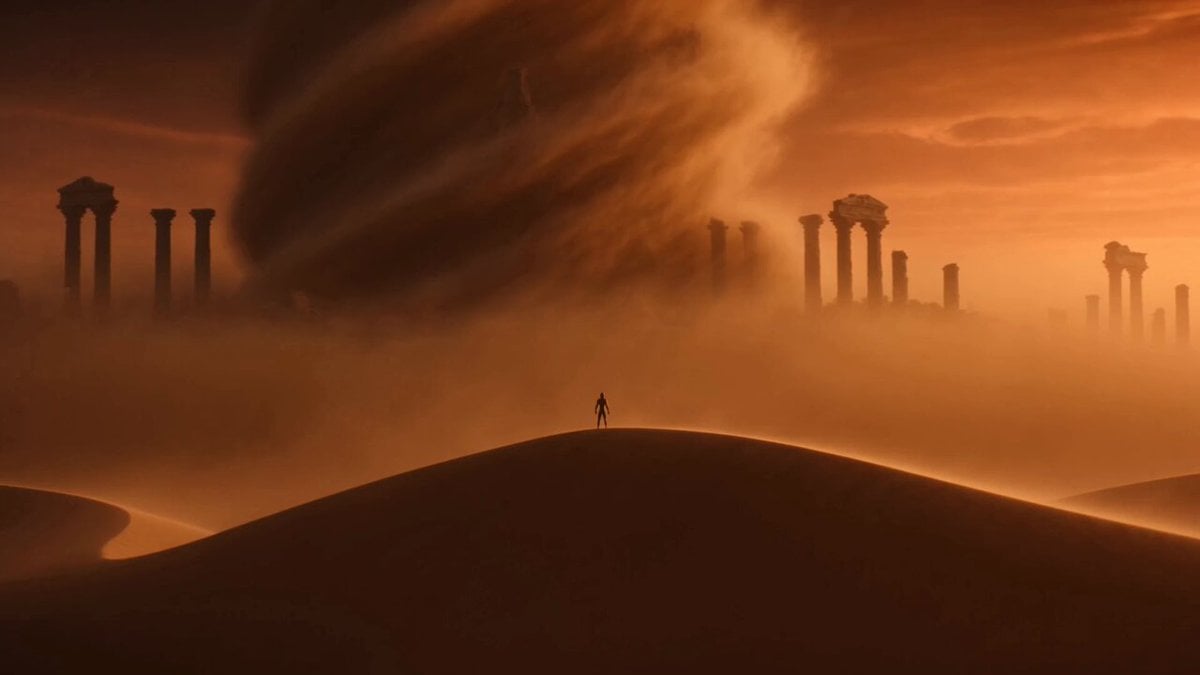 Image to VideoAnimate any photo with motion you describe.
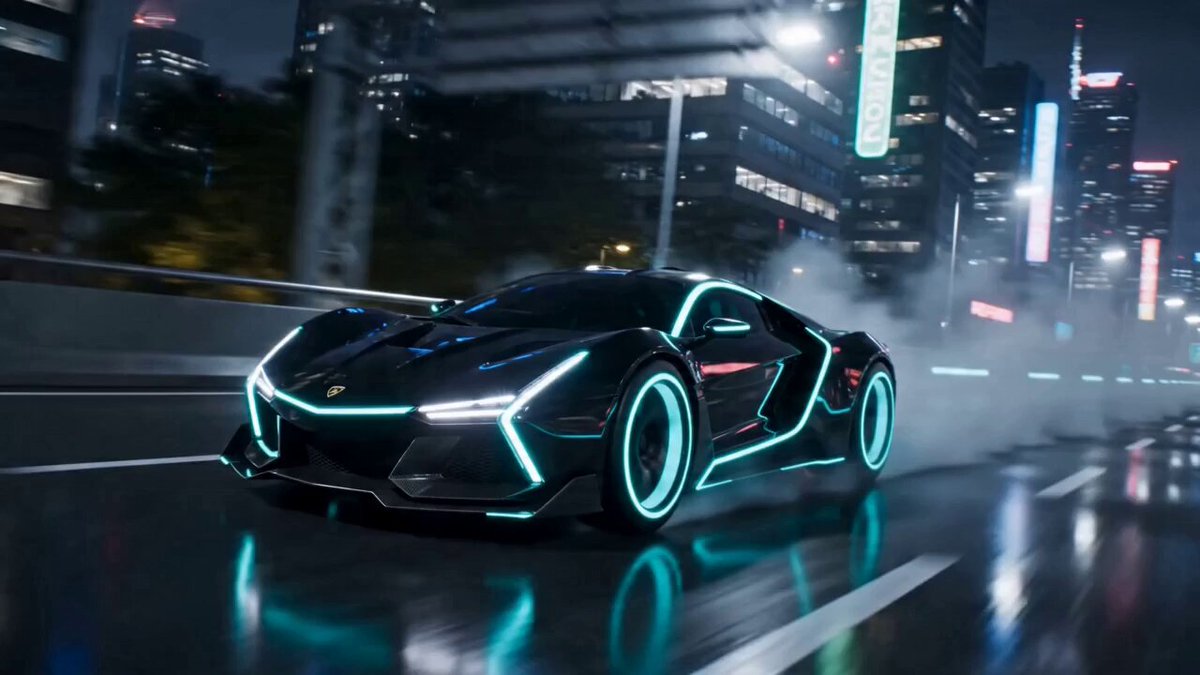 AI Transformation Video GeneratorTurn a subject into something new within one shot.
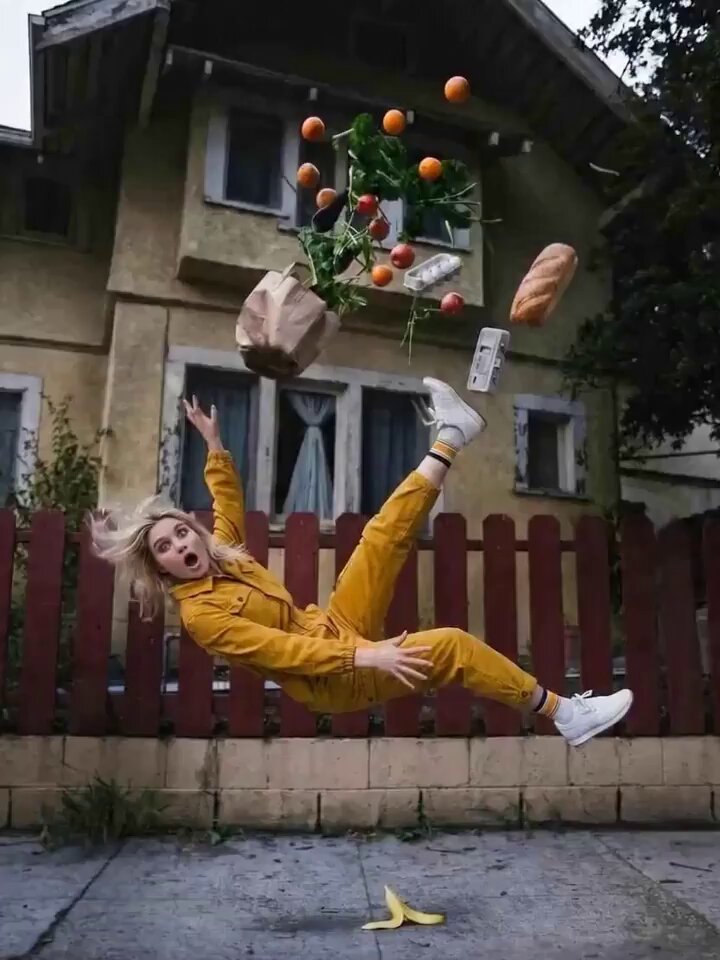 AI Camera Orbit Video GeneratorCircle the camera around a person, product or scene.
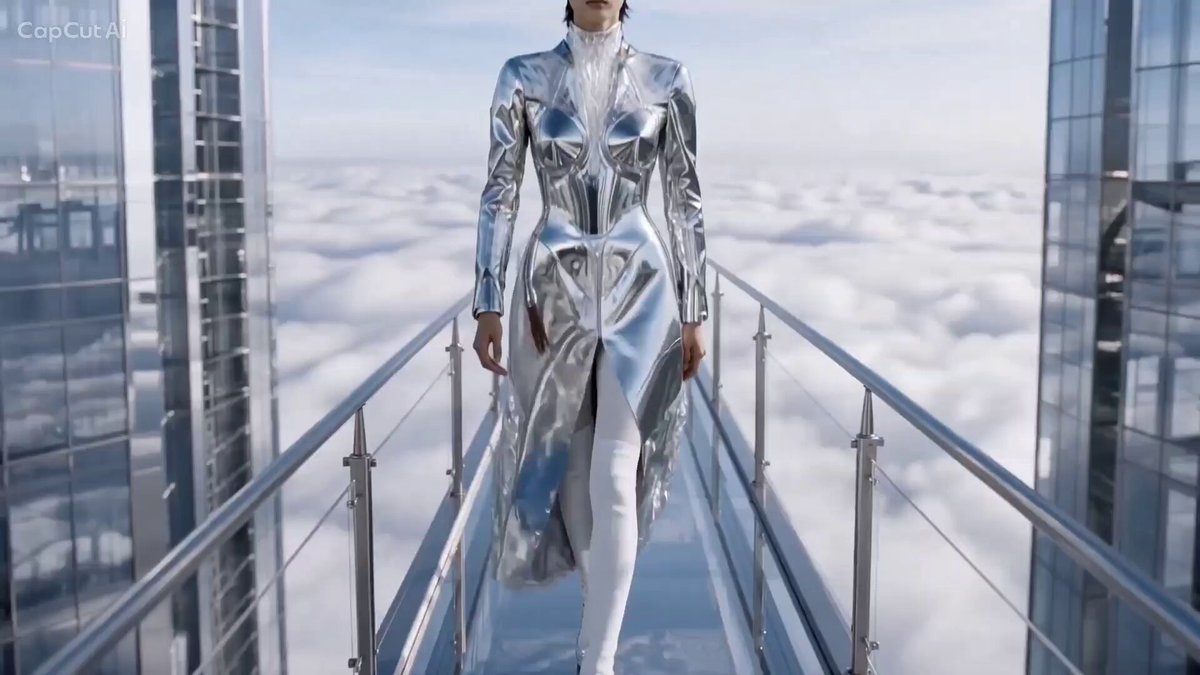 AI Catwalk Video GeneratorTurn a photo into a runway walk.
 AI Dance Video GeneratorMake the person in a photo dance.
Pick a transition, add your opening frame and edit the prompt until the scenes join exactly the way you want.
Create the transition