Dance
Hip-Hop
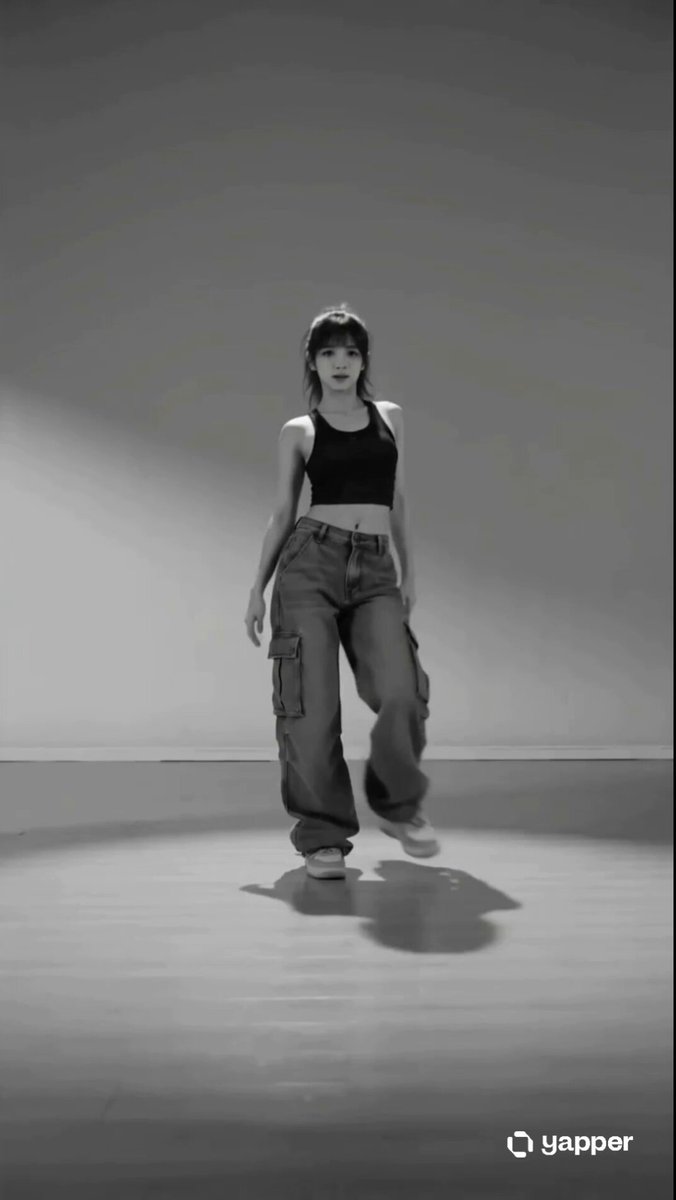
Low, grounded footwork with shoulder hits.
The Open Sora AI dance video generator turns a single photo into a short dance clip. Upload a picture of one person, pick a dance style, fine-tune the motion prompt, and generate — no filming required.
These clips show what each style does. Use your own photo and adjust the prompt to change the moves.
Pick a style to preview its motion. Its prompt drops into the generator, ready for you to edit.
Low, grounded footwork with shoulder hits.
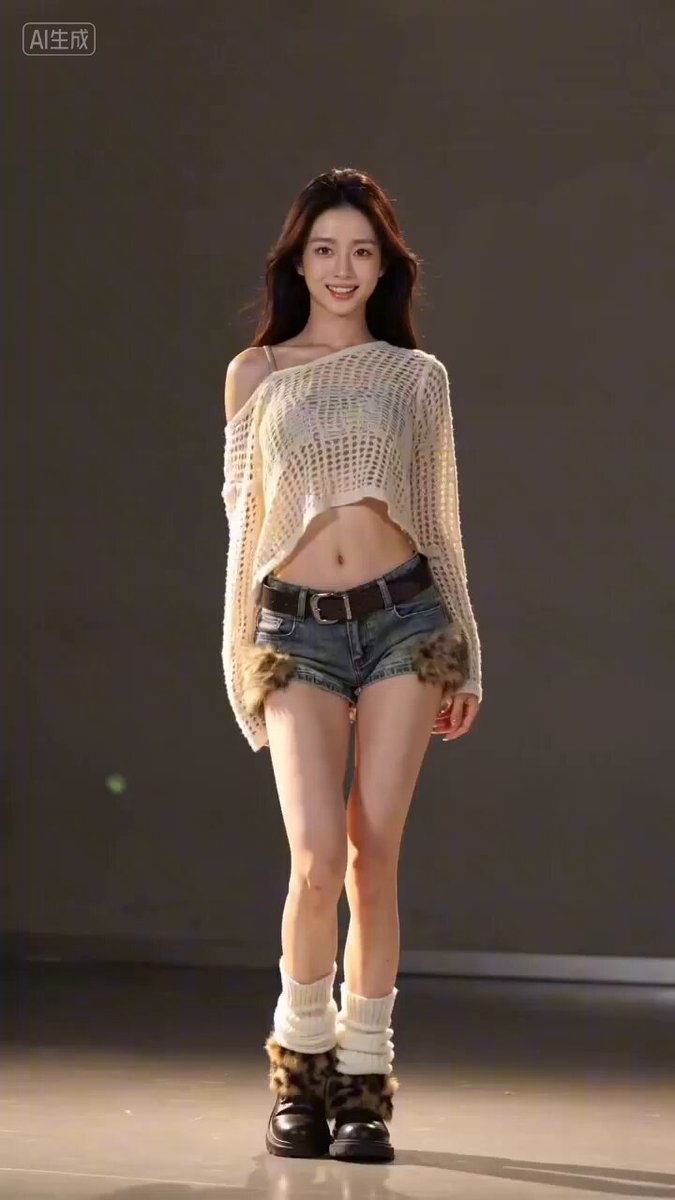
Crisp, on-the-beat choreography with stage polish.
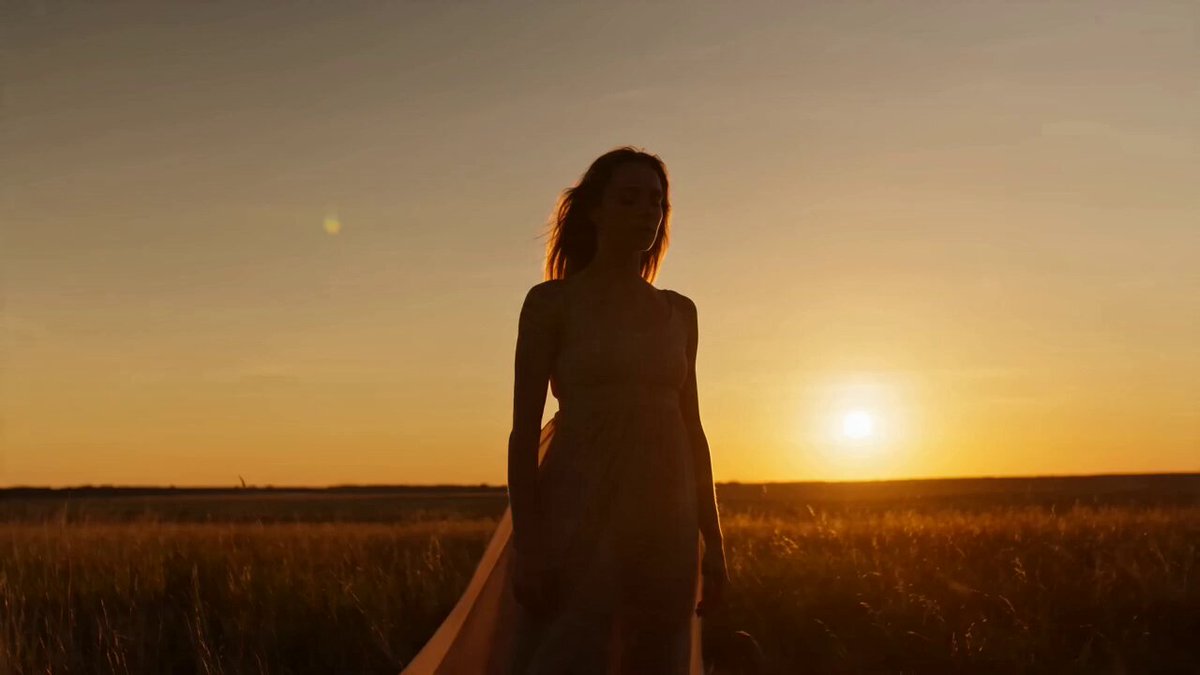
Fluid turns and expressive reaches in soft light.
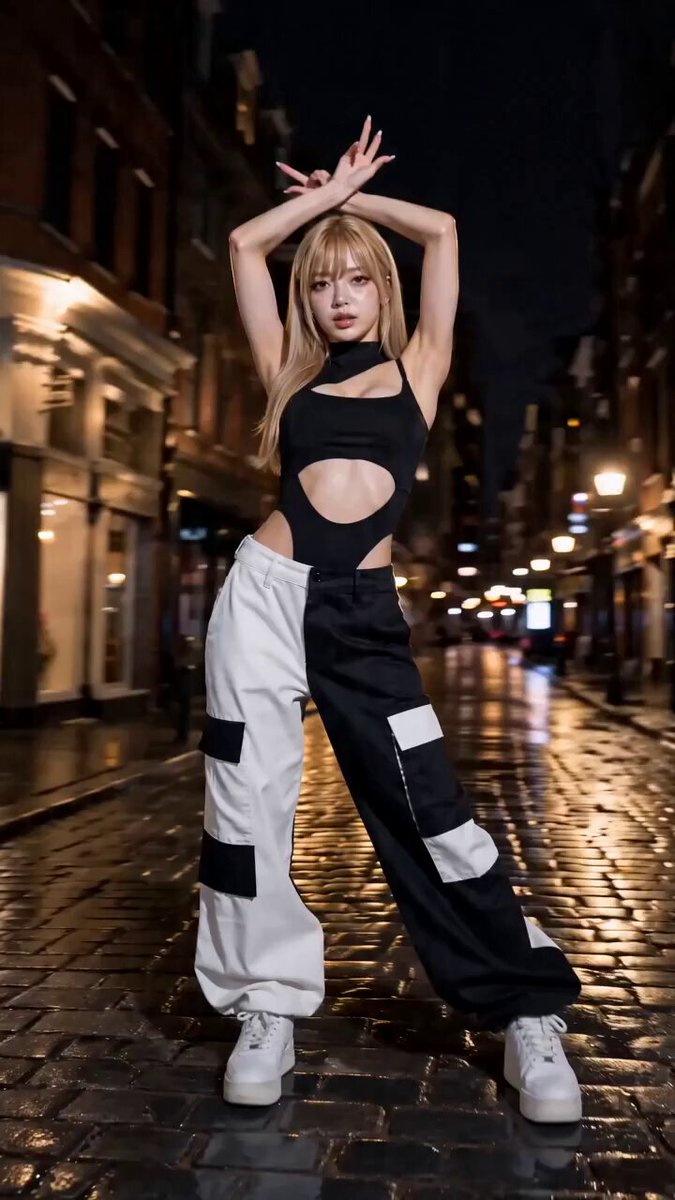
Sharp hand work, angular poses and dramatic freezes.
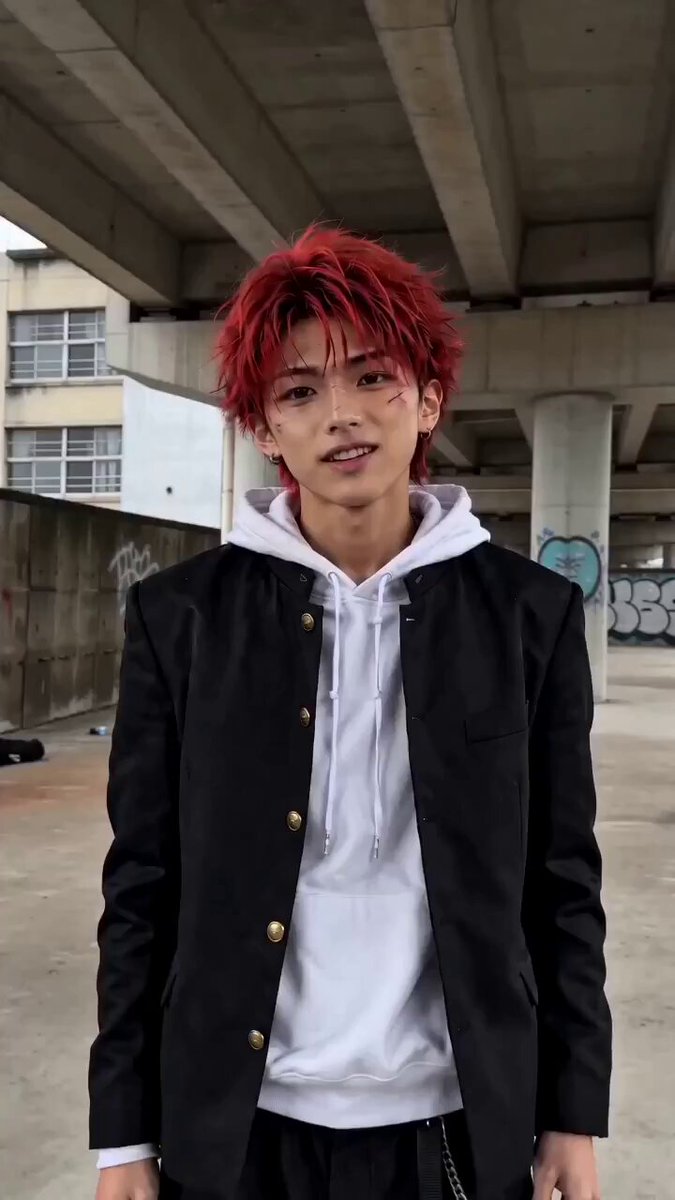
A quick, casual routine framed for vertical video.
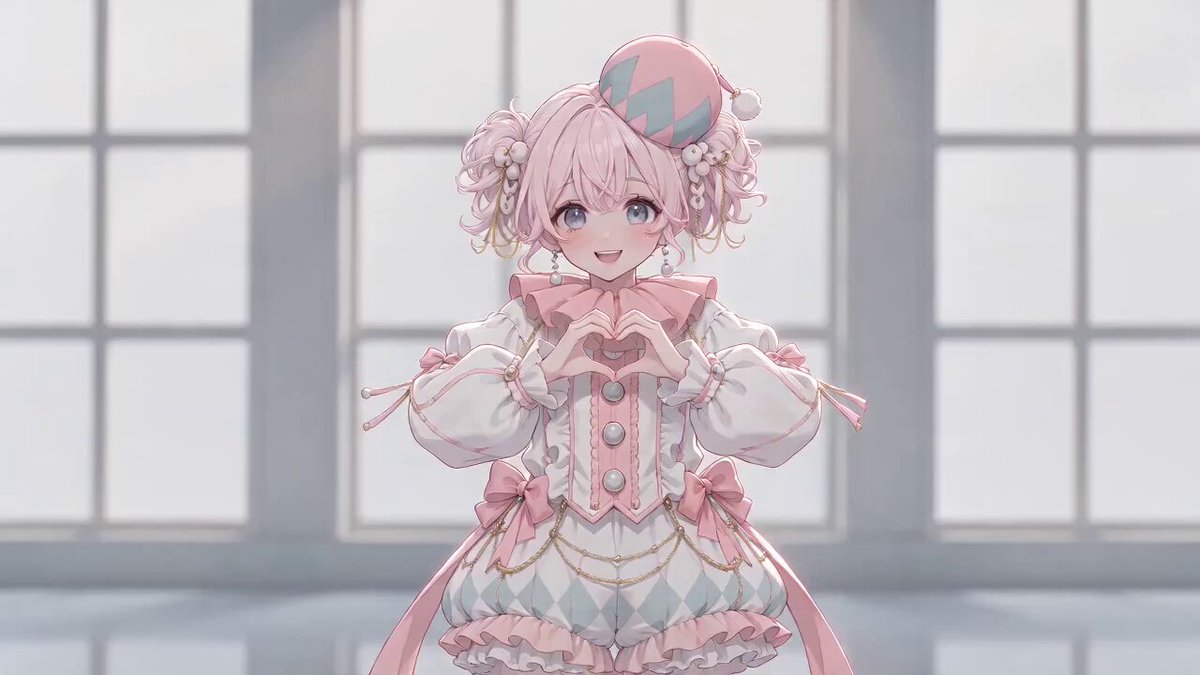
Playful steps with hand-drawn hearts and bright pops.
Give the AI dance video generator a sharp photo where one person stands out from the background. Full-body shots leave room for footwork and spins; tight crops limit the dance to the upper body.
 Frame
FrameA clear, well-lit shot works best — ideally full body, with room around the arms and legs to move.
Each style fills in a motion prompt you can edit. Your model and output settings stay exactly as you set them.
Start the render, keep browsing while it runs, and find the finished dance video in History.
A style is only the starting point. Rewrite the moves, change the setting or camera, switch models and see the credit cost before you commit. The prompt guides the dance; it does not copy choreography from an existing video.
Load one into the generator, then swap the location, lighting or final pose to fit your photo.
Warm backlight and open sky. Flattering on skin and hair.
Use the uploaded photo as the exact character reference. Preserve the person's face, hairstyle, outfit, and body proportions. On an open rooftop at golden hour, the person dances a relaxed, rhythmic routine: easy footwork, loose shoulder movement, one slow turn, and a settled final pose. Keep the full body in frame with a slow push-in. Warm low sunlight, natural fabric motion, realistic anatomy, stable facial identity, no extra limbs.
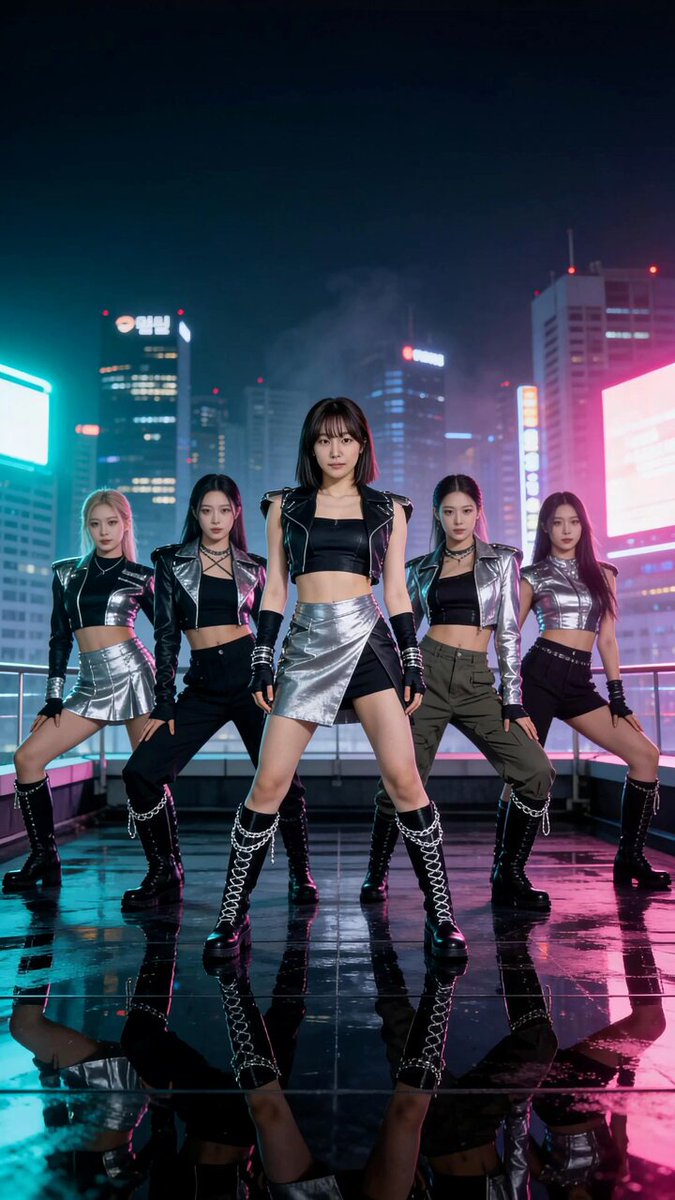
Bold coloured light on a dark stage. Best with outfits that have clean edges.
Use the uploaded photo as the exact character reference. Preserve the person's face, hairstyle, outfit, and body proportions. On a dark stage lit by saturated neon, the person performs sharp, beat-led moves: angular arm lines, shoulder isolations, a quick pivot, and a held final pose. Keep the full body visible with a steady vertical frame. Crisp rim light, realistic movement, consistent identity, clear hands, no extra limbs.
Casual phone framing that reads as filmed, not rendered.
Use the uploaded photo as the exact character reference. Preserve the person's face, hairstyle, outfit, and body proportions. In an everyday indoor setting, the person dances a short casual routine to camera: small side steps, shoulder bounces, a hand gesture, a turn, and a playful ending. Film it as a handheld phone video with slight natural camera drift and the full body in frame. Natural lighting, continuous motion, consistent identity, no extra limbs.
You upload one photo of a person and choose a dance style. The style fills in a motion prompt, and the video model animates your photo into a short dance clip that follows that prompt.
Not necessarily. Full-body photos give the best footwork, but a clear half-body portrait works well for arm, shoulder and upper-body routines.
Yes. The prompt is fully editable. Describe the moves, the camera, the setting and how the dance should end, and the model will follow your wording.
No. The dance is generated from a text prompt, so it follows the style and moves you describe rather than reproducing a routine step for step.
It depends on the model and settings you choose. The duration options and the exact credit cost appear in the generator before you submit.
Some models generate their own audio, and you can describe the mood or rhythm in the prompt. You can't pick a specific song here — add your track in an editor afterwards if you need one.
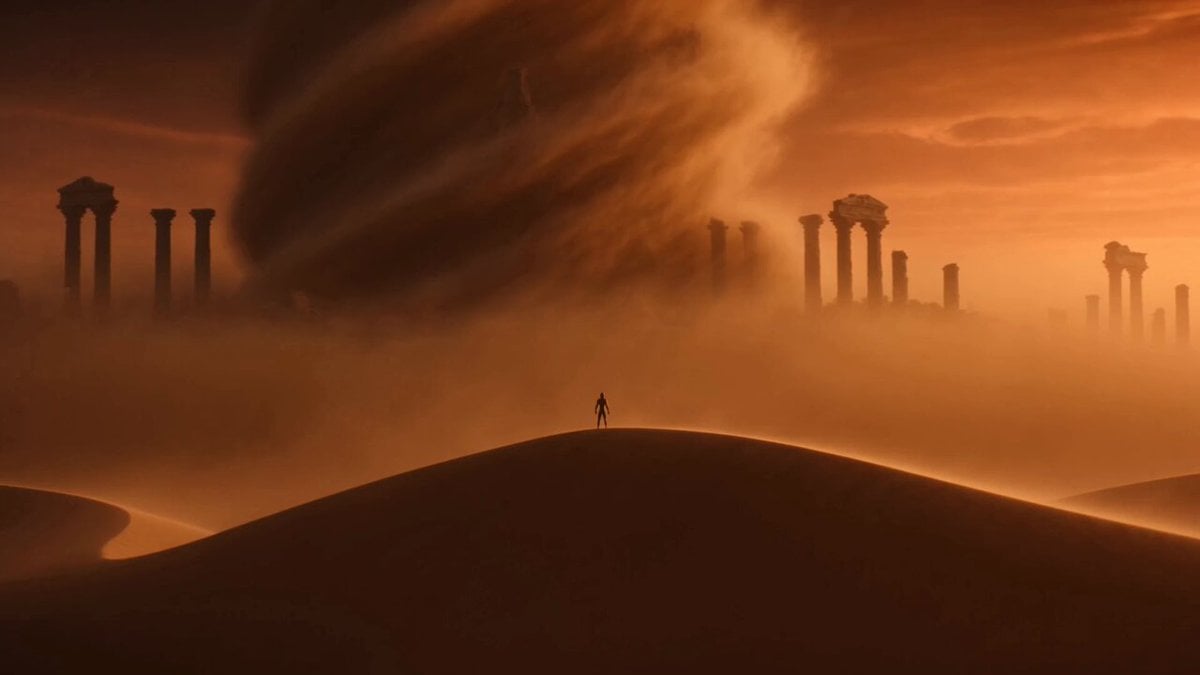 Image to VideoAnimate any photo with motion you write yourself.
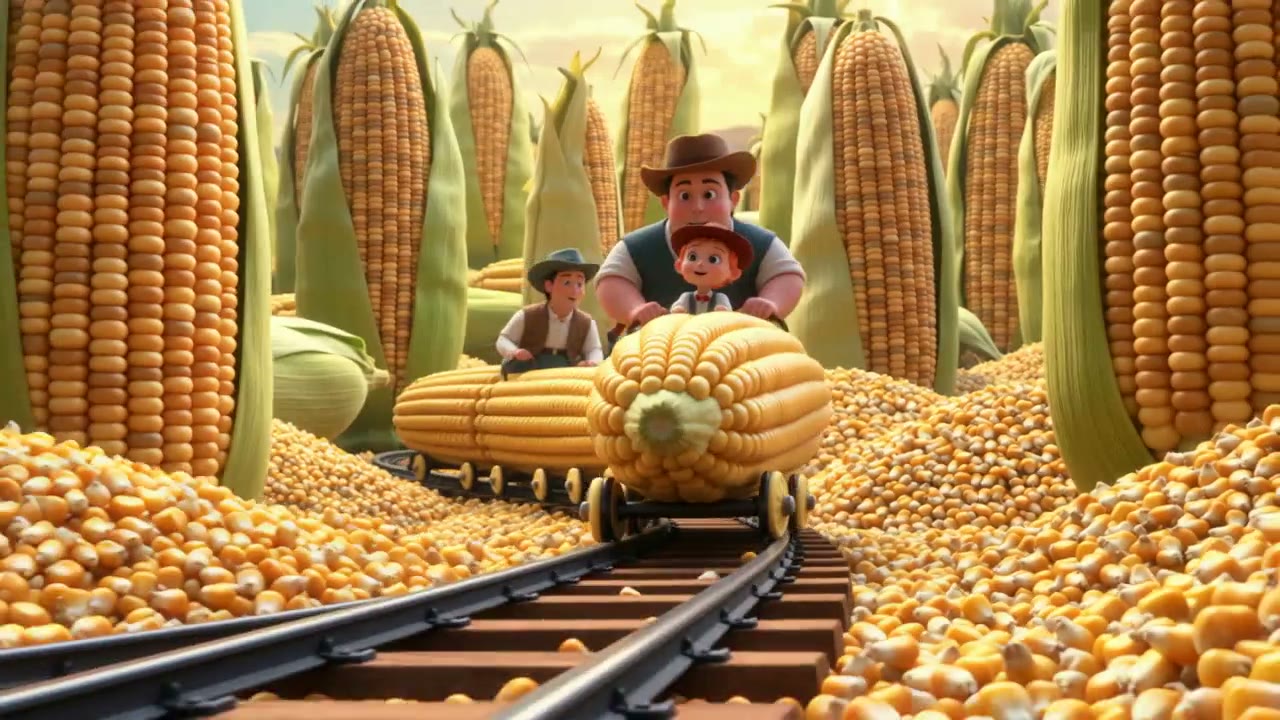 AI Animation GeneratorBring a character or drawing to life in an animated style.
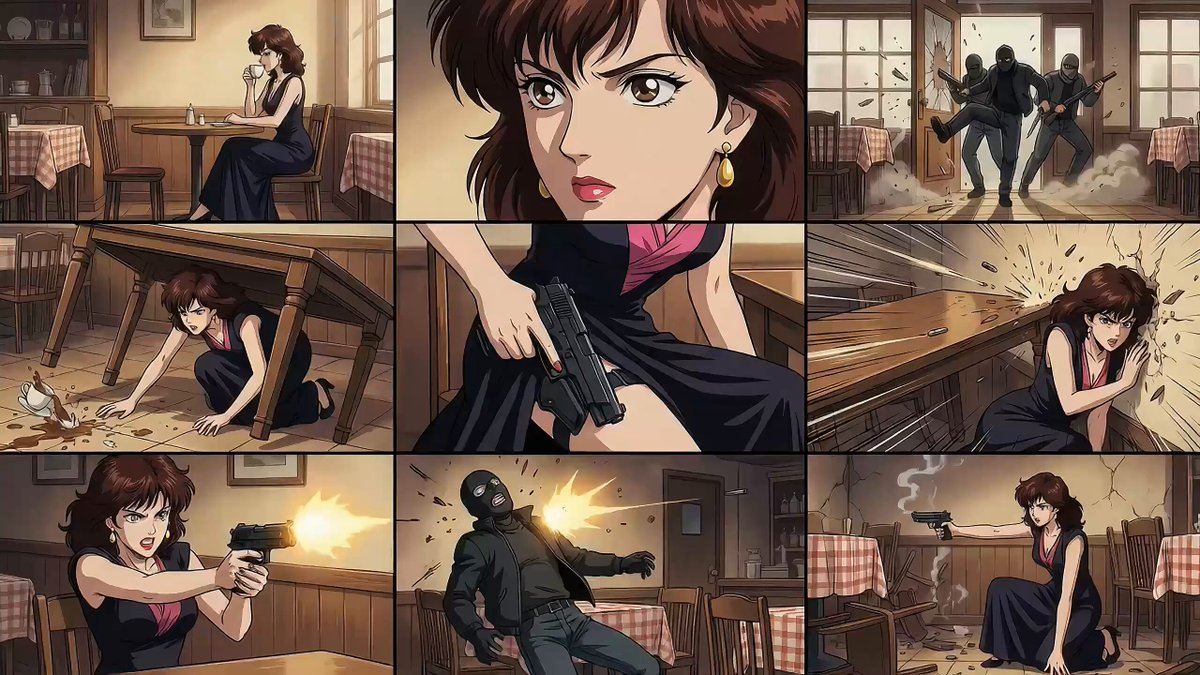 Seedance 2.0 guideSee what the model behind most dance styles does best.
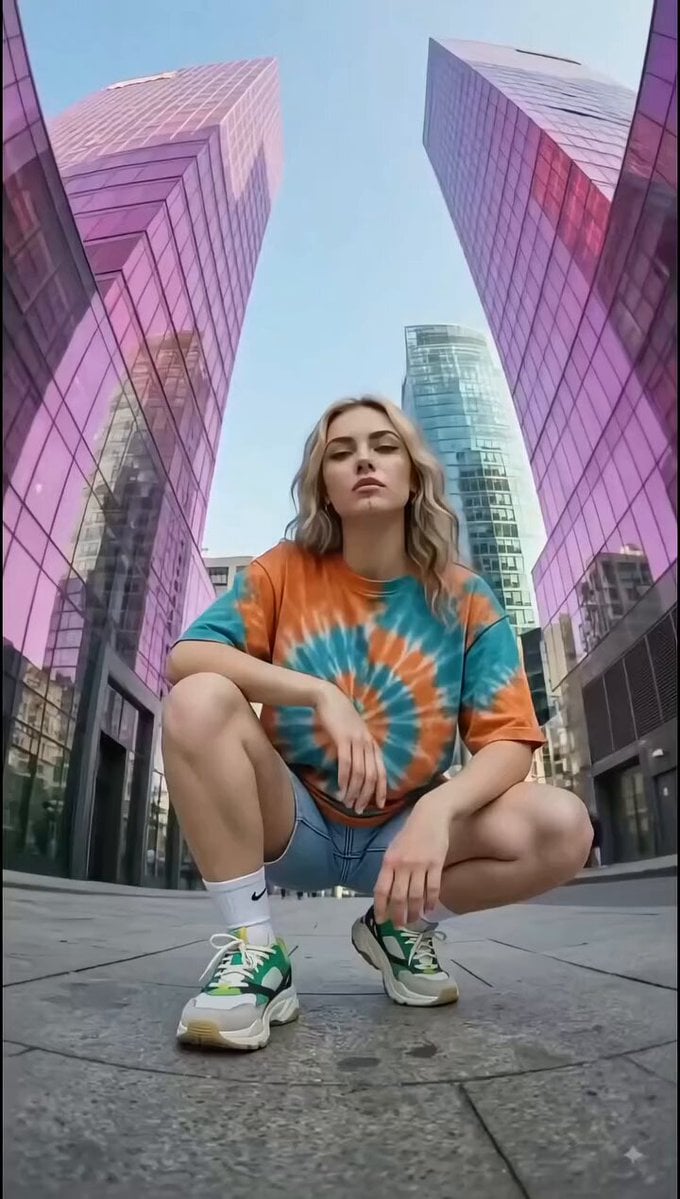 Text to VideoDescribe a dance scene and generate it without a photo.
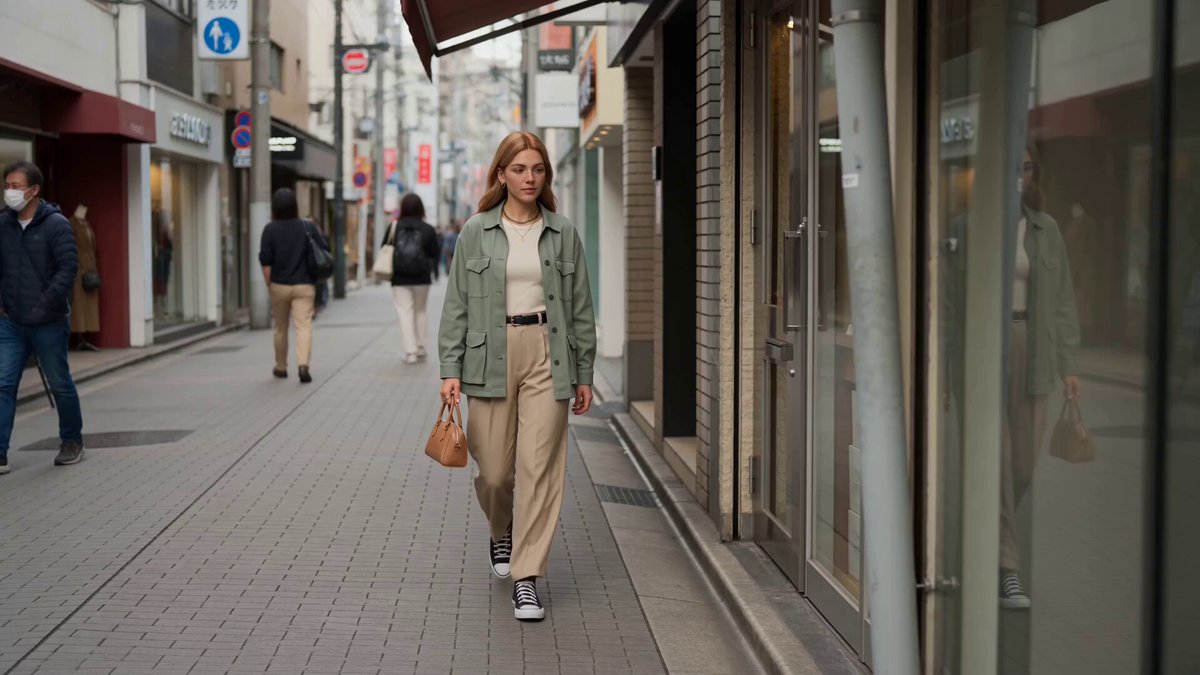 Reference to VideoKeep a character consistent across new dance shots.
 Video to VideoRestyle a dance clip you already filmed.
Upload a photo, pick a style and edit the moves until they feel right. Your first dance takes a few credits.
Make it dance