Generated effect
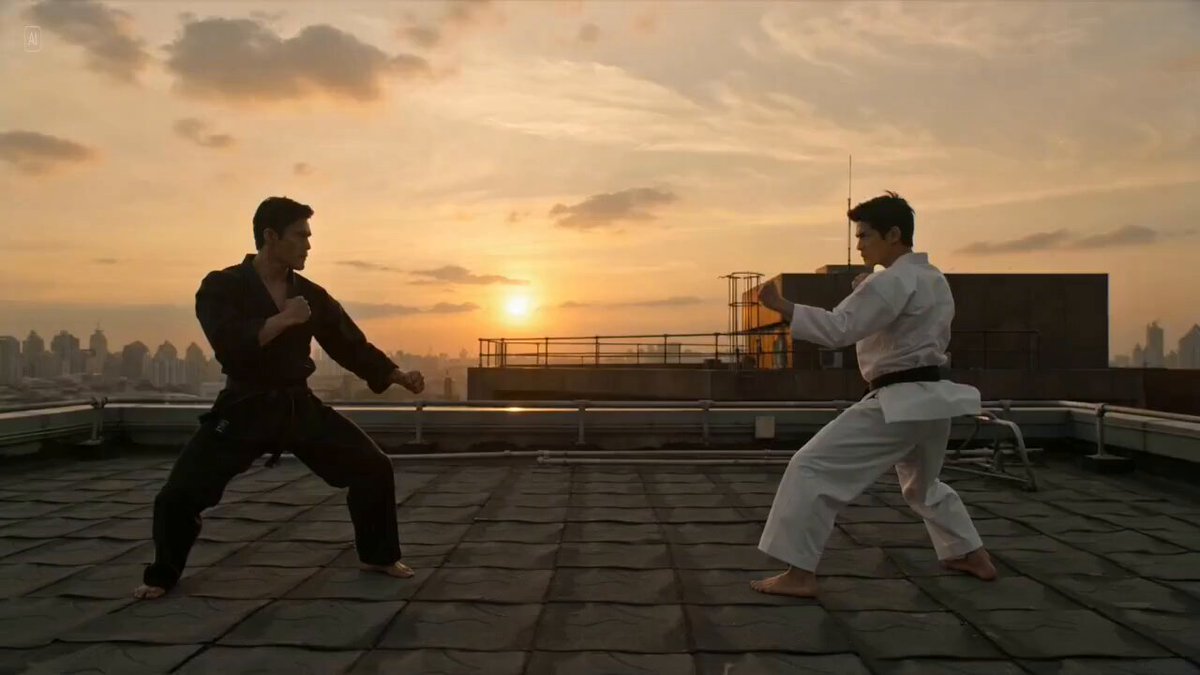
Martial Arts Fight
Punches, kicks, blocks and a controlled finisher.
The Open Sora AI fight video generator stages a choreographed showdown between your characters — martial arts, anime, sword, cartoon or ninja. Upload a reference for each fighter, pick a style, direct the action in the prompt and generate.
Examples show each style's kind of action. Your result follows your own references and the prompt you write.
Compare the featured fight styles, then change the moves, setting, weapons, pace and camera in the prompt.
Punches, kicks, blocks and a controlled finisher.
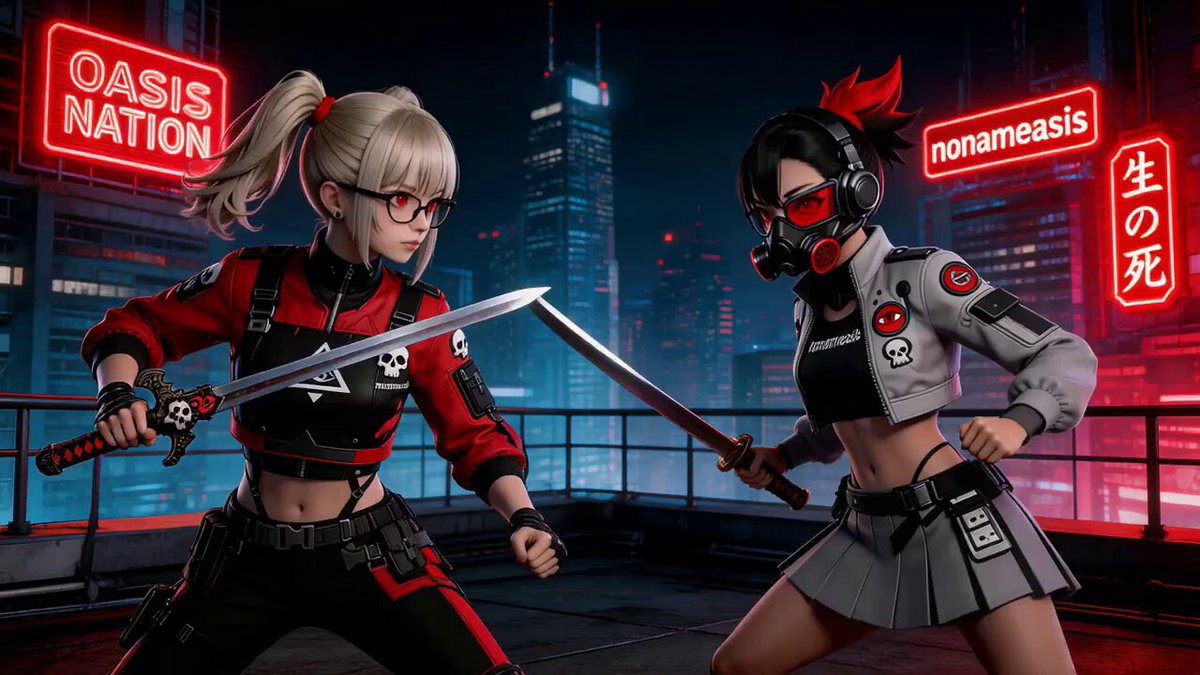
Fast anime action, sharp dodges, clashing weapons.
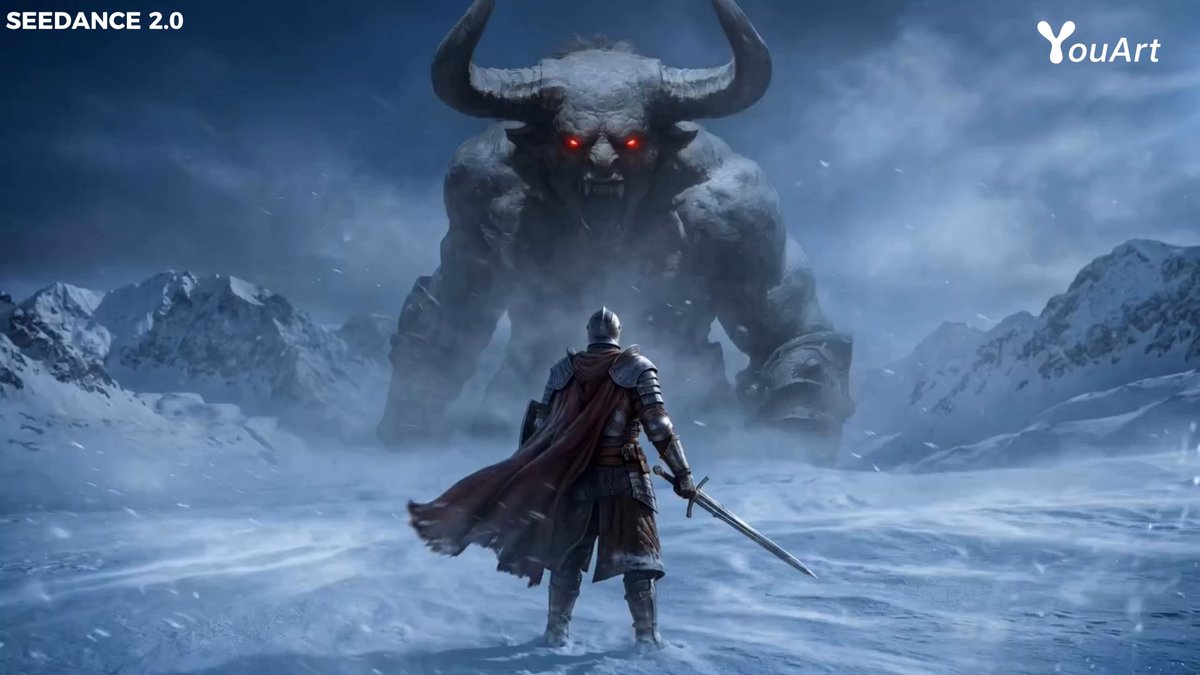
A cinematic duel of parries, dodges and footwork.
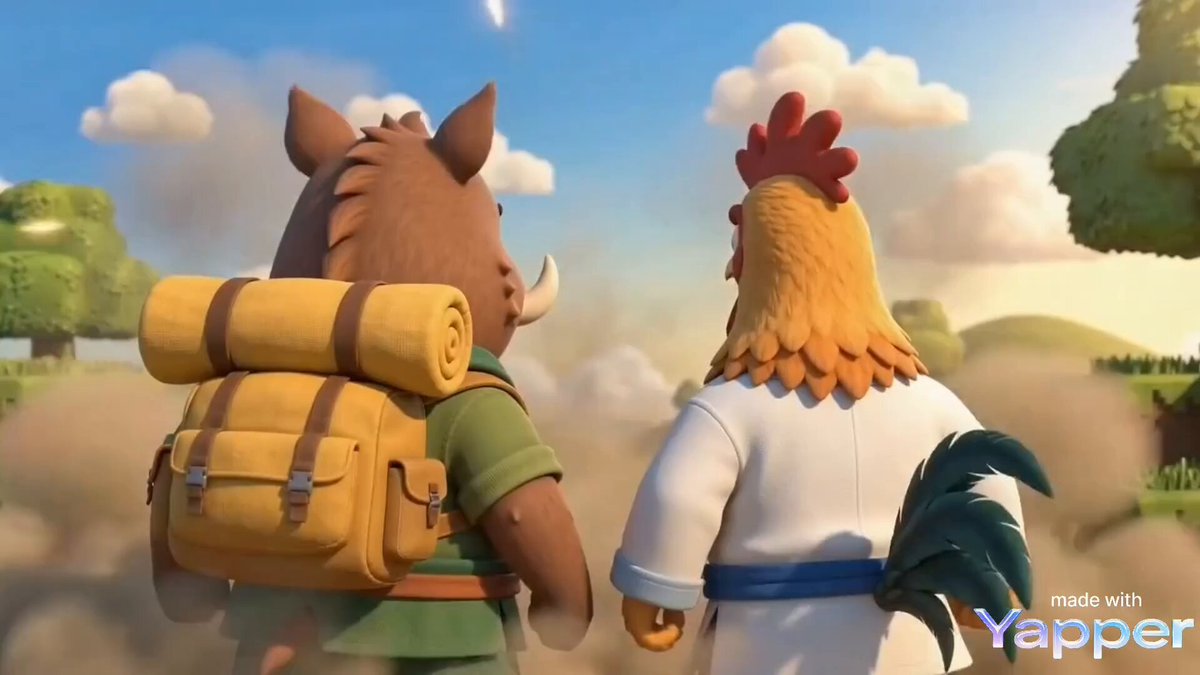
Exaggerated, playful cartoon slapstick.
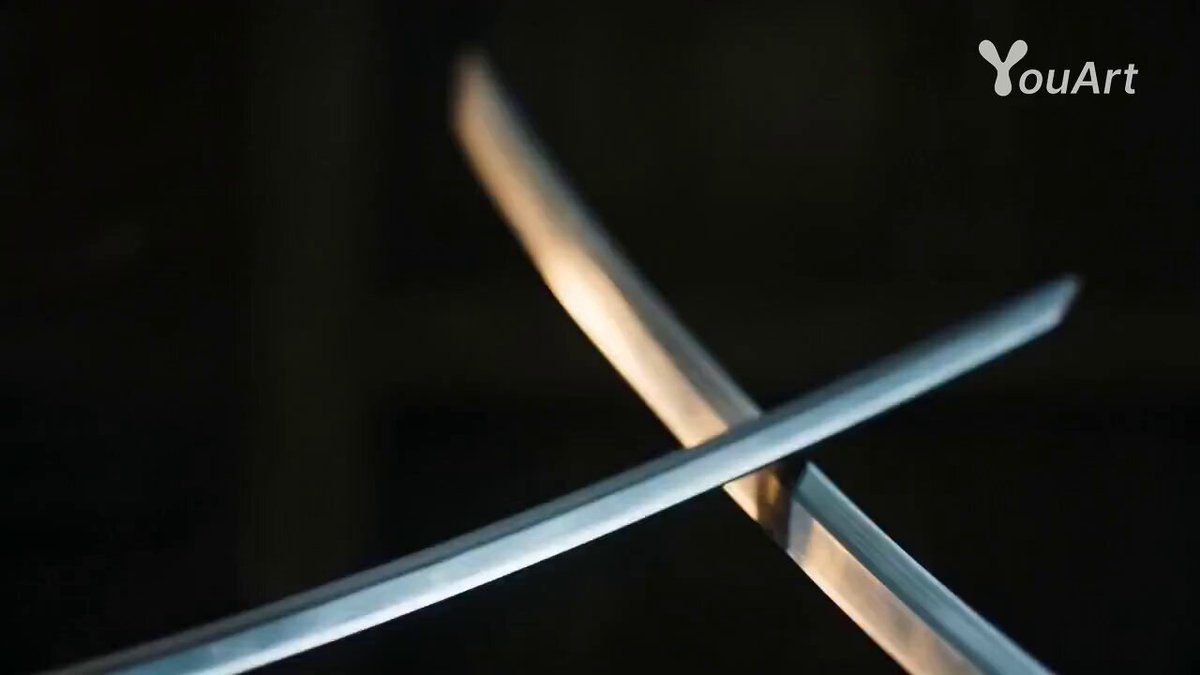
Quick evasions and precise strikes in the shadows.
Fast choreography is where characters blur together. Give the AI fight video generator one clear reference per fighter, with visible faces, distinct outfits and readable outlines.
Add a clear image of each character. Distinct faces, outfits and outlines keep them recognisable in fast action.
Martial arts, anime, sword, cartoon or ninja. The style fills the action prompt for you.
Edit the choreography, setting and camera, check the settings, then generate your fight scene.
The style only fills the prompt. Change the fighting style, the strikes, weapons, location, pace, camera and how the fight ends. Impacts stay stylised — no gore or visible injuries.
Use one of these as a starting point or write your own showdown.
A measured martial arts exchange on a dojo floor.
Preserve both referenced fighters. Stage a choreographed dojo duel with guarded footwork, clean blocks, quick counters, and a controlled finishing move with no visible injury.
Fast moves against a dramatic city skyline.
Keep both fighters recognizable during a fictional rooftop showdown with rapid punches, evasive movement, one spinning kick, and smooth camera tracking at sunset.
A clean, non-graphic sword duel in a fantasy world.
Preserve the referenced characters and weapons. Stage a cinematic fantasy sword duel with clear parries, dodges, sparks at impact, and a decisive but non-graphic final clash.
Clear images of each fighter with visible faces, outfits and outlines. The page opens on the References tab so each character gets its own reference.
Yes. Upload one reference per character. How many you can add depends on the model; distinct clothing keeps them apart on screen.
Martial Arts Fight. Five styles are featured on the page, and the selector also includes a jungle sword fight.
No. The prompts describe fictional, choreographed action with stylised hits — no gore and no visible injuries. Prompts asking for graphic violence may be blocked by moderation.
Yes. Rewrite the prompt with the location, time of day, weapons or bare hands, the pace of the exchange and the camera angle. The style is only a starting point.
Fast contact between two bodies is hard for any video model. Clearly different outfits, fewer moves per shot, a steadier camera and a short clip keep the fighters distinct.
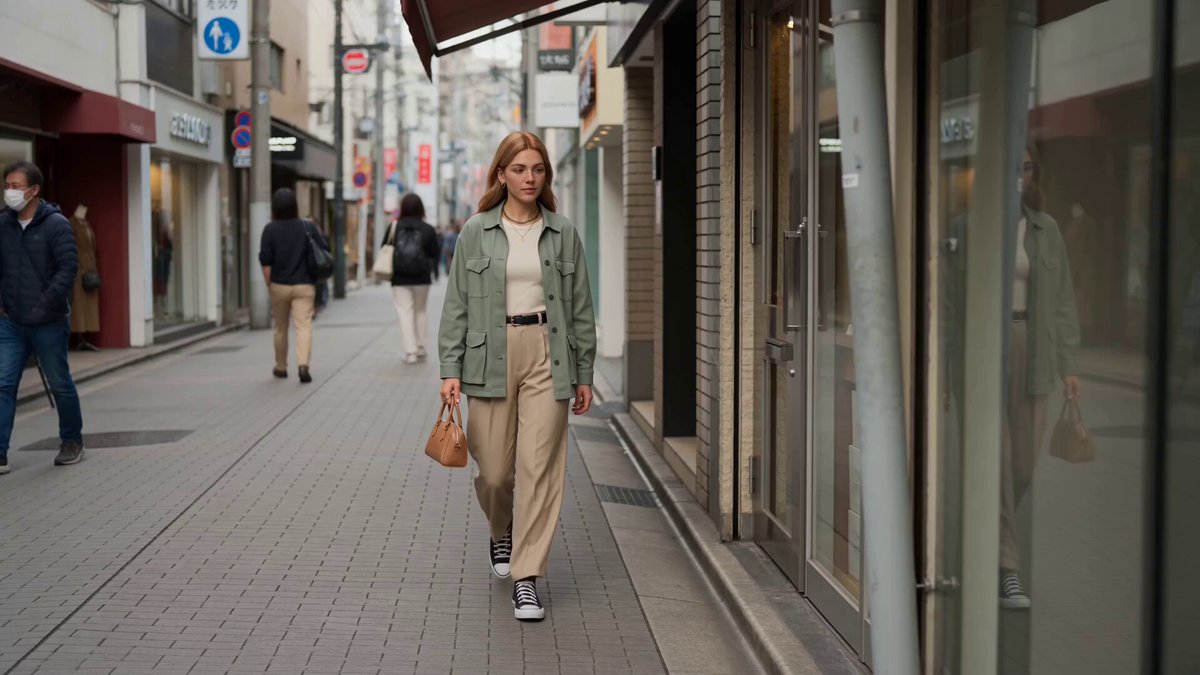 Reference to VideoPut your characters into any new scene.
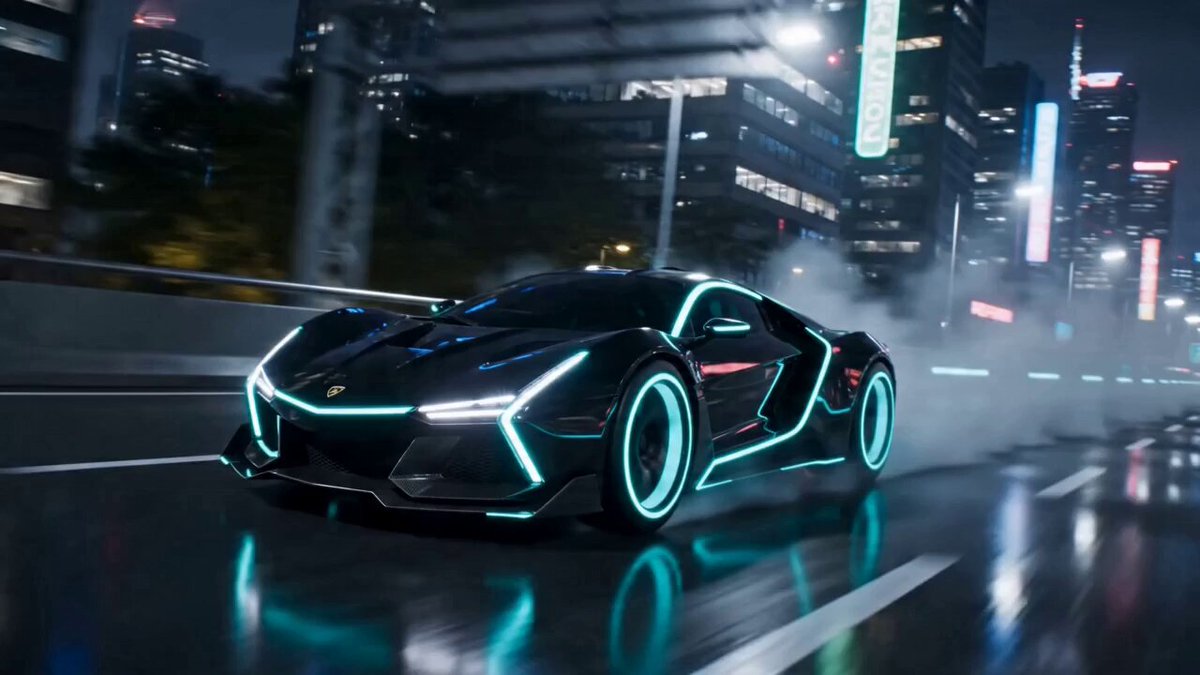 AI Transformation Video GeneratorPower a character up before or after the fight.
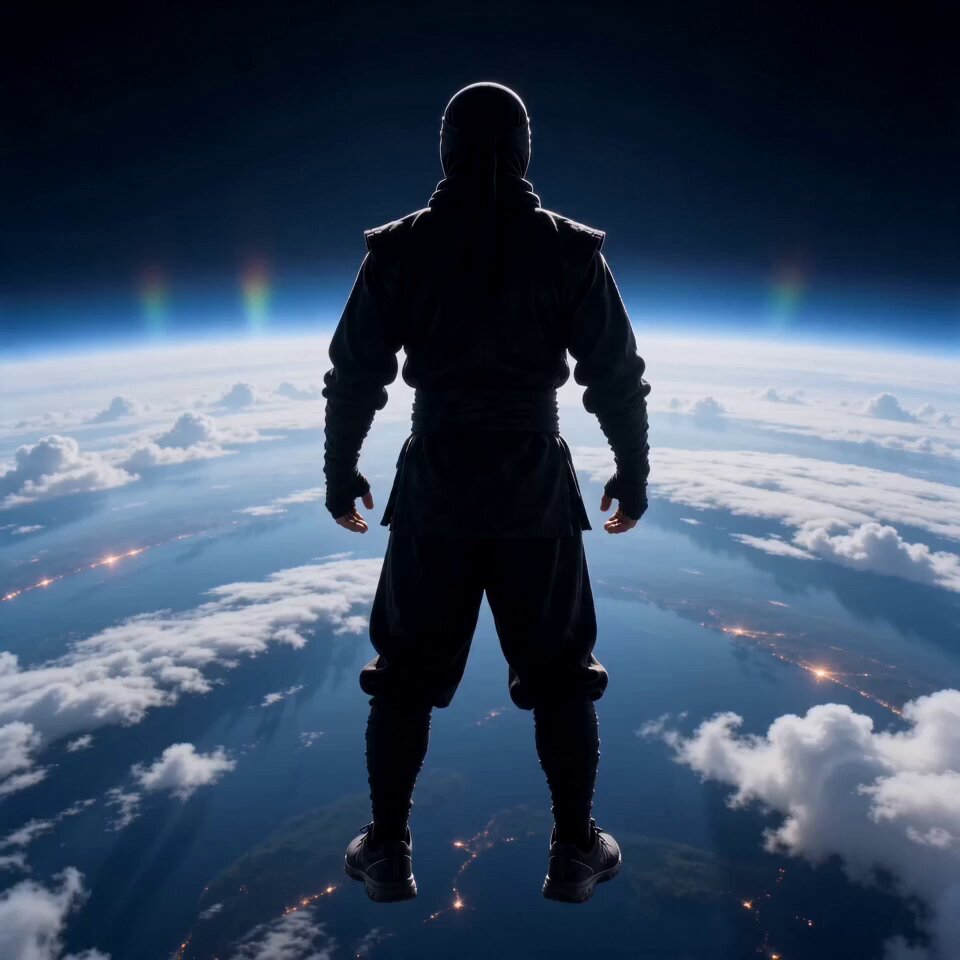 AI Flying Video GeneratorTake the action into the air.
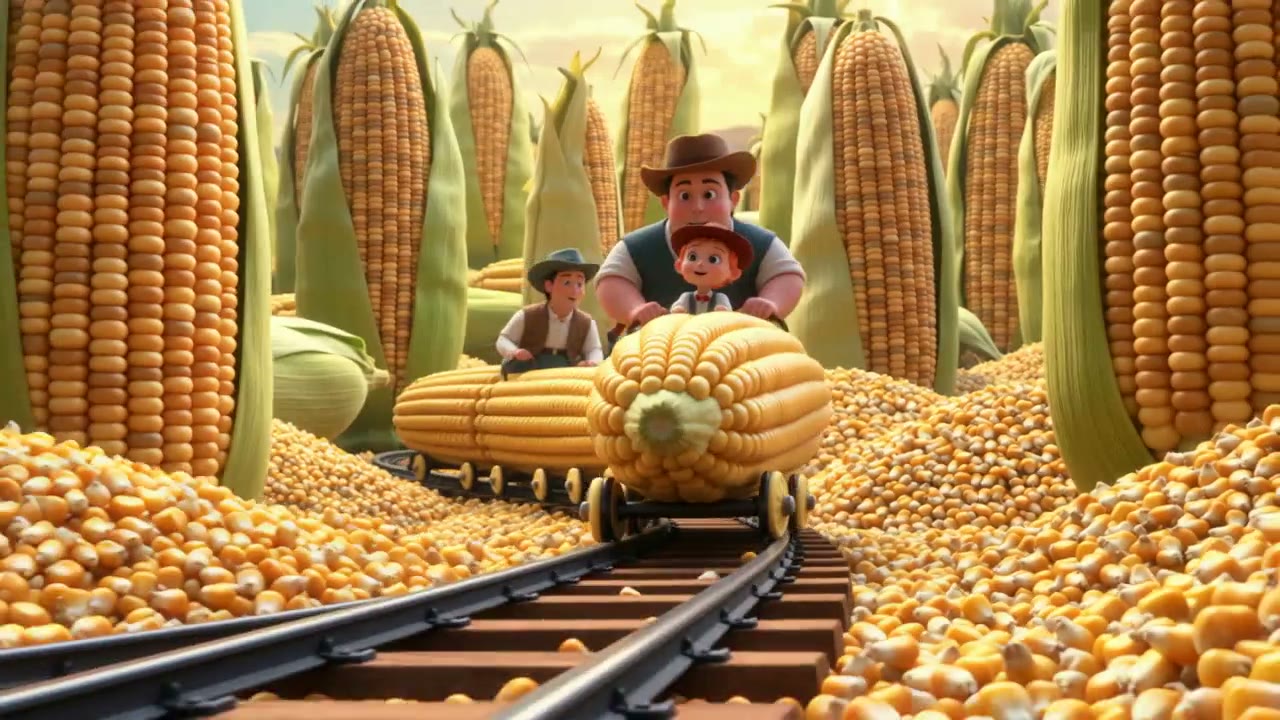 AI Animation GeneratorCreate stylised animated characters and scenes.
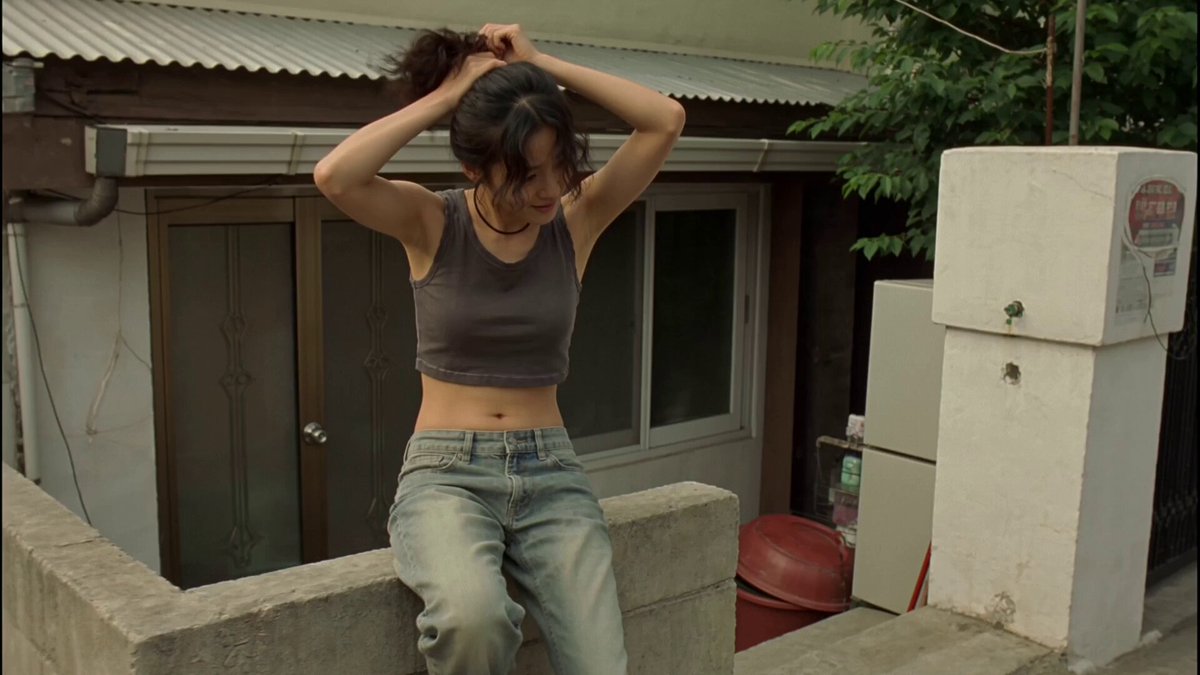 Video to VideoRestyle real action footage while keeping its moves.
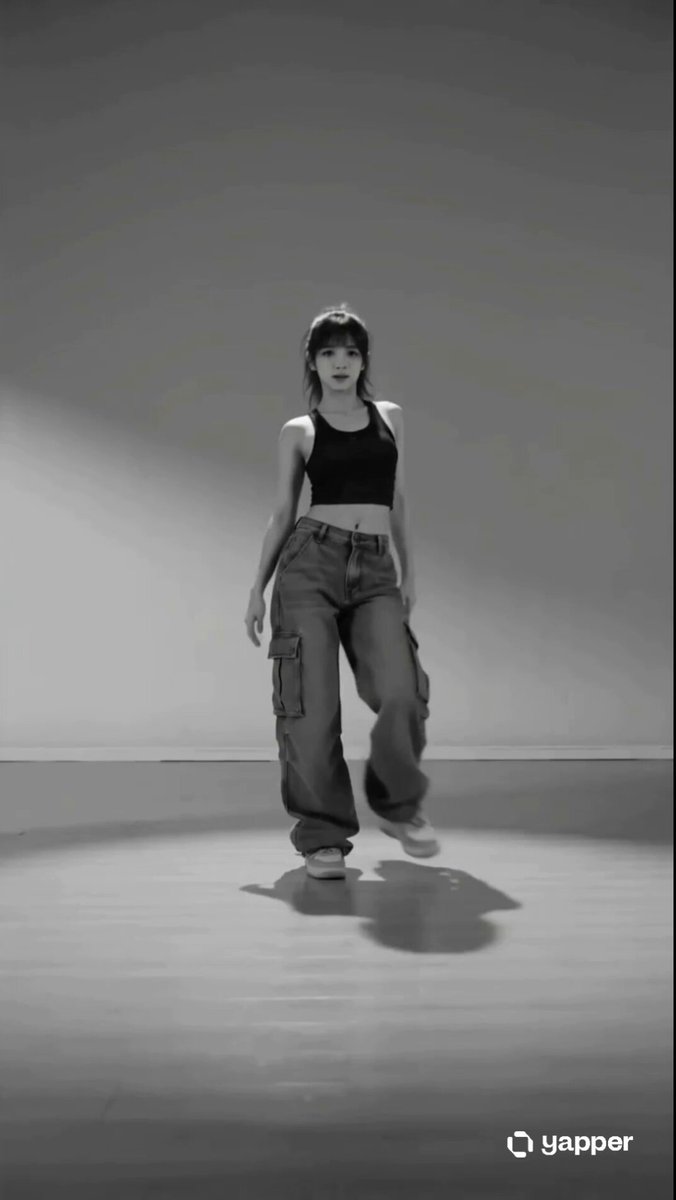 AI Dance Video GeneratorTrade fists for full-body choreography.
Upload your fighters, pick a style and direct the moves and setting in the prompt.
Start the fight