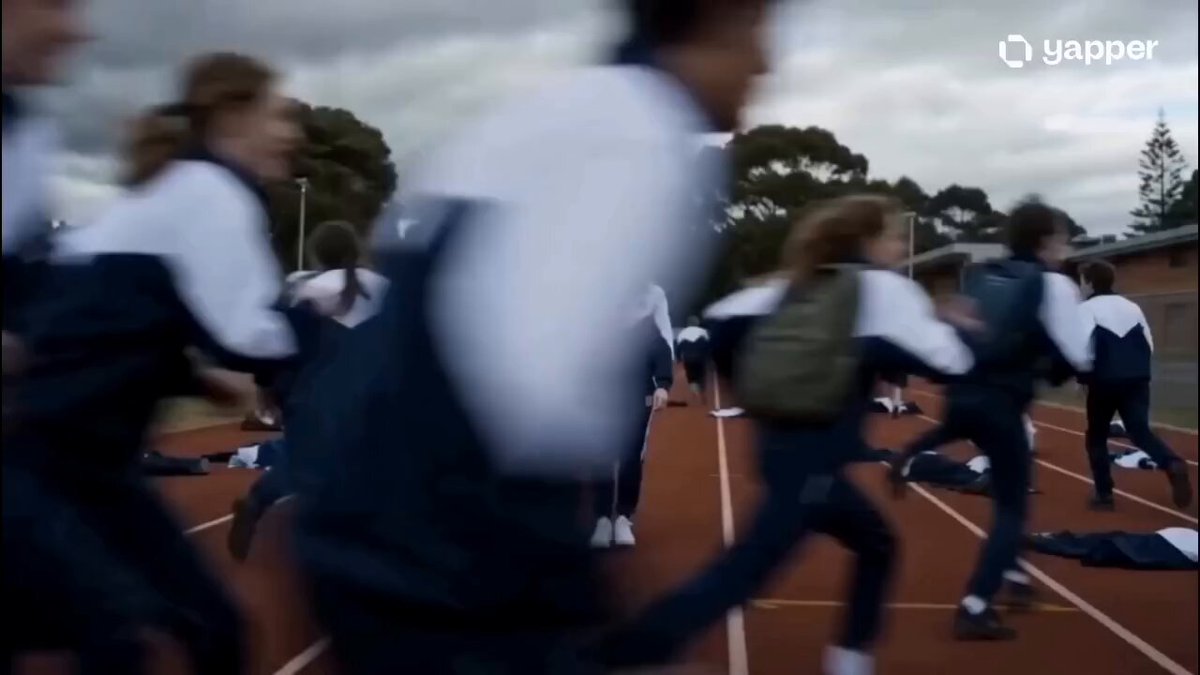
Transformed result
Mech Armor
Metal plates lock into place until the subject is fully armored.
The Open Sora AI transformation video generator turns a person, animal, product or vehicle into something new — armor, a werewolf, a robot, living stone. Upload an image, pick a transformation, adjust the prompt and generate.
Compare a style's clips, use its prompt, then change anything — the final form, the speed, the camera.
Each style comes with real examples and a prompt you can edit. Some styles have several clips to flip through.
Metal plates lock into place until the subject is fully armored.
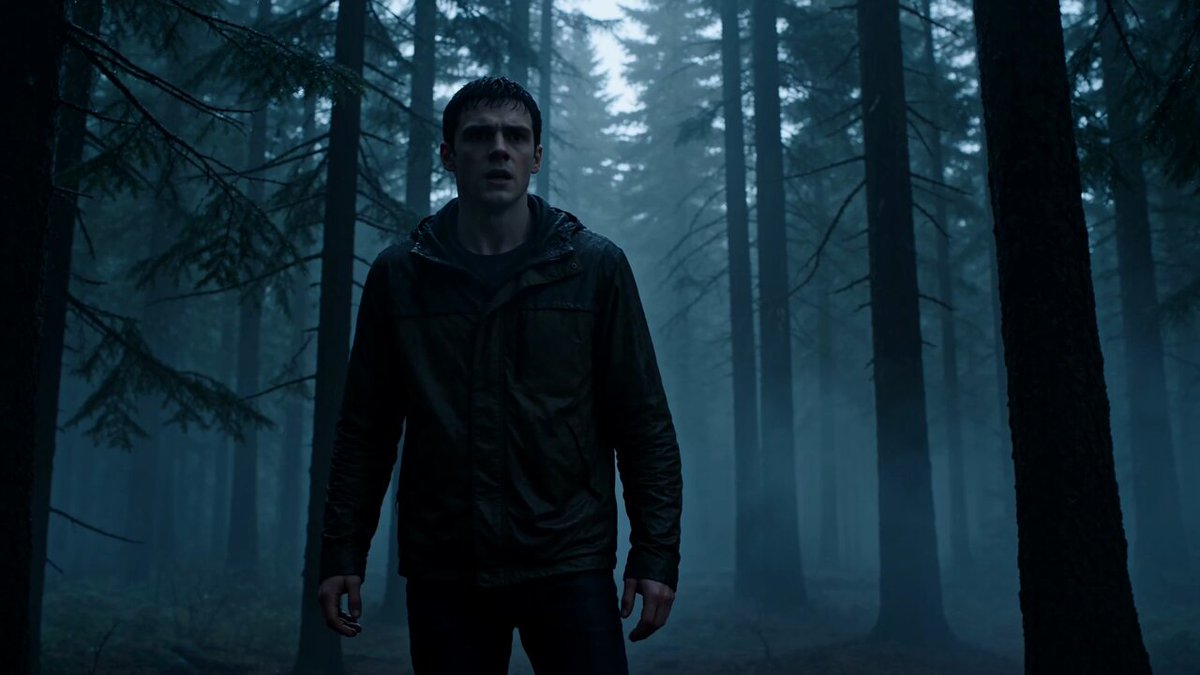
Fur, claws and a snarling reveal in one creature change.
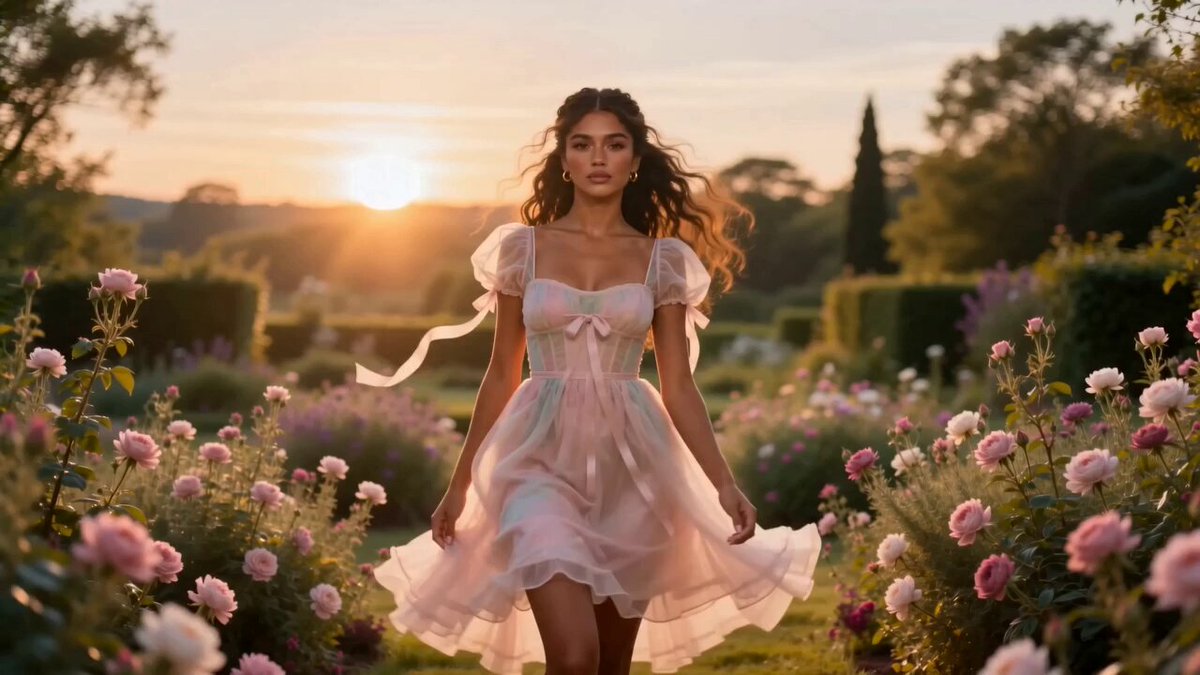
New outfit, styling and mood — same person, same face.
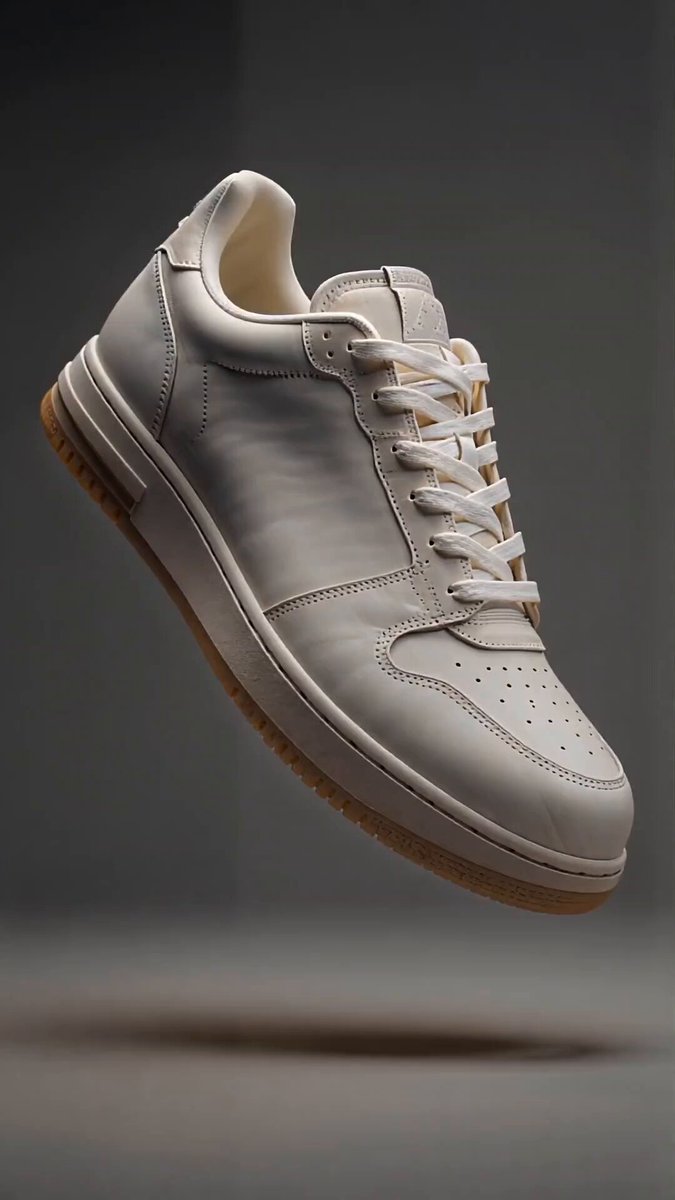
The shape stays; the surface flows into new materials.
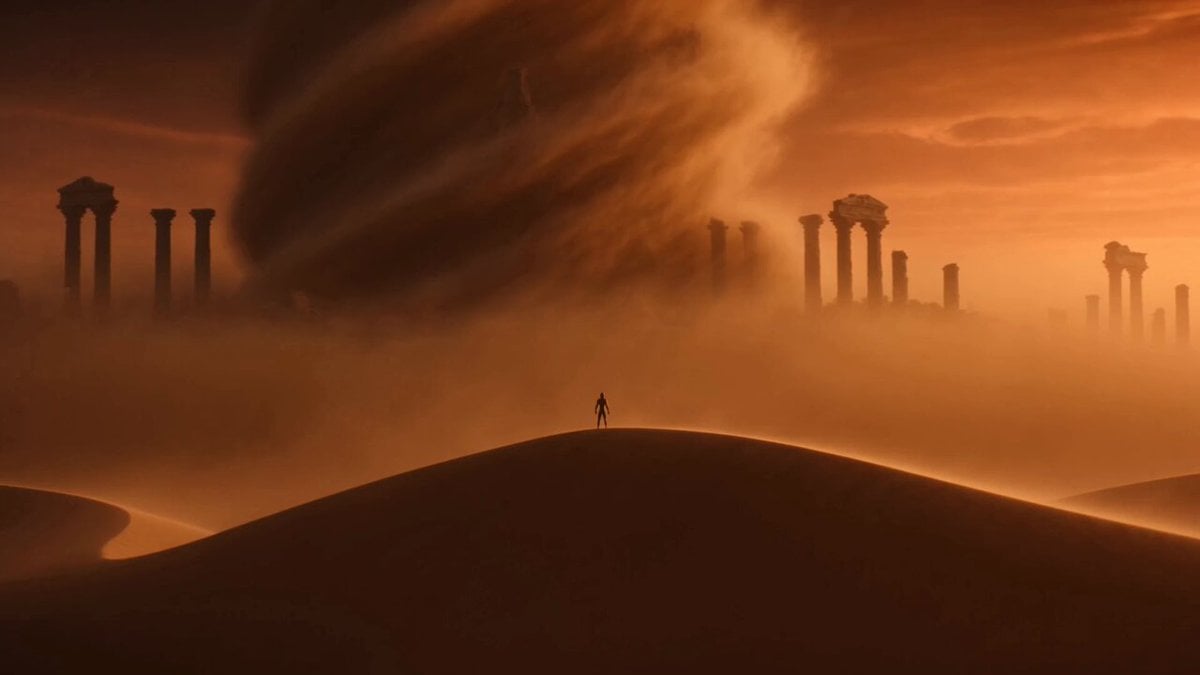
Sand, fire or water takes over and becomes the new form.
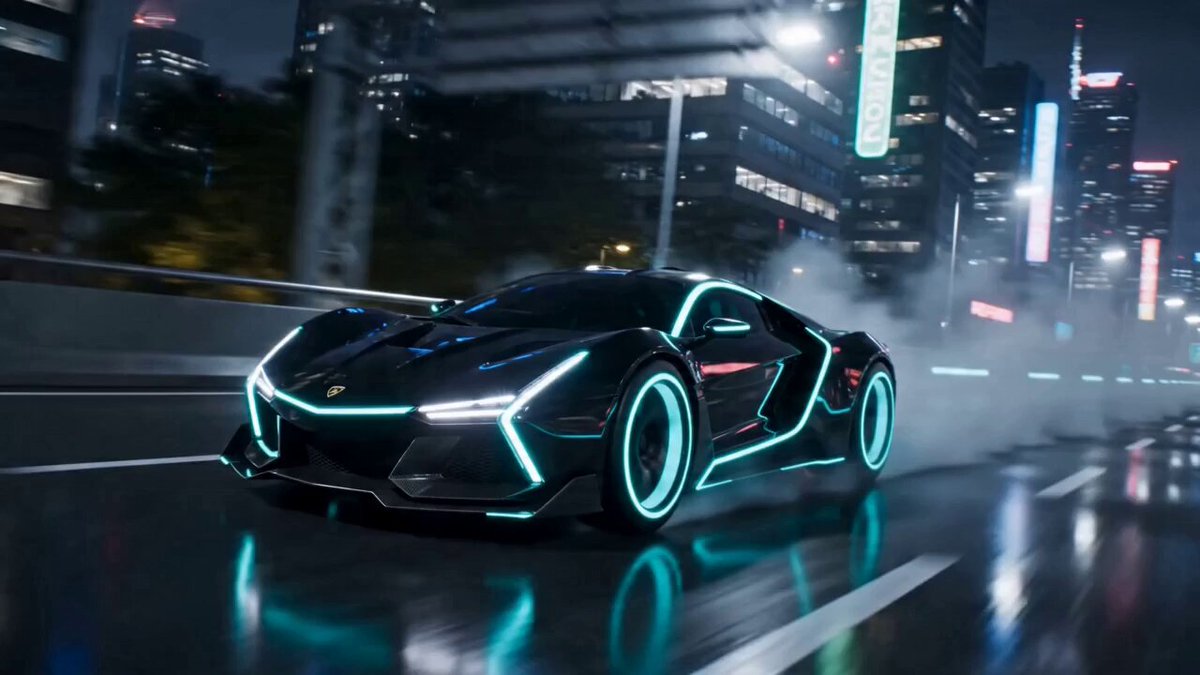
Panels unfold and rebuild a car into a walking robot.
A transformation reads best when the starting shape is obvious. Pick an image where your person, creature, product or vehicle is clearly separated from the background. If you add a last frame too, keep the framing close so the AI can connect the two.
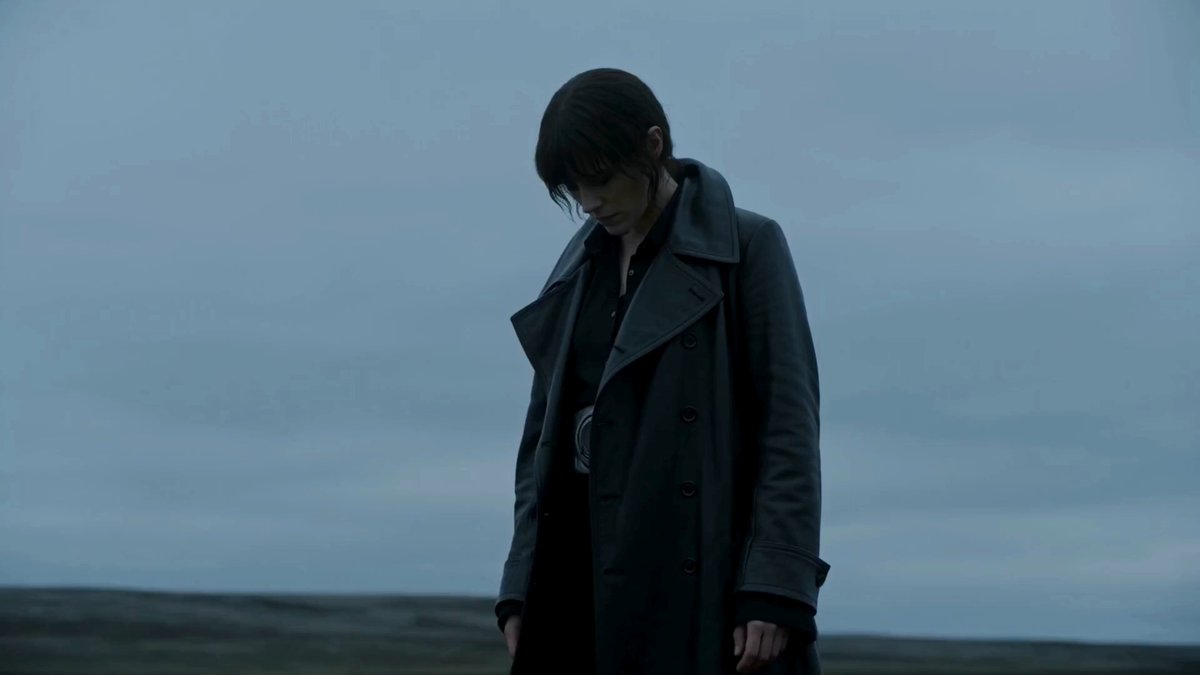 Starting form
Add one clear image of your subject. If the model supports it, add a second image as the finished look.
Choose a style, check its examples, then edit what the subject becomes and how the change plays out.
Watch how the morph unfolds and tighten the prompt if the transition or the final reveal needs work.
A style only fills the prompt, so your model and output settings stay put. Change the final form, the material, the speed or the camera before you generate. The prompt steers the change; exact geometry and tiny details can still vary.
Use one as-is or borrow its order of changes, camera move and final reveal.
A figure pushes through a glitching digital surface while their look flickers between materials.
Use the uploaded image or frames as the visual reference. Keep the subject recognizable. Fine digital fractures spread across the scene, opening a bright seam behind the subject. As the subject steps forward, clothing and skin briefly flicker through glass, chrome, ink, and clean monochrome fabric before settling into one polished final form. Use a slow pullback, controlled glitch artifacts, stable facial identity, and no unrelated cuts.
An outfit and lighting change timed to the beat, with the same person at the centre.
Use the uploaded image or frames as the visual reference. Preserve the same face, hair, and body proportions. Begin in a softly lit everyday room with simple clothes. On the beat, fabric, accessories, posture, and lighting flow into a bold editorial look while the subject walks toward the camera. Finish on a confident full-body pose with natural cloth motion and a clean, continuous transformation.
A slow, restrained human-to-creature reveal in cold moonlight and fog.
Use the uploaded image or frames as the visual reference. Preserve the subject's identity at the beginning. In a foggy moonlit clearing, the transformation starts in the hands and eyes, then moves through the shoulders, jaw, ears, and skin. Let fur and claws emerge gradually while the camera makes one slow orbit. End with the completed creature holding a readable silhouette against the moon, with coherent anatomy and no cuts.
Upload an image of your subject, choose a transformation style and generate. The style fills in a prompt describing the change, which you can edit before rendering.
Yes, on models that support first and last frames. Add the starting look first and the finished look second, and the AI generates the change between them.
A clear subject with visible edges. For people, keep the face and hands visible; for products and vehicles, keep the whole outline in frame.
Yes. Rewrite the prompt with the form you want, which part changes first, how the material behaves, the camera and the final pose.
Add a last frame on a compatible model to pin down the ending. The AI still invents the motion in between, so shapes mid-transformation can vary.
No. A transformation changes the subject itself inside one shot. For cutting between different scenes, use an editor or the start and end frame generator.
 AI Animation GeneratorPut a character or drawing into an animated scene.
 Seedance 2.0 guideLearn what the model behind these transformations does best.
 Text to VideoWrite a transformation scene and generate it from words.
 Reference to VideoKeep a character or product consistent in new shots.
 Video to VideoGive existing footage a new look while keeping its motion.
 AI Dance Video GeneratorMake a person in a photo dance in the style you pick.
Upload an image, choose what it becomes and edit the prompt until the change looks right.
Transform it