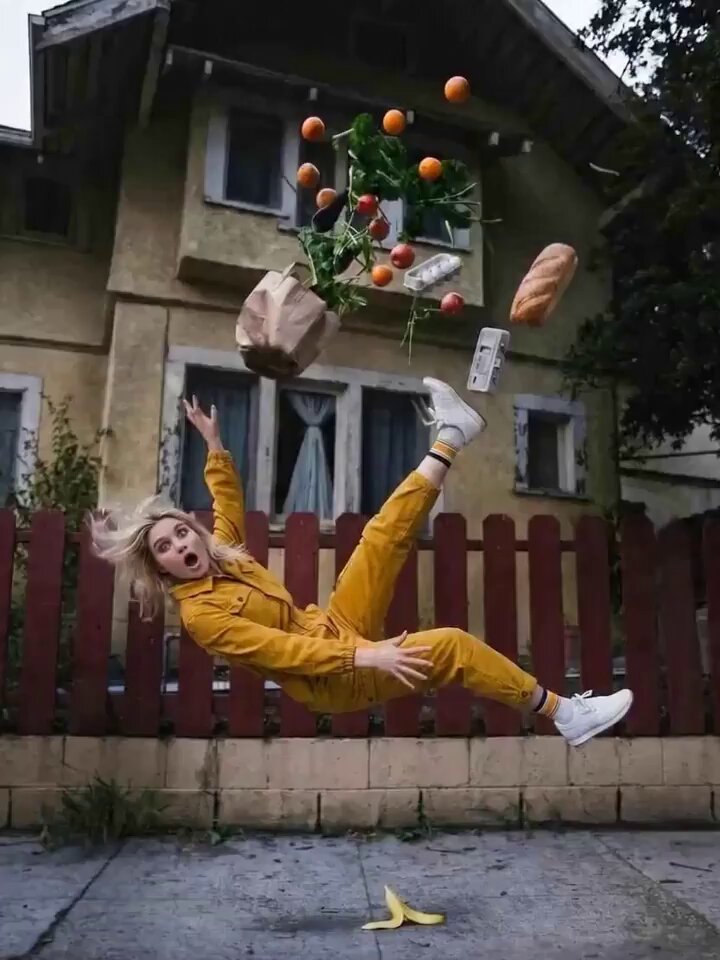
Orbit result
Bullet Time Orbit
Time stops; the camera sweeps through the frozen action.
The Open Sora AI camera orbit video generator sends a virtual camera around your subject — a person, a product, a car, a landmark. Upload an image, pick an orbit style, set the direction and speed in the prompt, and generate a smooth 360° shot.
Watch the camera path, then change its height, direction, speed, radius or what the subject does.
From a slow portrait circle to a frozen bullet-time sweep, a product spin or a car reveal. Switching styles only swaps the prompt and preview.
Time stops; the camera sweeps through the frozen action.
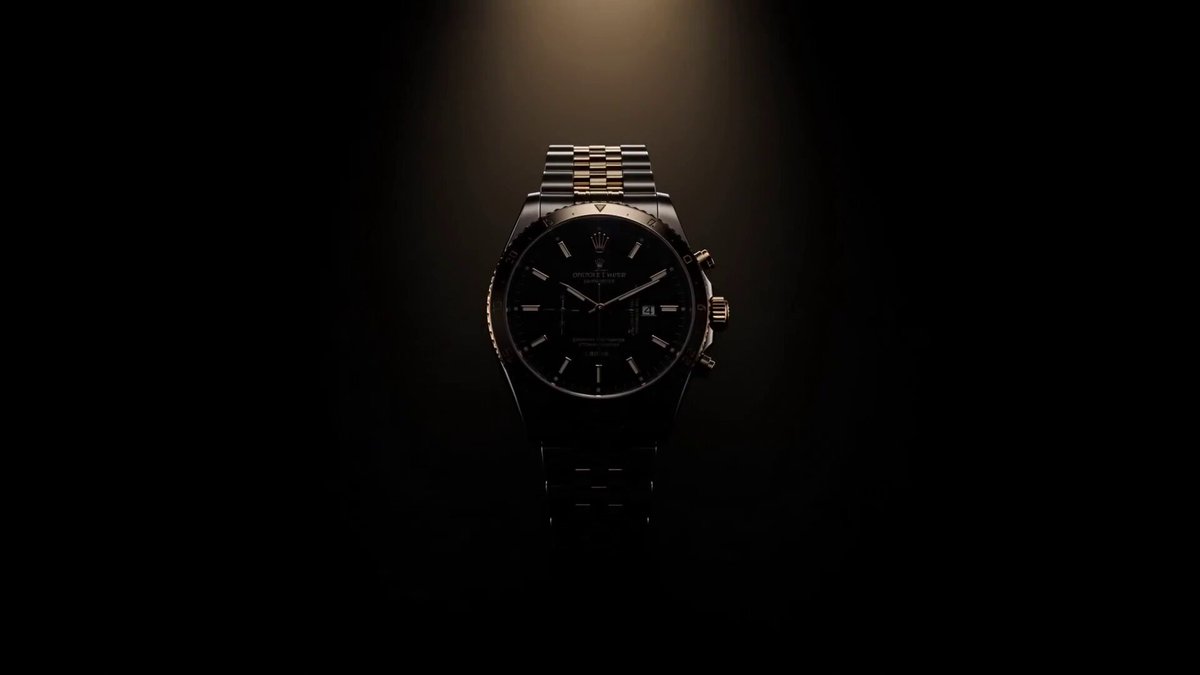
A clean studio spin that shows off shape and finish.
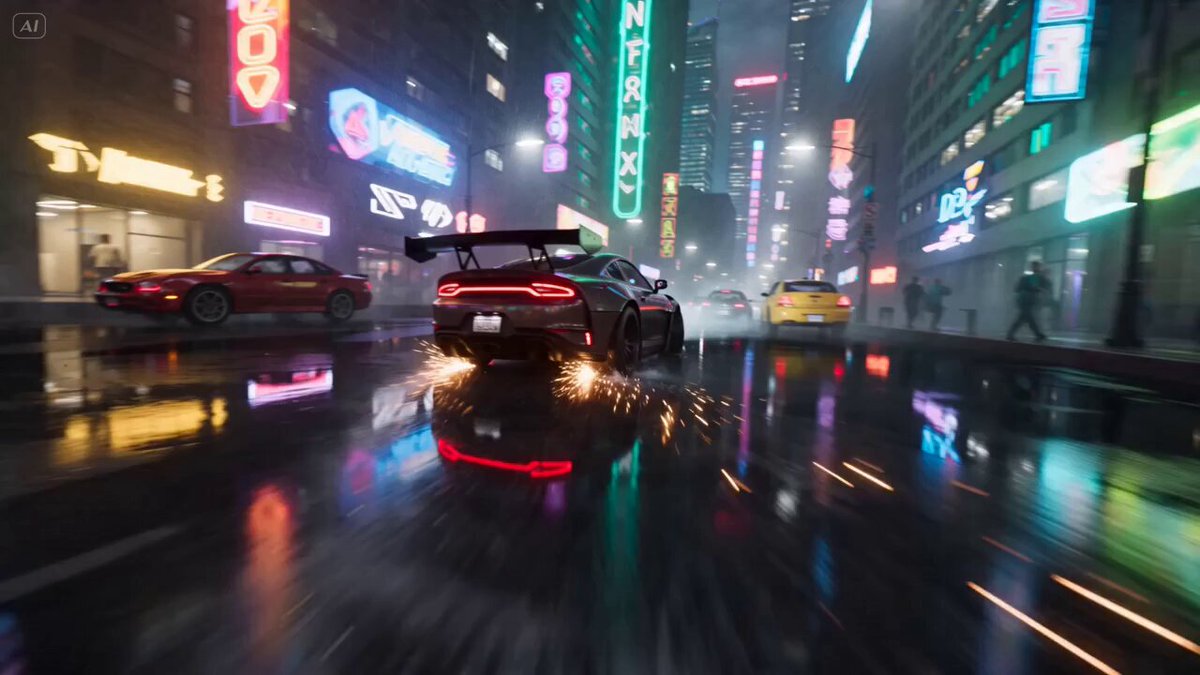
A low, cinematic circle around a car with road reflections.
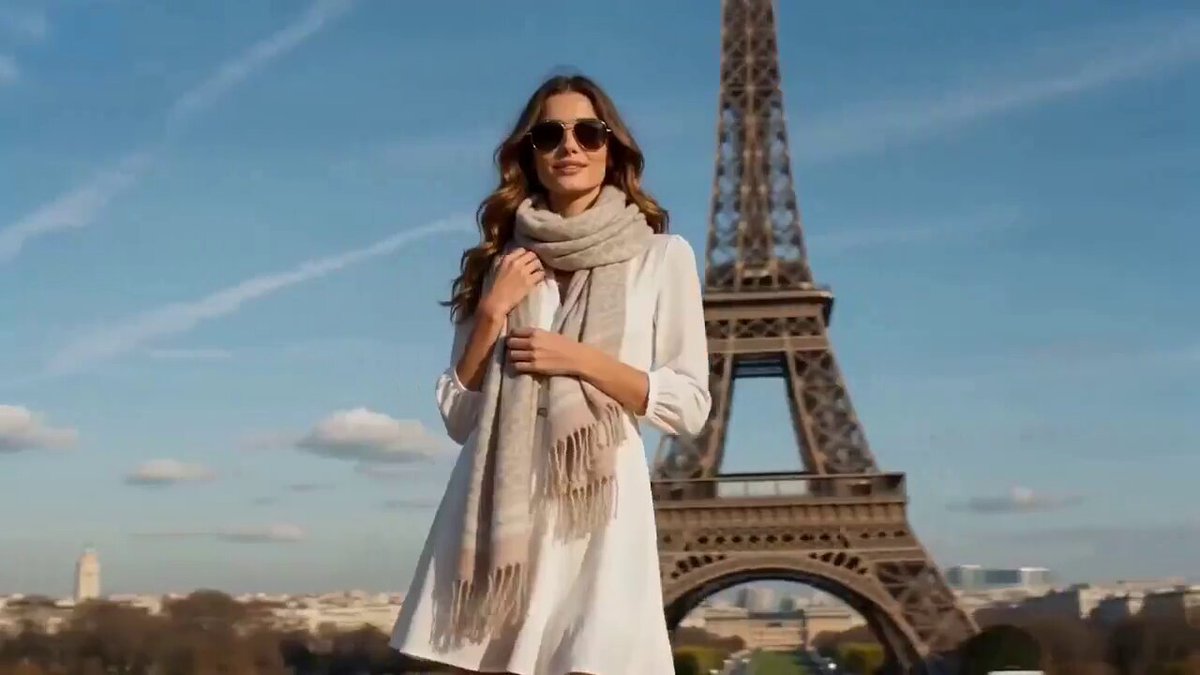
A continuous fashion circle with smooth location changes.
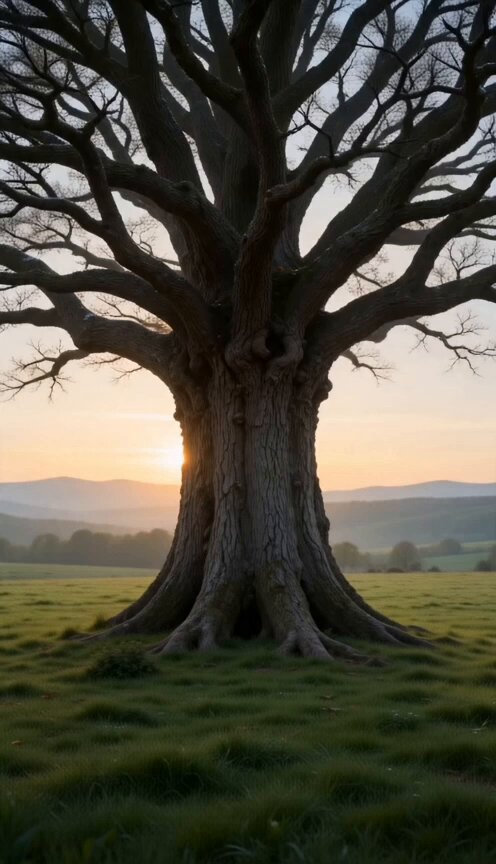
A gentle circle around a landmark as the scenery shifts.
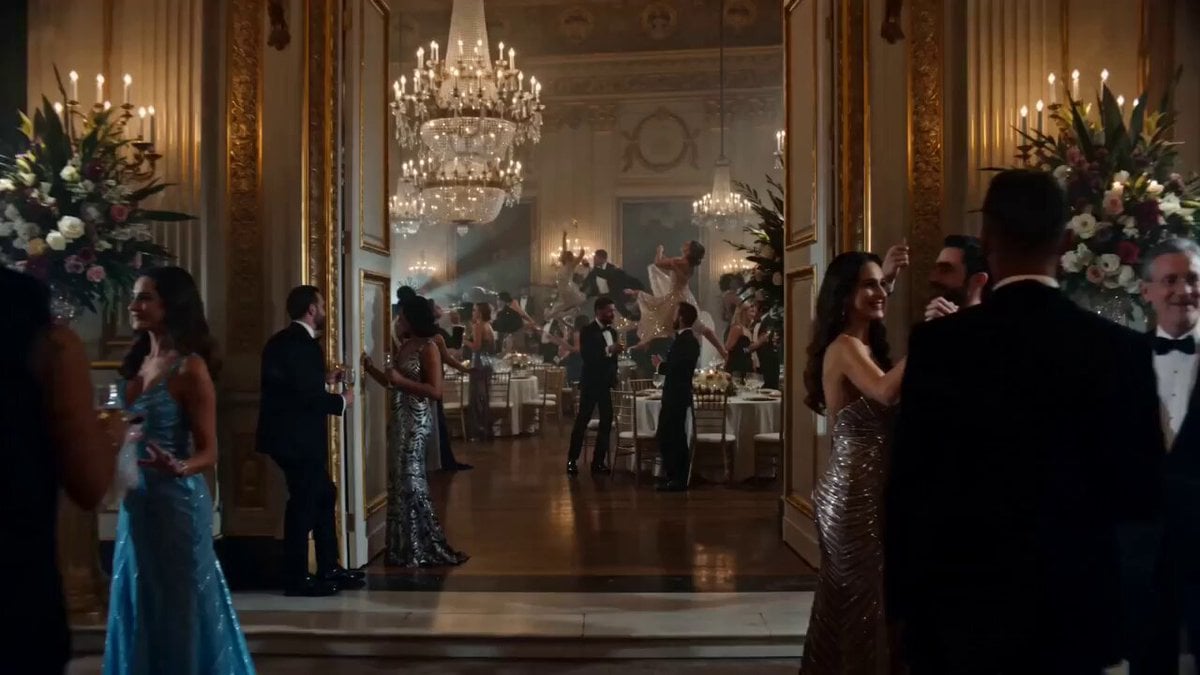
Glide through a frozen group moment, everything suspended.
Choose a subject with a clear outline and some room around it. A single photo only shows one side, so the AI invents the rest as the camera circles — treat the result as a creative reveal, not an exact 3D scan.
 Starting frame
Add an image with your subject in the middle and some space around it. Compatible models also take a last frame.
Choose a camera move. Its prompt fills in automatically; your model and output settings don't change.
Check the subject's shape, the background parallax and the newly revealed sides. Slow the move down in the prompt if it swings too far.
A style only fills the prompt; your model, duration, ratio, resolution, audio and uploads stay as they are. Set the direction, height, radius, speed and lens, and decide whether the subject or the scene moves too.
Use one as-is, or borrow its camera path, subject action, lighting and ending.
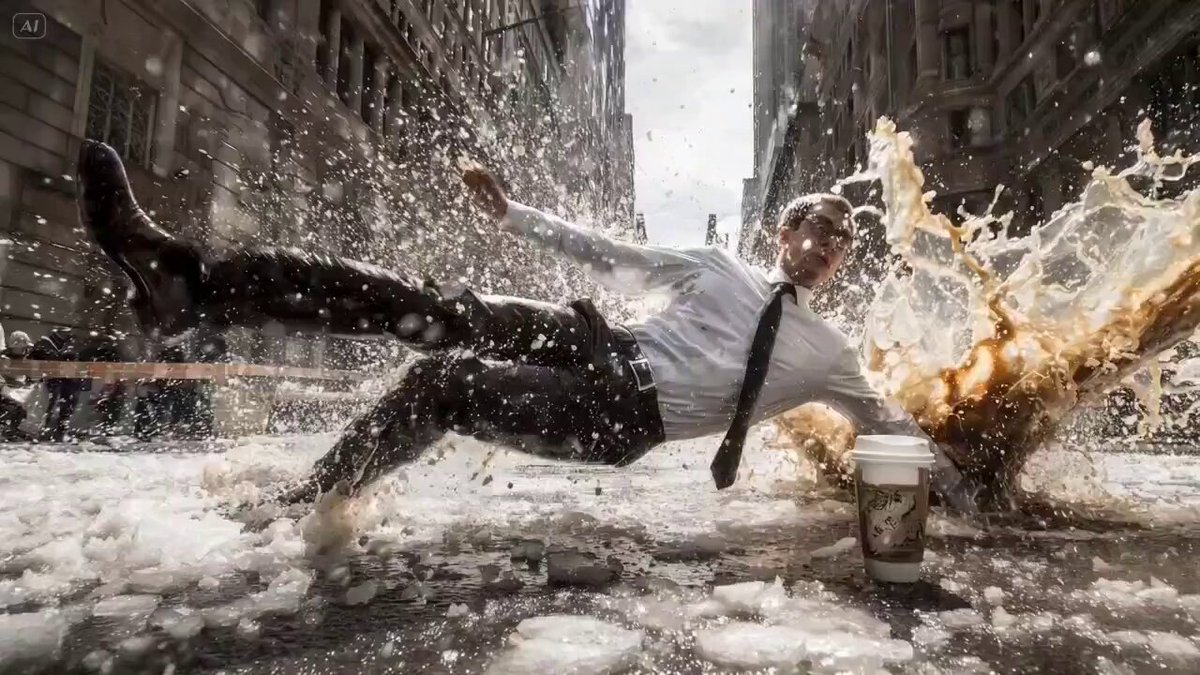
Coffee hangs mid-air while the camera circles a frozen moment.
Use the uploaded image or frames as the visual reference and keep the person recognizable. Freeze the subject just after tossing a cup of coffee, with the liquid suspended in a detailed arc and the cup held naturally. Circle once at eye level while the person, coffee, droplets, clothing, and room remain still, then let the coffee return gently to the cup. Keep the camera radius stable and the background geometry coherent.
A small flame reveals a painted dreamscape as the camera circles.
Use the uploaded subject and setting as the visual reference. Place a small glowing flame on the ground, then begin a slow circular orbit around the subject as a surreal painted world becomes visible from each side. Preserve the subject silhouette, keep the flame anchored, use soft atmospheric depth, and complete the move without cuts or sudden zooming.
A clay astronaut meets a friendly creature on a slow lunar orbit.
Use the uploaded image or frames as the visual reference. Render the subject as a polished clay character on a small moon while a friendly alien appears nearby. Move the camera in a gentle half orbit that reveals planets and Earth behind them, using warm rim light, readable silhouettes, stable character designs, and smooth parallax across the lunar surface.
It generates a video in which a virtual camera circles your subject or scene. Upload an image, choose an orbit style, adjust the camera move in the prompt and generate.
Yes. The photo sets the subject's look and surroundings; the AI invents the sides the photo doesn't show as the camera goes round.
The camera moves around a mostly still subject. Edit the prompt if you want the subject to turn, pose or walk while the camera keeps circling.
People, products, vehicles, sculptures, characters and landmarks all work. Clear outlines, even lighting and space around the subject give the smoothest result.
Yes. Ask for clockwise or anticlockwise, a low or high camera, a tight or wide circle, a slow reveal or a fast bullet-time sweep.
No. The AI imagines the unseen sides from your image and prompt. When every hidden label and dimension must be exact, use real multi-angle photos or a 3D workflow.
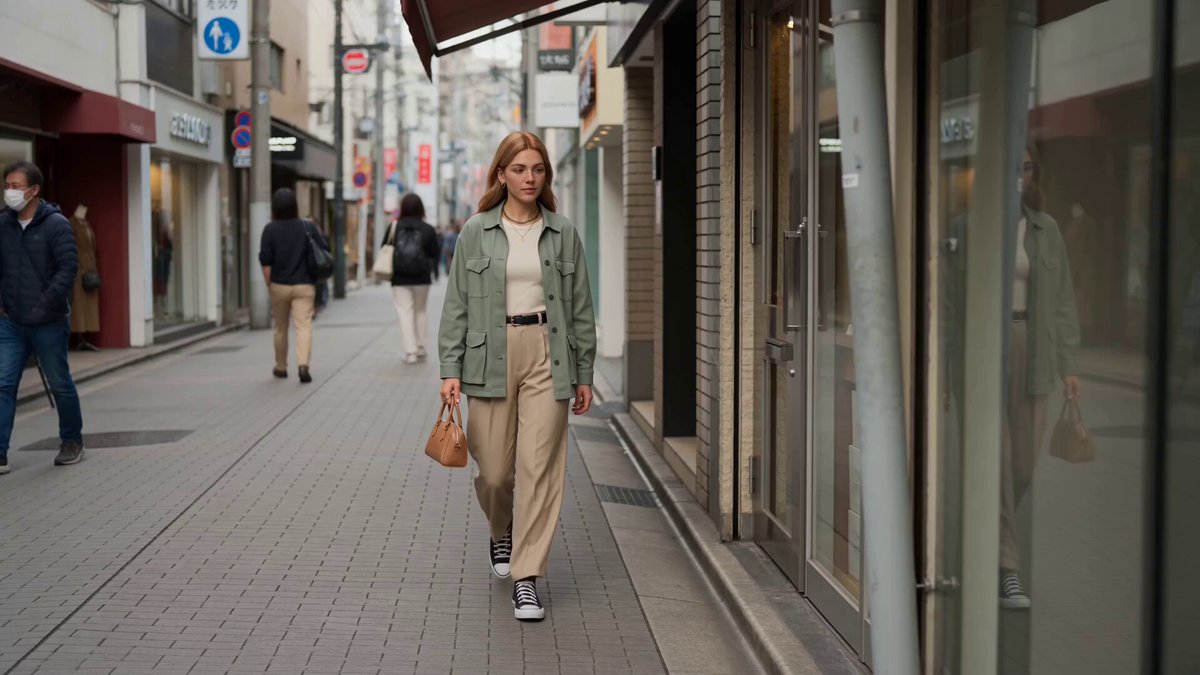
 Image to VideoAnimate a still with any camera move you describe.
 Reference to VideoKeep a product or character consistent across new shots.
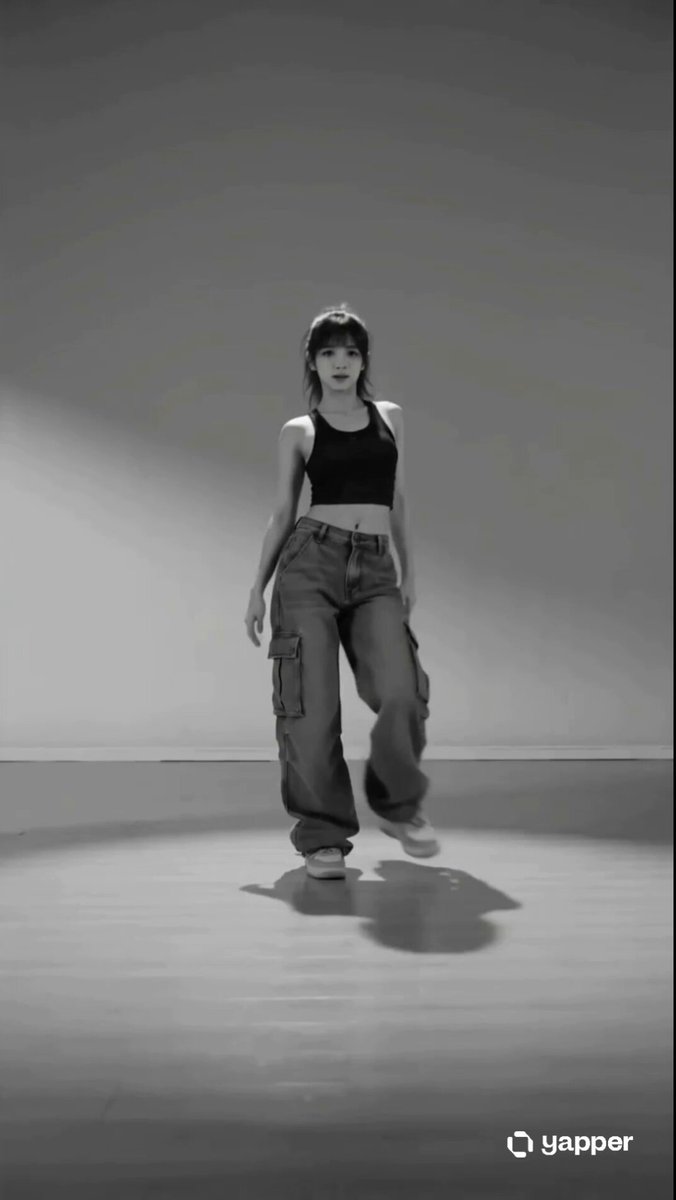 AI Dance Video GeneratorMake a person in a photo dance.
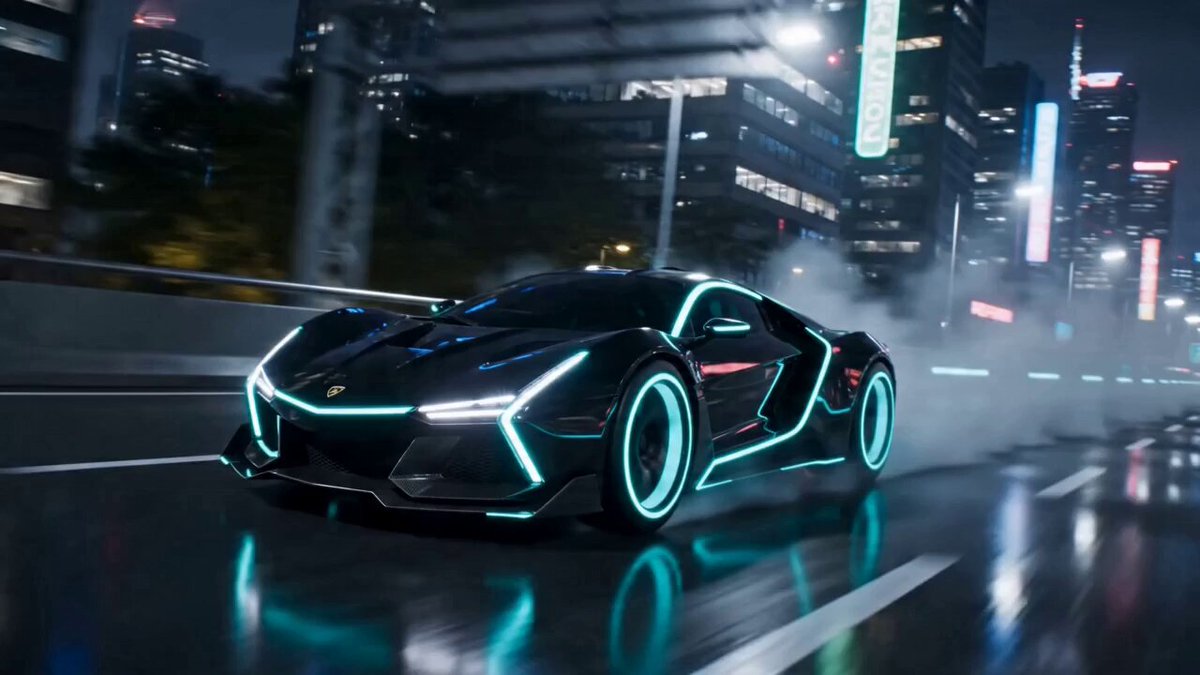 AI Transformation Video GeneratorTurn a person or object into something new.
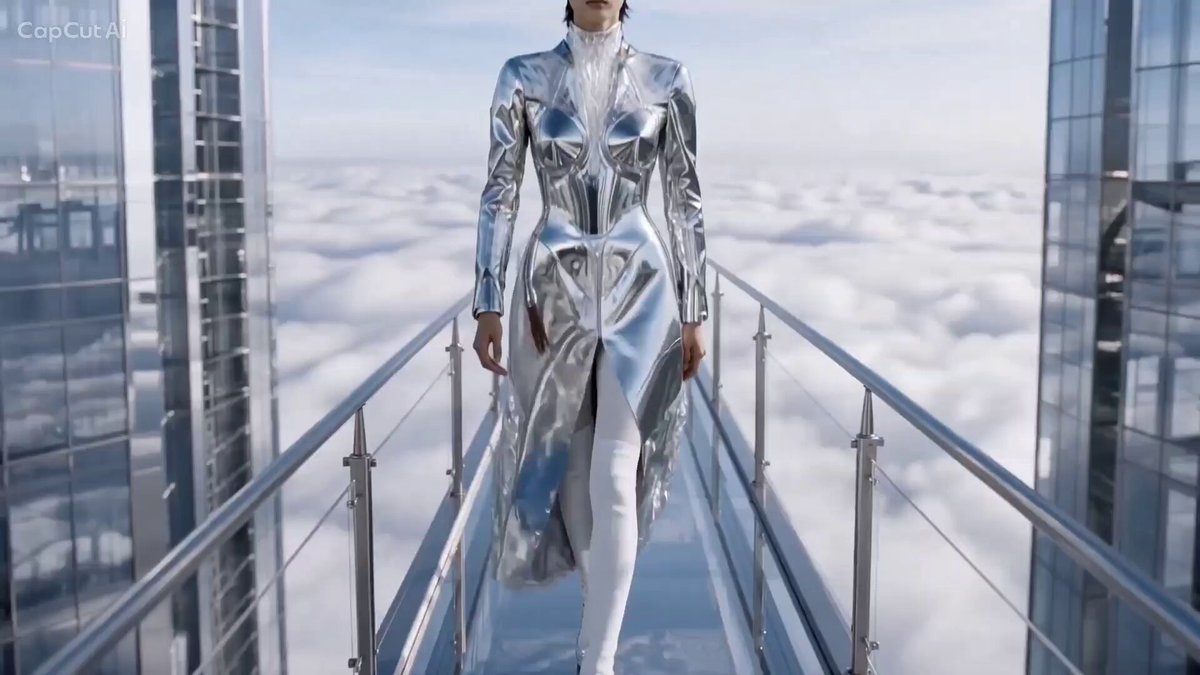 AI Catwalk Video GeneratorTurn a photo into a runway walk.
 AI Hug Video GeneratorBring two people or a person and pet together in a hug.
Pick an orbit, upload a clear subject and set the direction, height and speed before you generate.
Orbit the camera