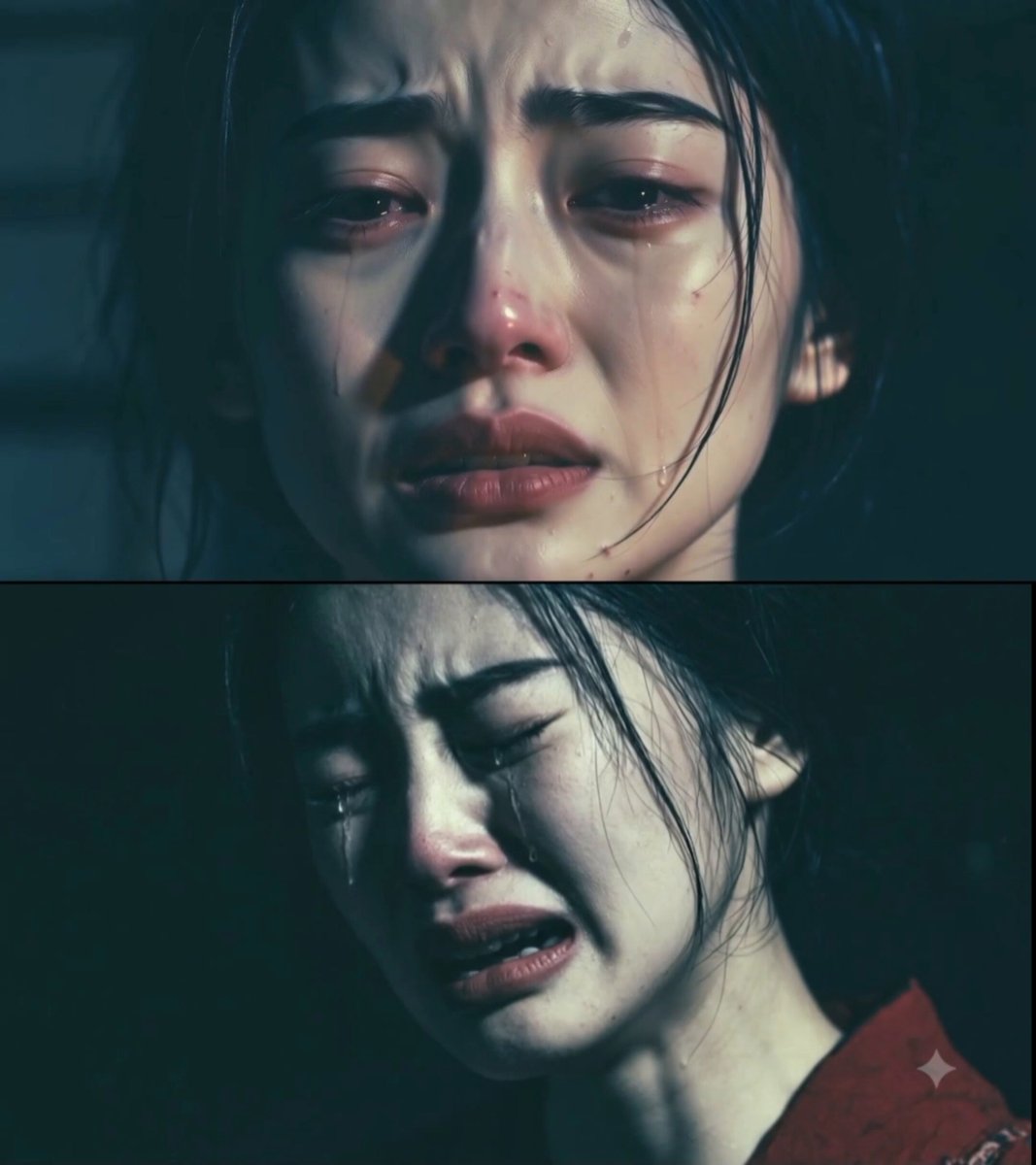
Generated dolly zoom
Dramatic Portrait
The face holds still while the room lurches behind.
The Open Sora AI dolly zoom video generator turns a still image into the classic vertigo shot: your subject holds its size while the world behind it stretches or collapses. Upload an image, pick a mood — portrait, action, fantasy, creature, car or horror — and generate.
These are earlier AI results. How strong the vertigo feels, the subject's size and the background geometry depend on your image and model.
Each style pairs a subject with a mood. Picking one fills the camera prompt; the model and output settings stay yours.
The face holds still while the room lurches behind.
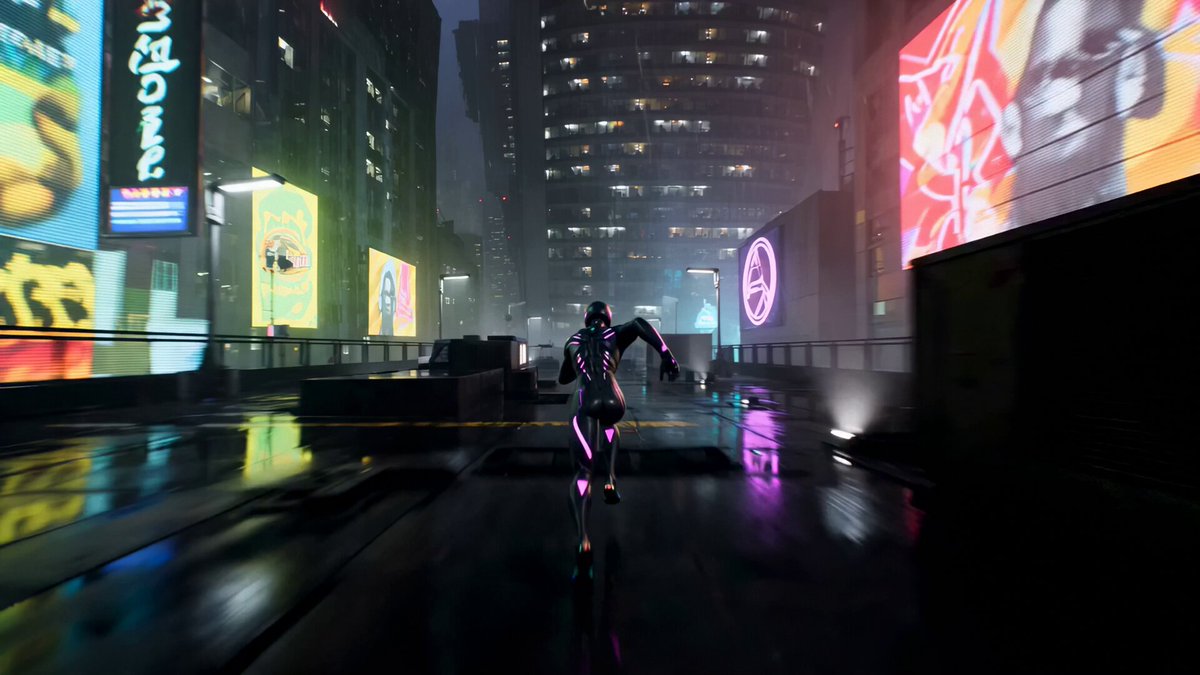
A perspective surge on a leap, landing or sudden beat.
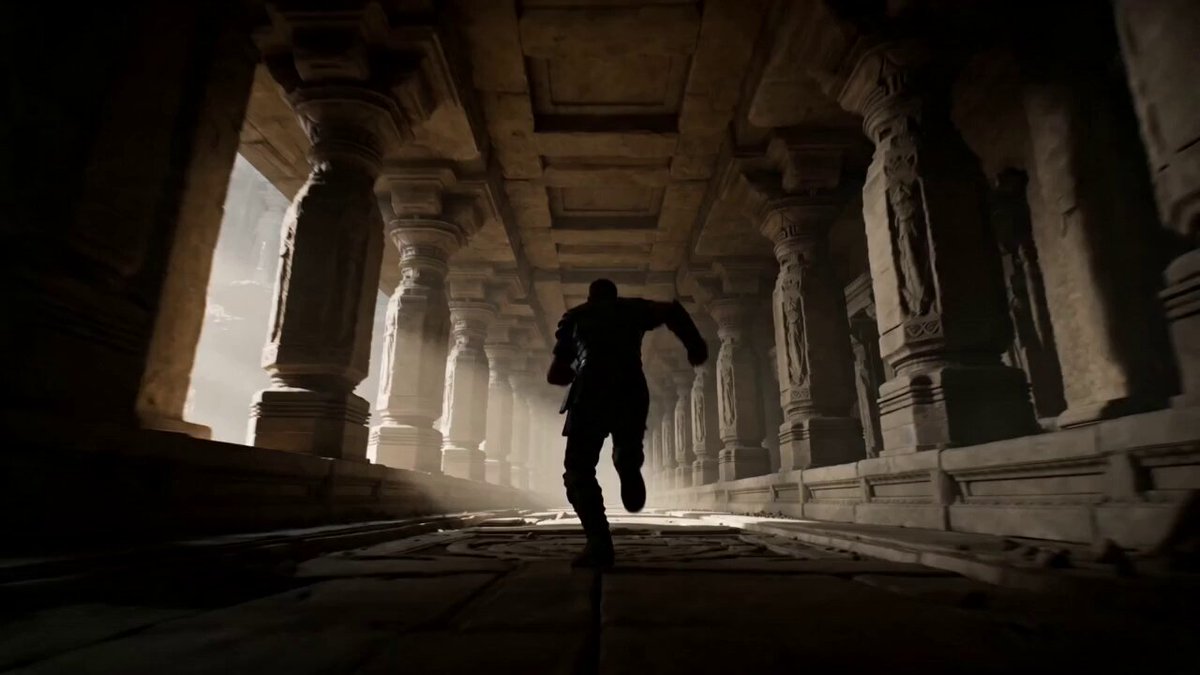
An impossible space unfolds around a locked-in hero.
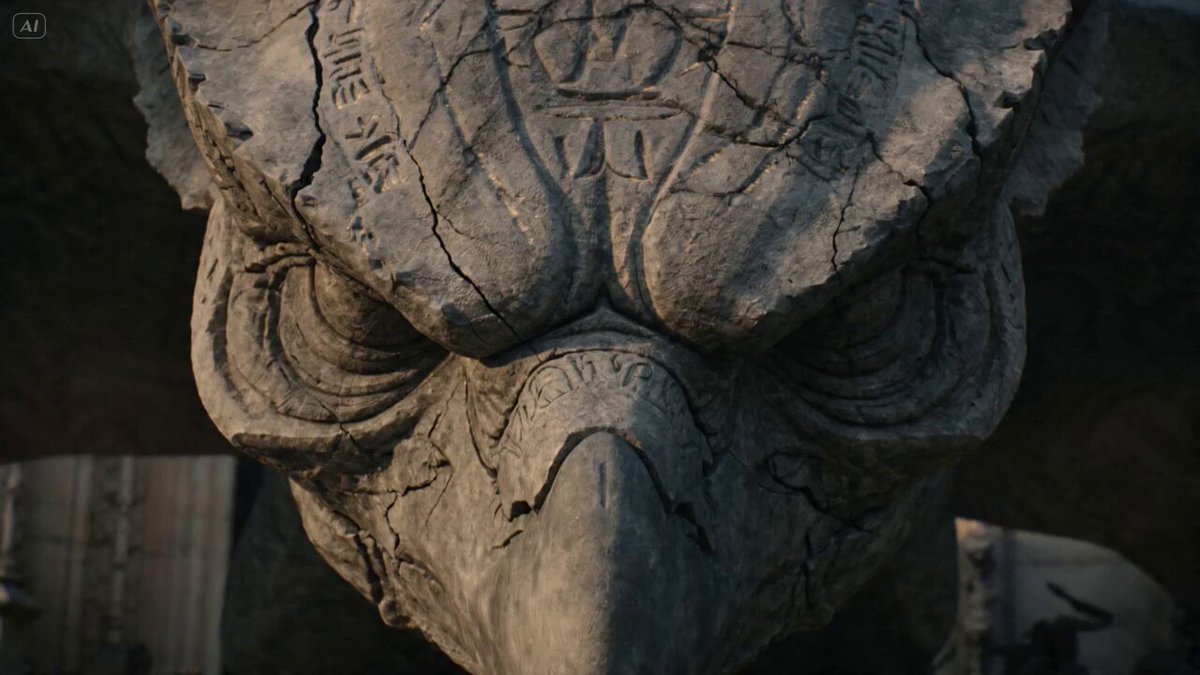
The world stretches behind a creature for scale.
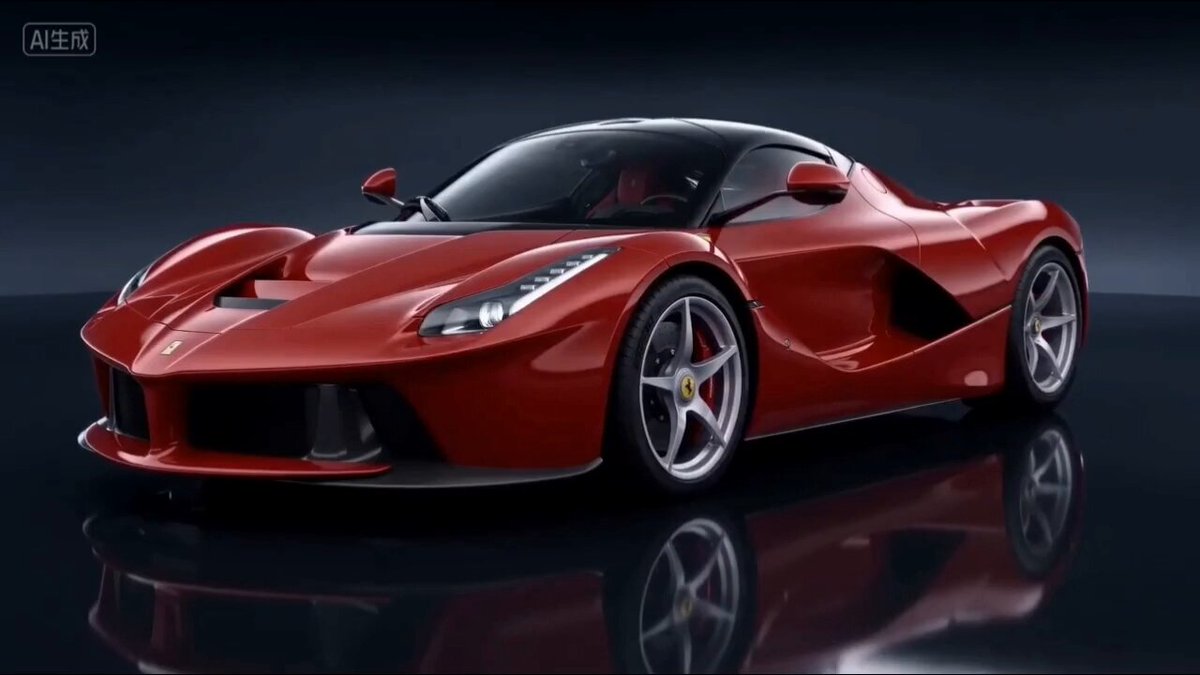
The car stays big as the road compresses around it.
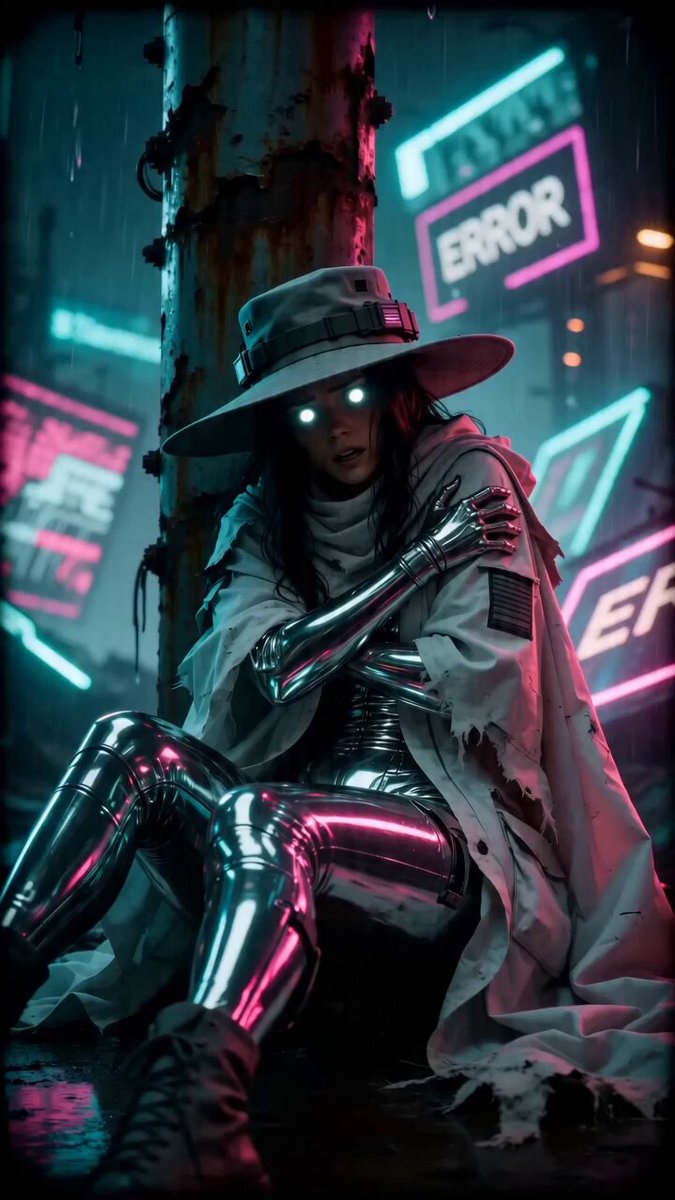
A dizzying pull around someone who's terrified.
The vertigo effect lives in the background. A distinct subject, plenty of space behind it and clean edges give the model clear layers to move while the subject stays locked in place.
A clear subject in front of a background with near, middle and far detail makes the perspective shift obvious.
Portrait, action, fantasy, creature, car or horror. The style fills the prompt; your image and settings don't change.
Check the subject stays the same size, then adjust direction, zoom speed, background depth or timing.
Say whether the camera pushes in or pulls out, how fast, what stays in focus, how deep the background is, and the mood and final framing you want.
Start from one and change the subject, location, timing, direction and emotional beat.
A hotel corridor stretches away as someone hears footsteps.
Use the uploaded image as the exact subject and opening composition. Keep the person centered at a stable size. As they notice a sound behind them, move the camera forward while zooming out so the corridor appears to lengthen rapidly. Maintain sharp eyes, straight walls, continuous motion, and one escalating reaction.
The product stays put while the studio collapses behind it.
Use the uploaded object as the exact product reference. Keep the product fixed in size and sharply focused while the camera moves backward and the lens zooms in. Compress the layered studio background, preserve the product shape and materials, and finish on a clean hero composition without text or logos.
A vast valley opens up behind someone at a cliff edge.
Use the uploaded image as the exact subject and starting scene. Hold the subject at nearly constant scale while the camera pushes in and the lens zooms out, making the mountains and valley expand behind them. Keep the horizon stable, add subtle wind, and complete the move in one continuous shot.
It animates your image with a camera move and an opposite zoom at the same time, so the subject stays roughly the same size while the background stretches or squeezes.
It's the dolly zoom made famous in cinema: the camera travels toward or away from the subject while the lens zooms the other way, warping the sense of depth behind them.
One clear subject in a scene with strong depth — a hallway, street, room, landscape or layered architecture. Flat backgrounds give the effect nothing to warp.
No. A style only fills the prompt. Your image, model, ratio, length, resolution and audio stay as you set them.
The prompt asks for it, but framing, face detail, focus and shapes can drift. A clear subject and one smooth move give the cleanest result.
Yes — anything that stands clearly apart from a background with visible depth: people, characters, products, vehicles or creatures.
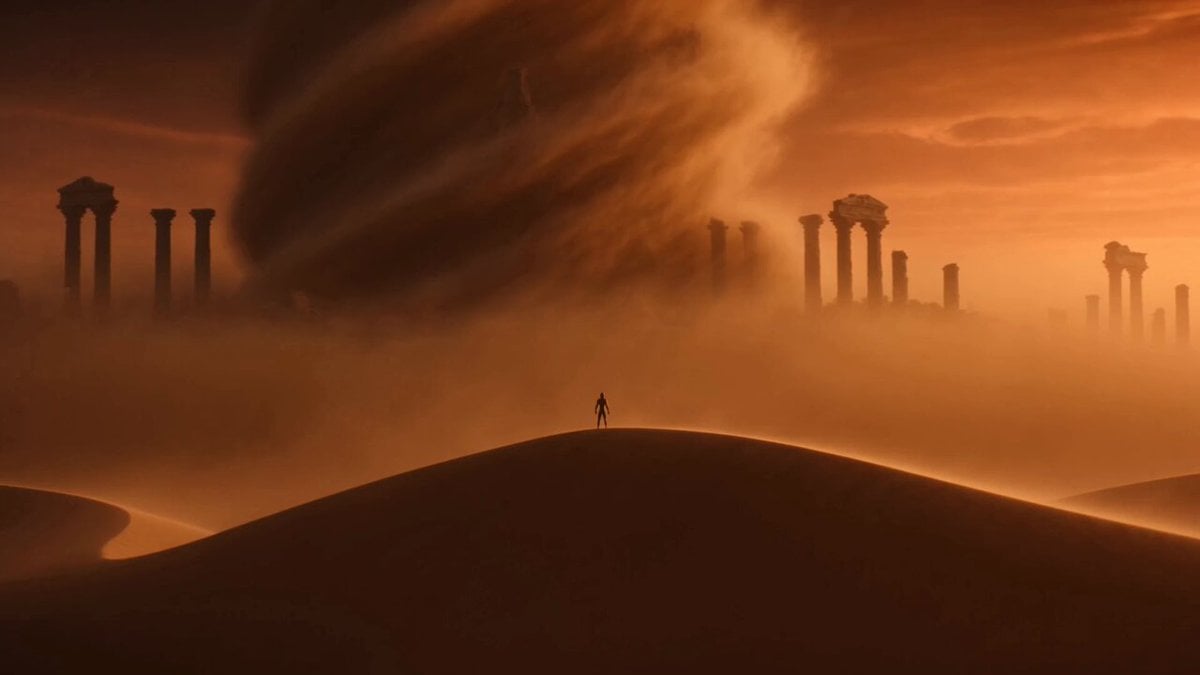 Image to VideoAnimate any photo with your own camera move.
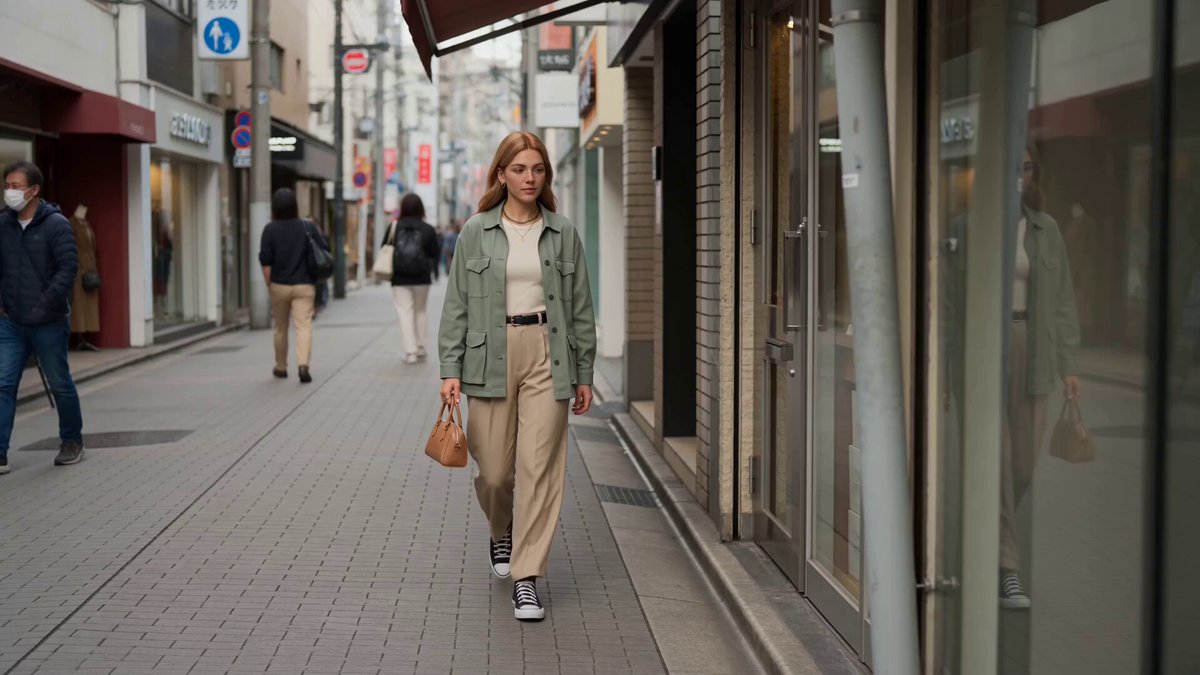 Reference to VideoKeep subjects and style consistent across shots.
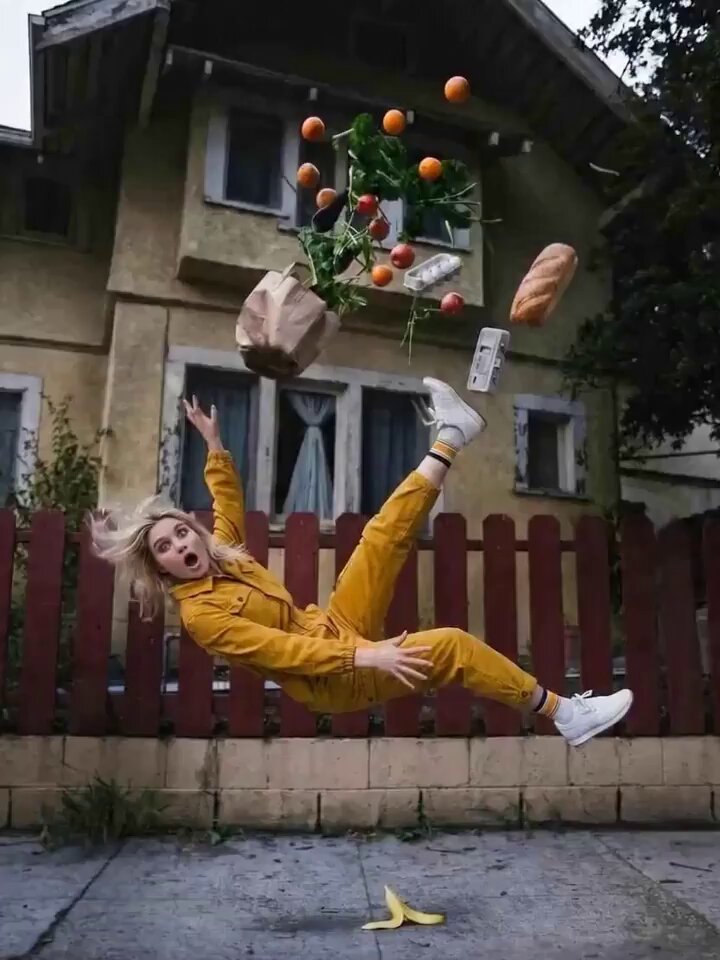 AI Camera Orbit Video GeneratorCircle the camera around a subject in a smooth arc.
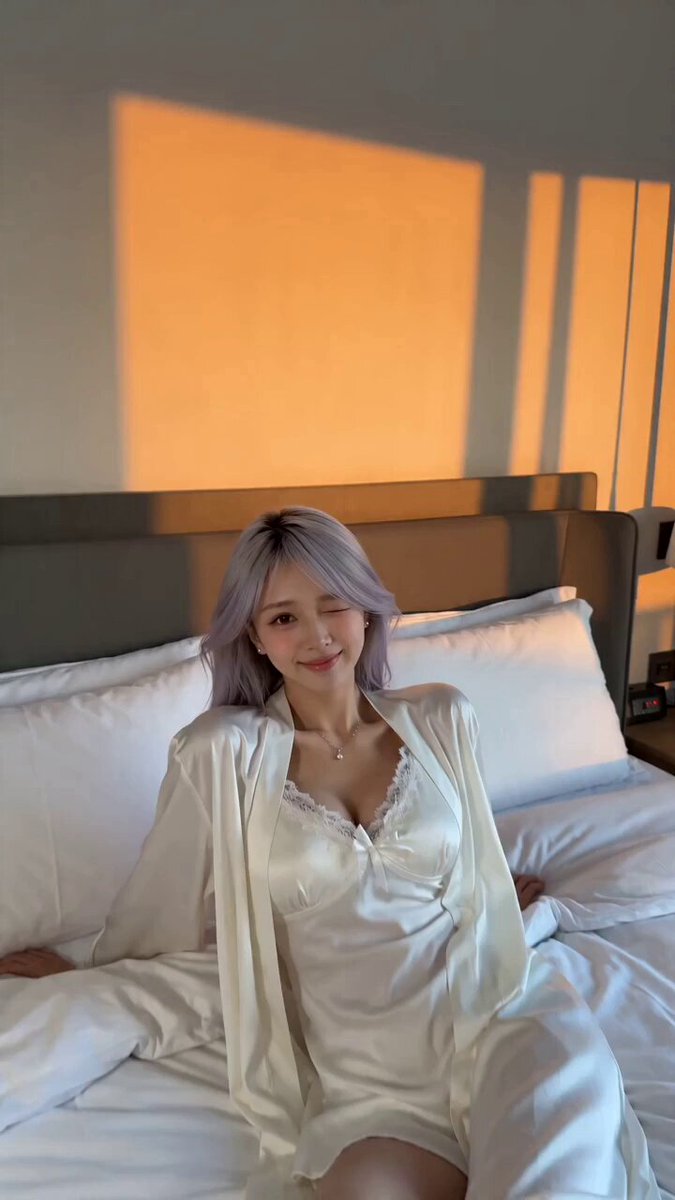 AI Video Transition GeneratorLink two moments with match cuts, wipes and morphs.
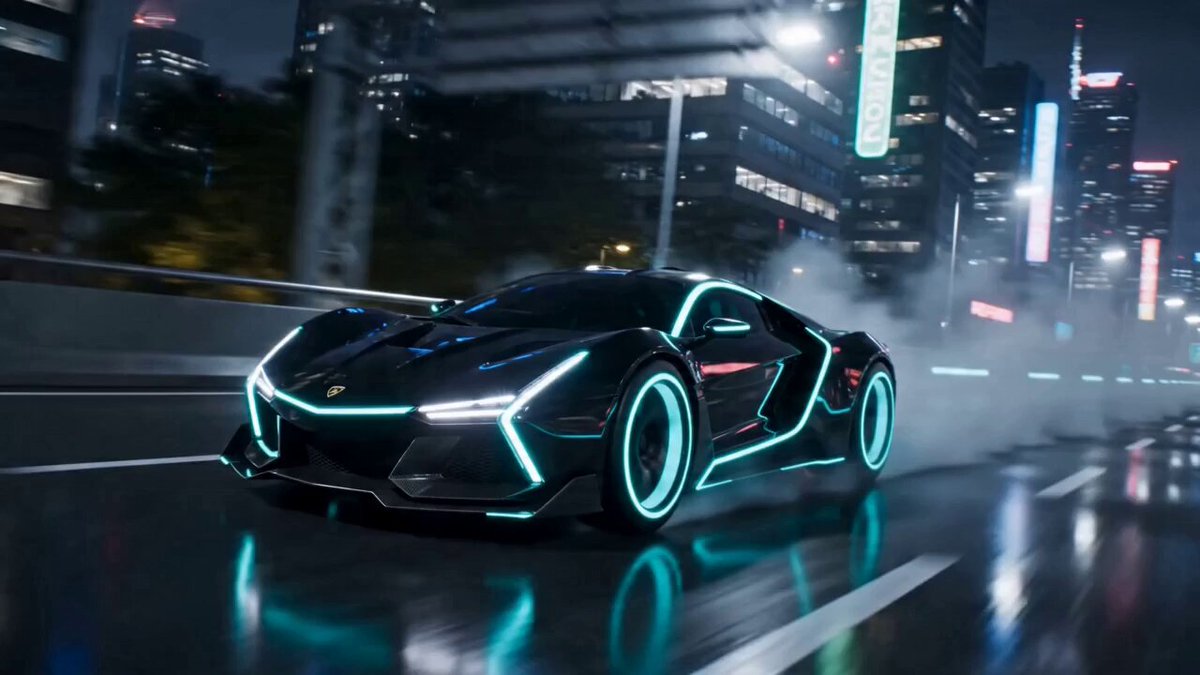 AI Transformation Video GeneratorTurn a subject into something new.
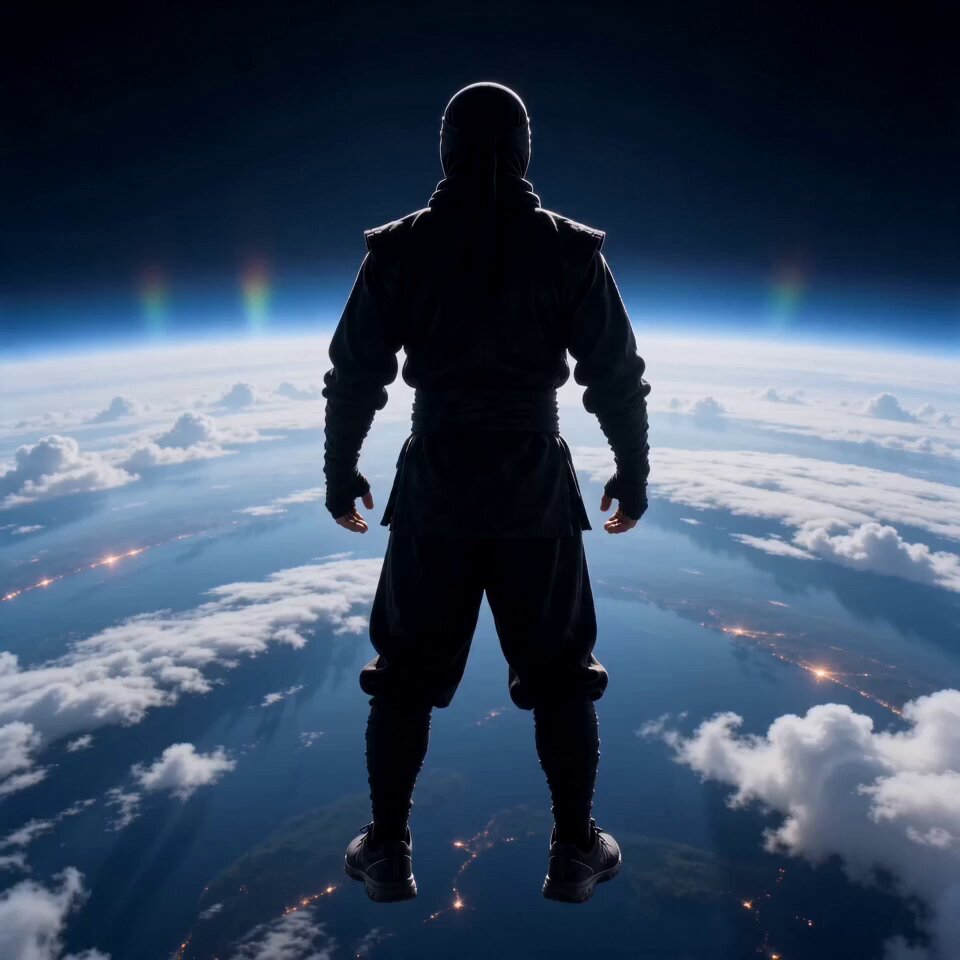 AI Flying Video GeneratorMake the person in a photo take off.
Upload an image with depth, choose a mood and set the direction and speed before you generate.
Create dolly zoom