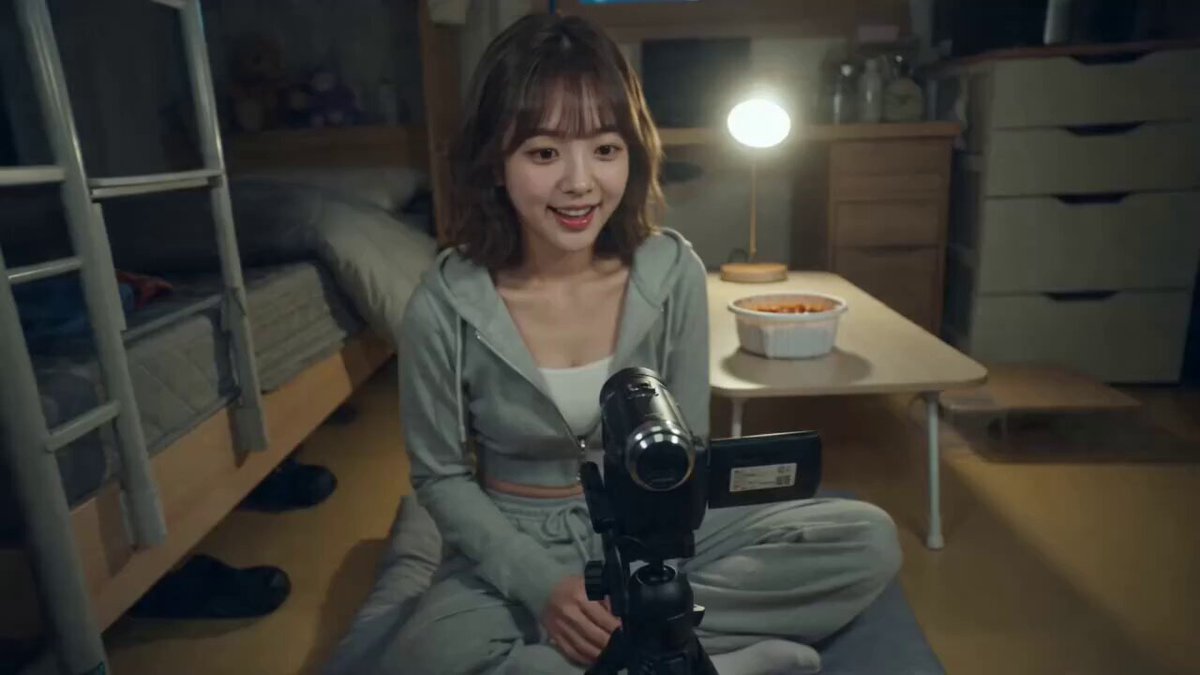
Generated ASMR scene
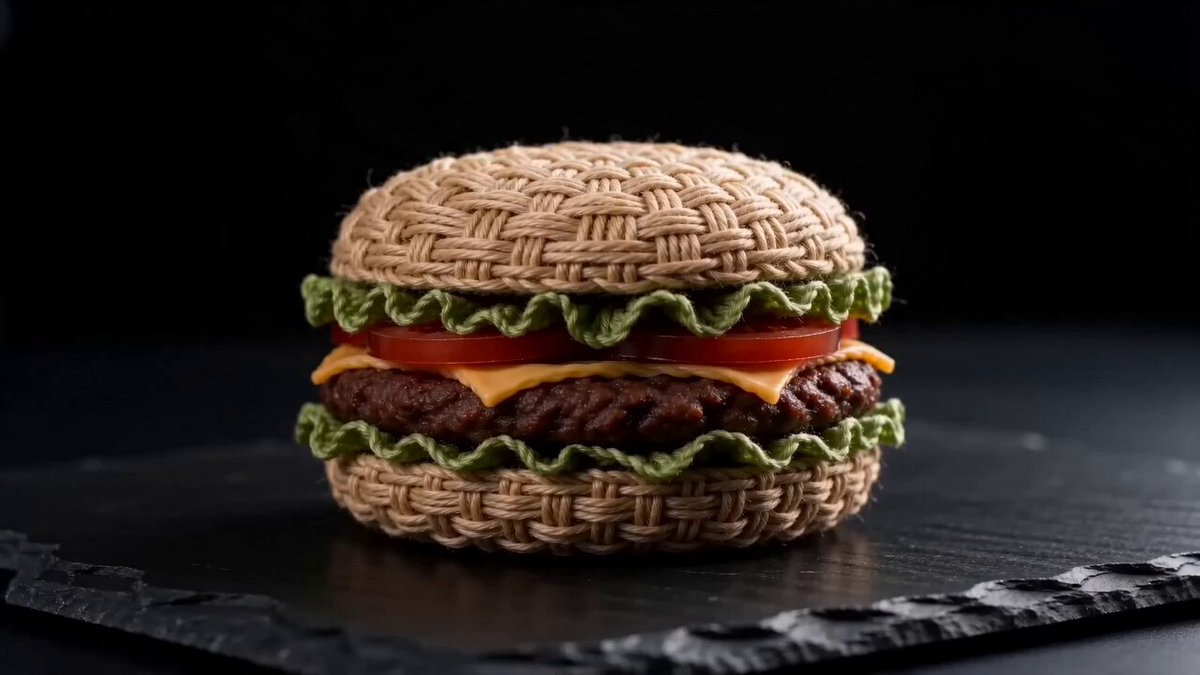
Mukbang ASMR
Food textures, utensil sounds and slow close-up bites.
The Open Sora AI ASMR video generator creates close-up, satisfying clips with sound that lands on every action — slicing, sizzling, unboxing, crafting, eating. Describe the object and what happens to it, pick an ASMR style, and generate video and audio together.
These are earlier AI results. Sound timing, how materials behave, hands and small details depend on your prompt, model and length.
Each style is built around real actions and the sounds people search for. Picking one fills the prompt; every setting stays editable.
Food textures, utensil sounds and slow close-up bites.
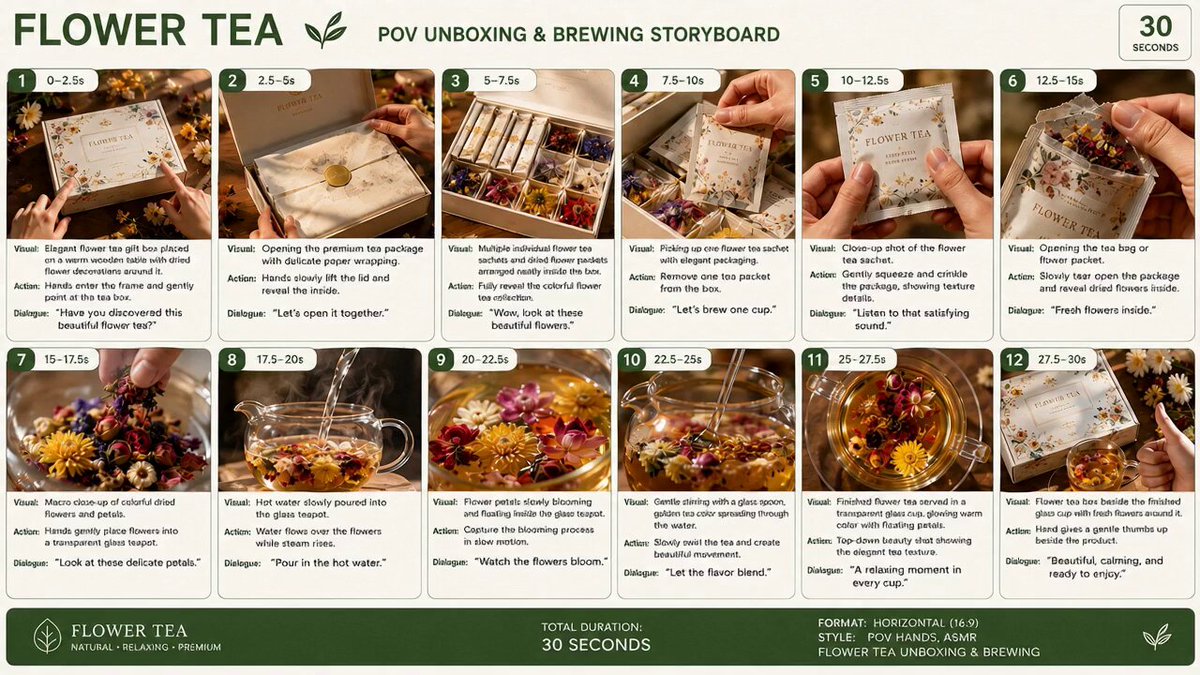
Crisp paper, box flaps, seals and product taps.
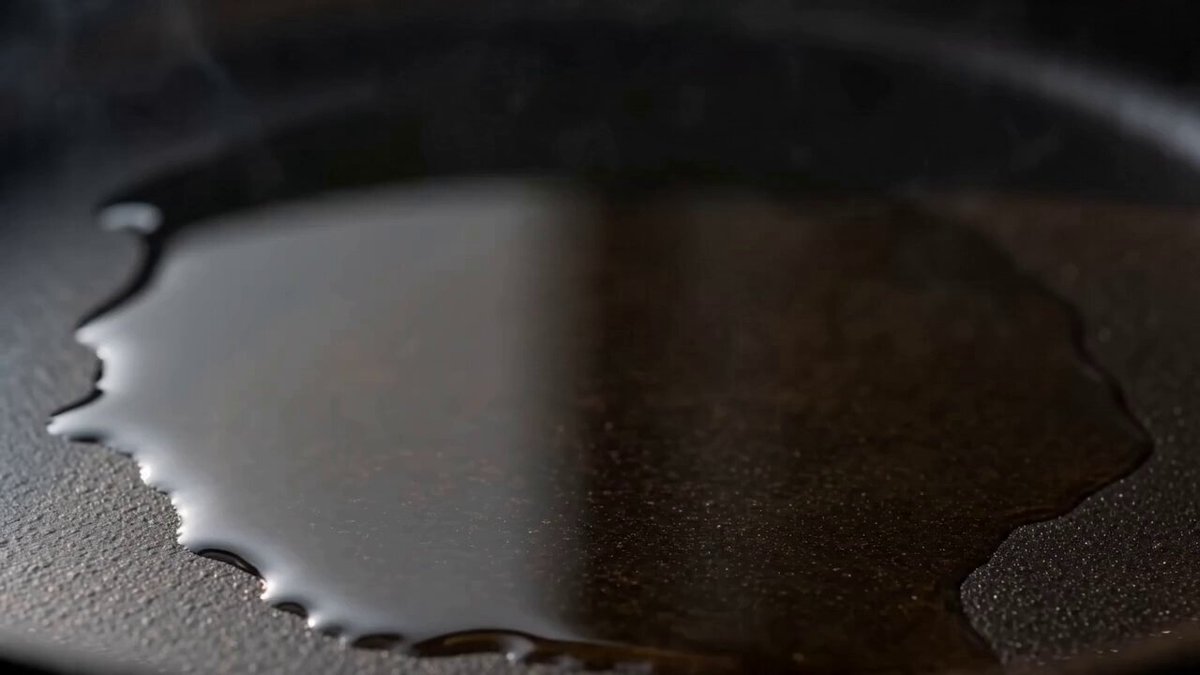
Chop, sizzle, stir and plate, every sound in focus.
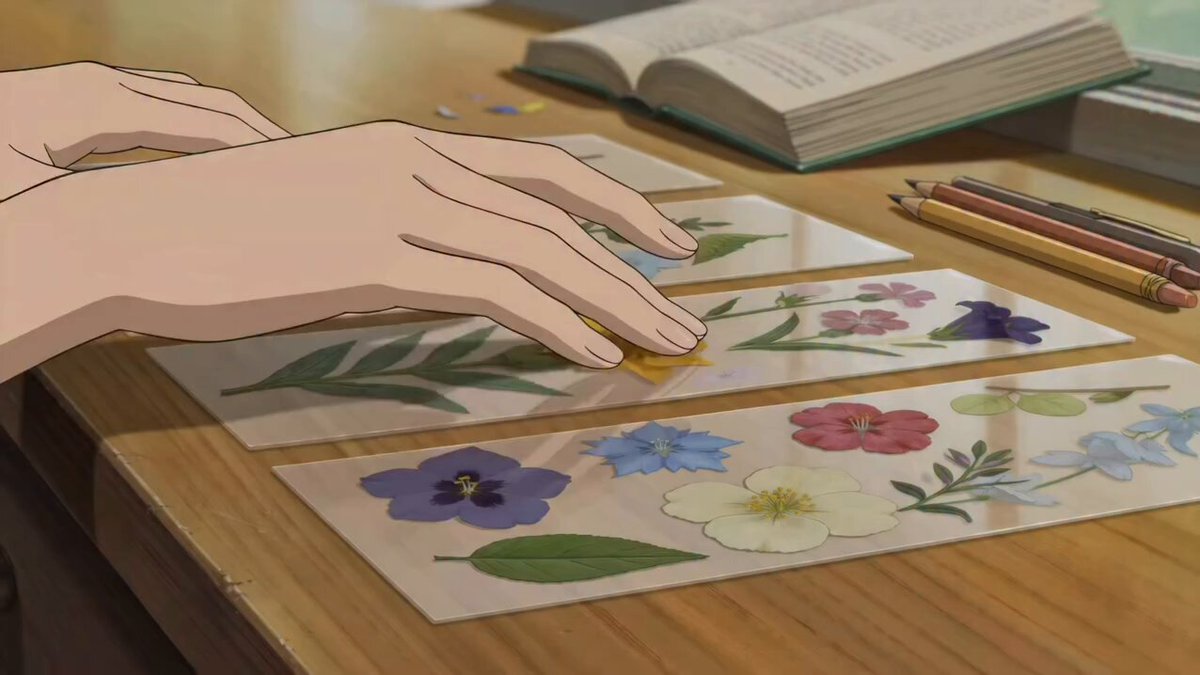
Quiet desk work: arrange, press, trim, finish.
A clean blade through a textured object, sharp and satisfying.
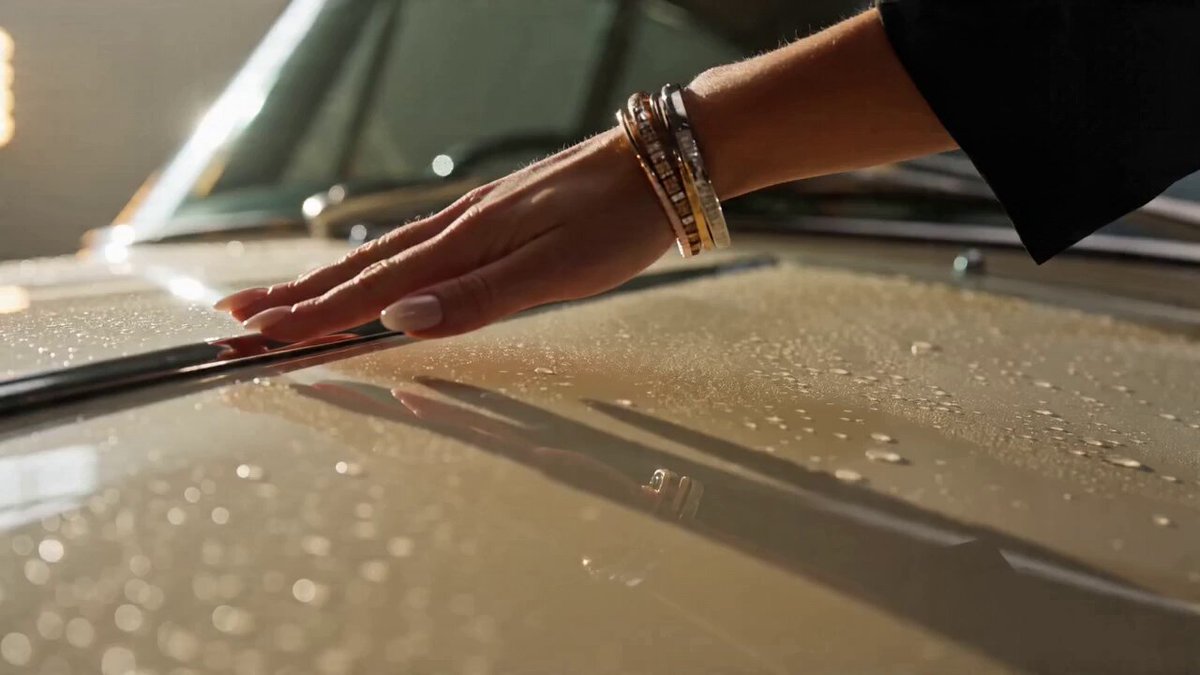
Metal, leather, switches, doors and engine detail up close.
The AI ASMR video generator works best with one close-up subject, a few materials and a short sequence of actions. Tight framing, a steady surface, visible tools and a clear order make both the motion and the sound easier to follow.
Name the food, product, craft, material or car detail you want up close, and what it's made of.
Unboxing, mukbang, cooking, craft, cutting or car. Then edit the actions, camera, pace and sound cues in the prompt.
Check that each sound matches what you see. If they drift apart, shorten the action list or slow the pace.
Describe the object, material, tool, order of actions, camera distance, tempo, room tone and the exact sounds you want. Keep whatever makes the sound in shot. Sound needs a model with audio switched on.
Use one as a template and swap in your own object, material, actions, surface and sounds.
A translucent fruit sliced slowly on cool stone.
Create a locked macro ASMR shot of a translucent crystal citrus fruit on dark slate. A clean steel knife taps the surface, presses through with believable glass-like resistance, and separates three precise slices. Synchronize delicate chimes, crisp fractures, blade contact, and small pieces settling. No music or text.
Paper layers, seals, glass bottles and soft taps.
Create a premium skincare ASMR unboxing on a warm neutral table. Hands lift a rigid box lid, unfold tissue paper, peel a paper seal, remove two glass bottles, turn the caps, and arrange the products. Use detailed paper rustle, adhesive peel, glass taps, cap clicks, and quiet room tone. No music or captions.
Clean cuts through layered kinetic sand, dry and grainy.
Create an overhead macro ASMR video of layered kinetic sand pressed into a clean geometric block. A thin blade makes slow parallel cuts, lifts each slice, and reveals contrasting inner layers. Synchronize dry granular crumble, soft blade scrape, and pieces landing on the tray. Keep the hands and tool stable. No music.
It creates close-up video and matching sound around tactile actions — opening, cutting, cooking, tapping, folding, pouring — from a written description.
No, this page works from a text prompt. If you want to start from a photo of a real product or dish, use Image to Video and describe the ASMR actions there.
Keep each sound source visible, list actions in order, name the material and tool, and avoid rapid cuts. Short, specific sound cues sync best.
Yes. The style only fills the prompt. Change the object, material, actions, sounds, camera and pace; pick the model and output settings separately.
The styles ask for tactile sound and room tone with no music. Generated audio can still vary, so run it again if unwanted music slips in.
Close-up hands and tools need precise shapes in every frame. Fewer objects, slower actions and a steady camera give cleaner results.
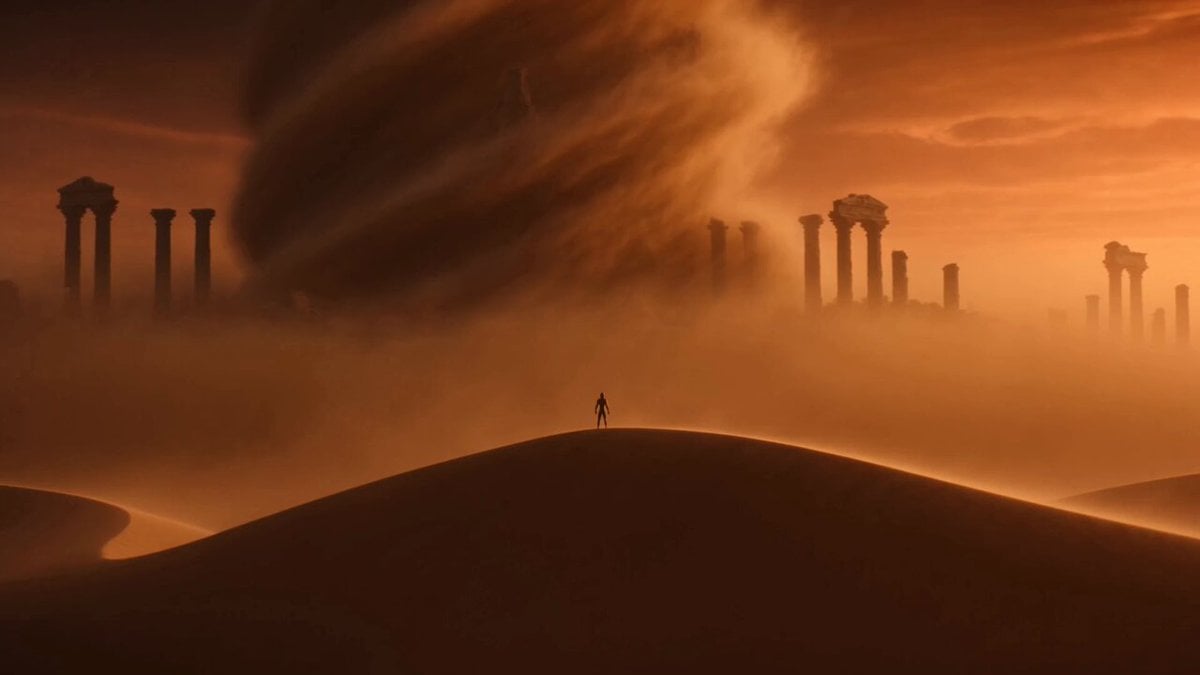 Image to VideoStart from a photo of your product, dish or craft.
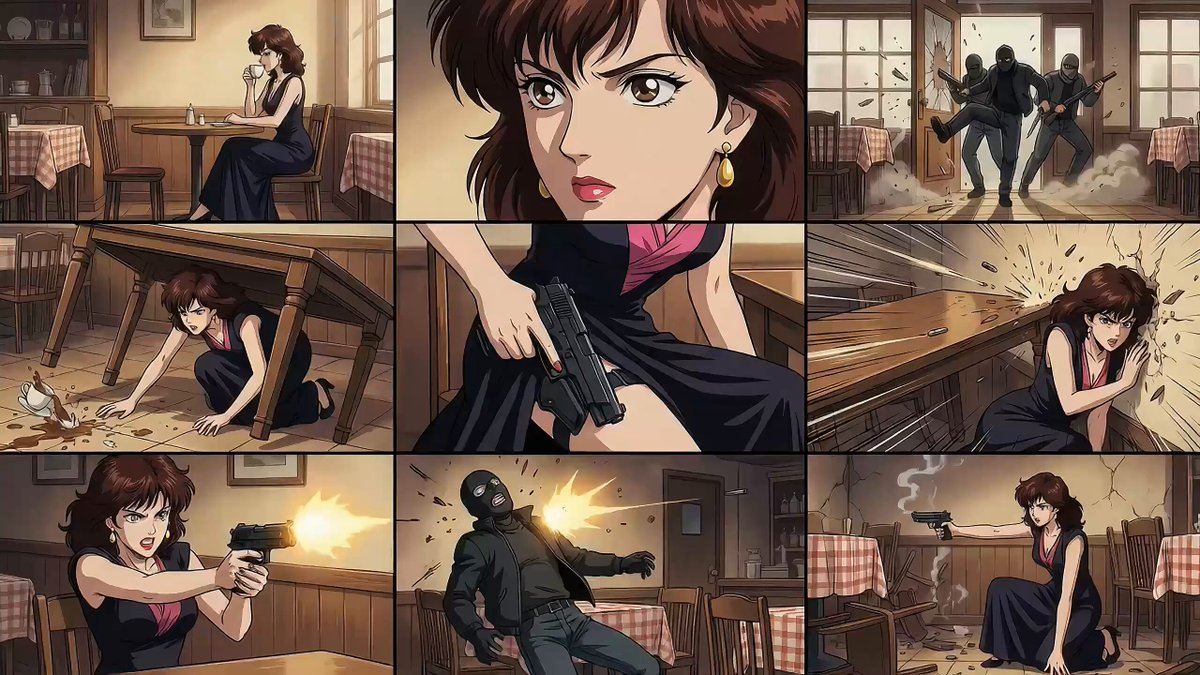 Text to VideoDescribe any scene and its sound, and generate it.
 AI Video Transition GeneratorLink scenes with match cuts, wipes and morphs.
 AI Transformation Video GeneratorTurn objects and materials into something new.
 AI Catwalk Video GeneratorTurn a photo into a runway walk.
 AI Camera Orbit Video GeneratorCircle the camera around a product or scene.
Pick a style, describe the material and the actions in order, and get a close-up clip with sound that matches every move.
Create ASMR video