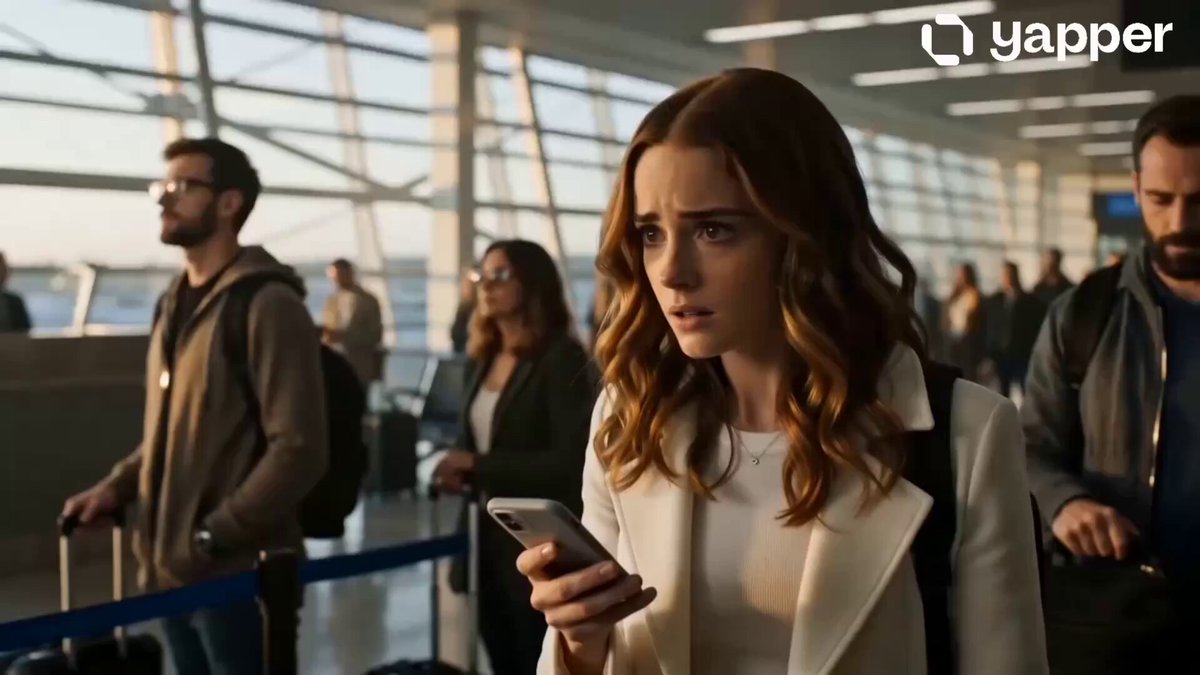
Hug result
Romantic Reunion
An airport reunion: a slow approach, then a long embrace.
The Open Sora AI hug video generator brings two people — or a person and a pet, or two characters — together in a warm embrace. Upload a photo of each, pick a hug style, adjust the moment in the prompt and generate.
Preview each scene, use its prompt, then change the relationship, the approach, the camera or the ending.
Each style pairs a real example with a prompt you can edit. Switching styles only swaps the prompt and preview.
An airport reunion: a slow approach, then a long embrace.
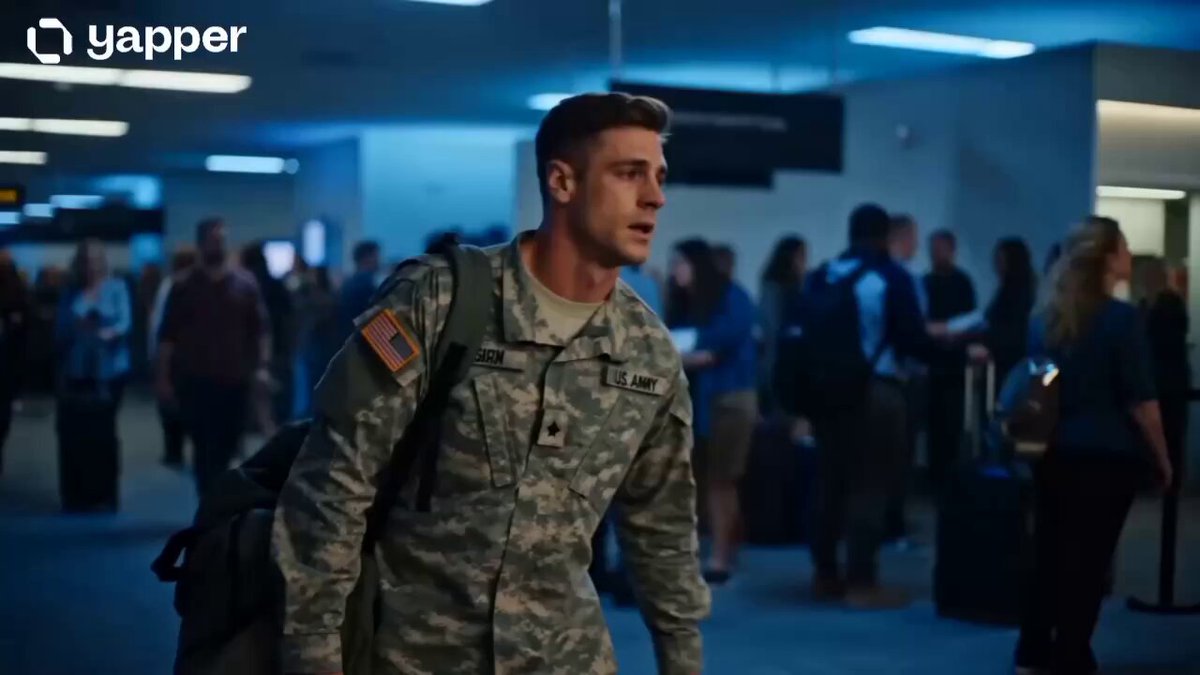
A parent comes home and kneels to hug their child.
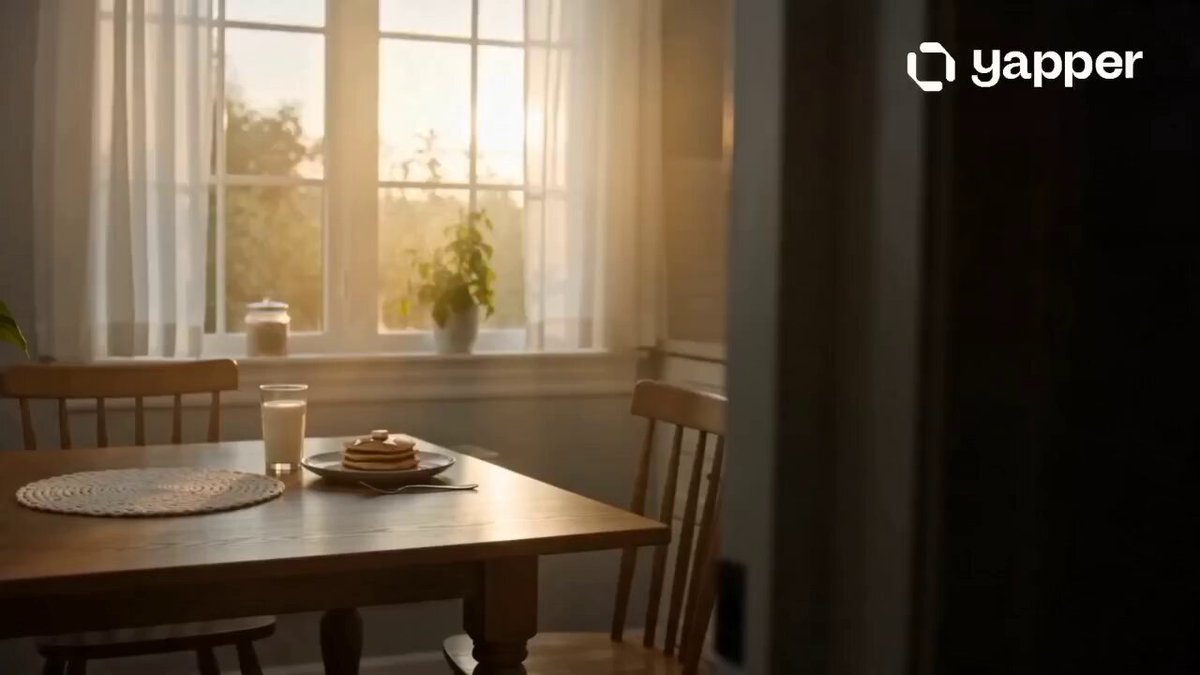
A quiet family hug at home in soft daylight.
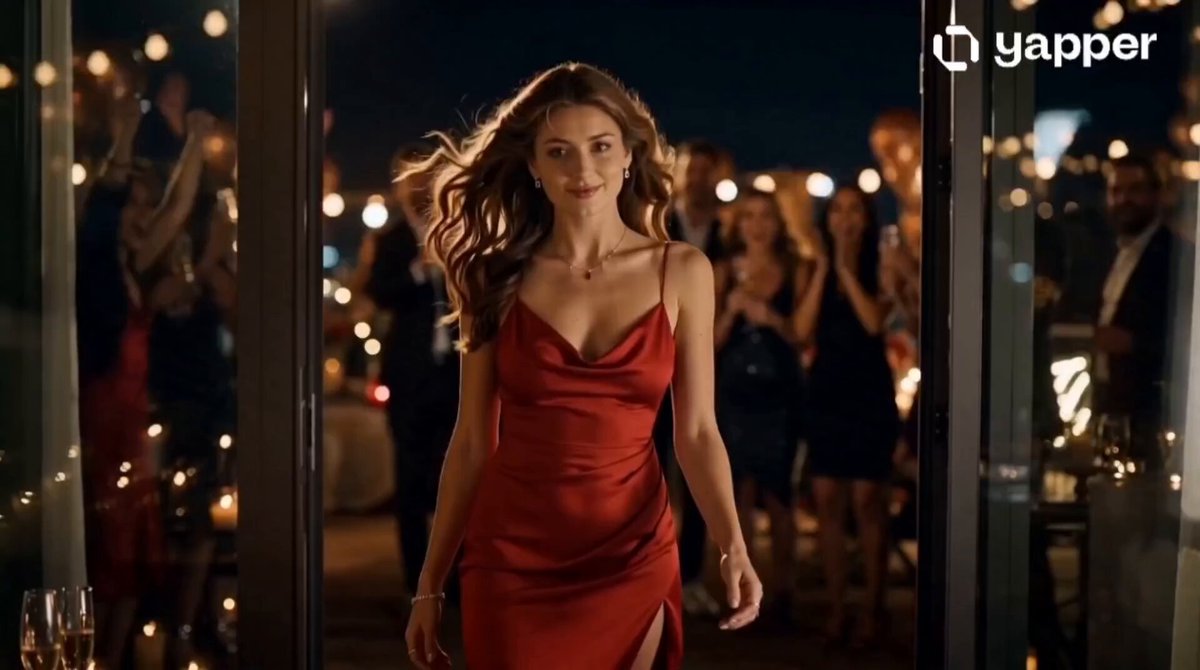
A loud, happy celebration hug with lights and confetti.
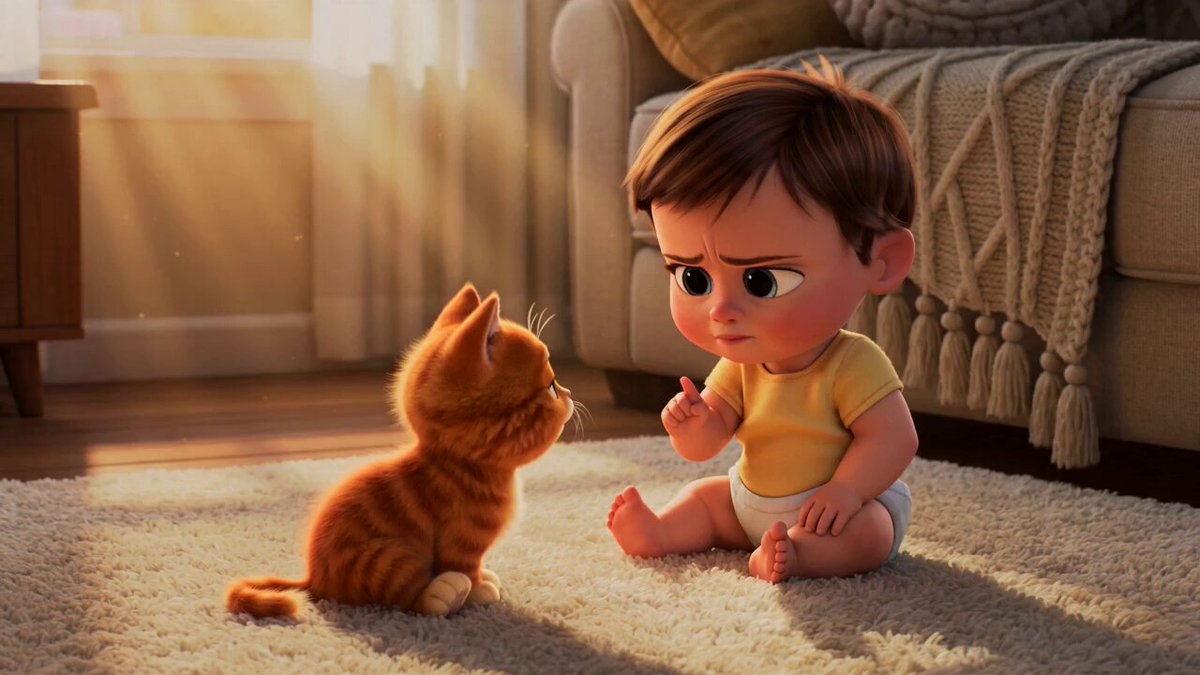
A gentle, playful cuddle between a person and a pet.
A warm, stylised hug between animated characters.
Upload one clear reference per person, character or pet — they don't need to be in the same photo. How many references you can add depends on the model you choose.
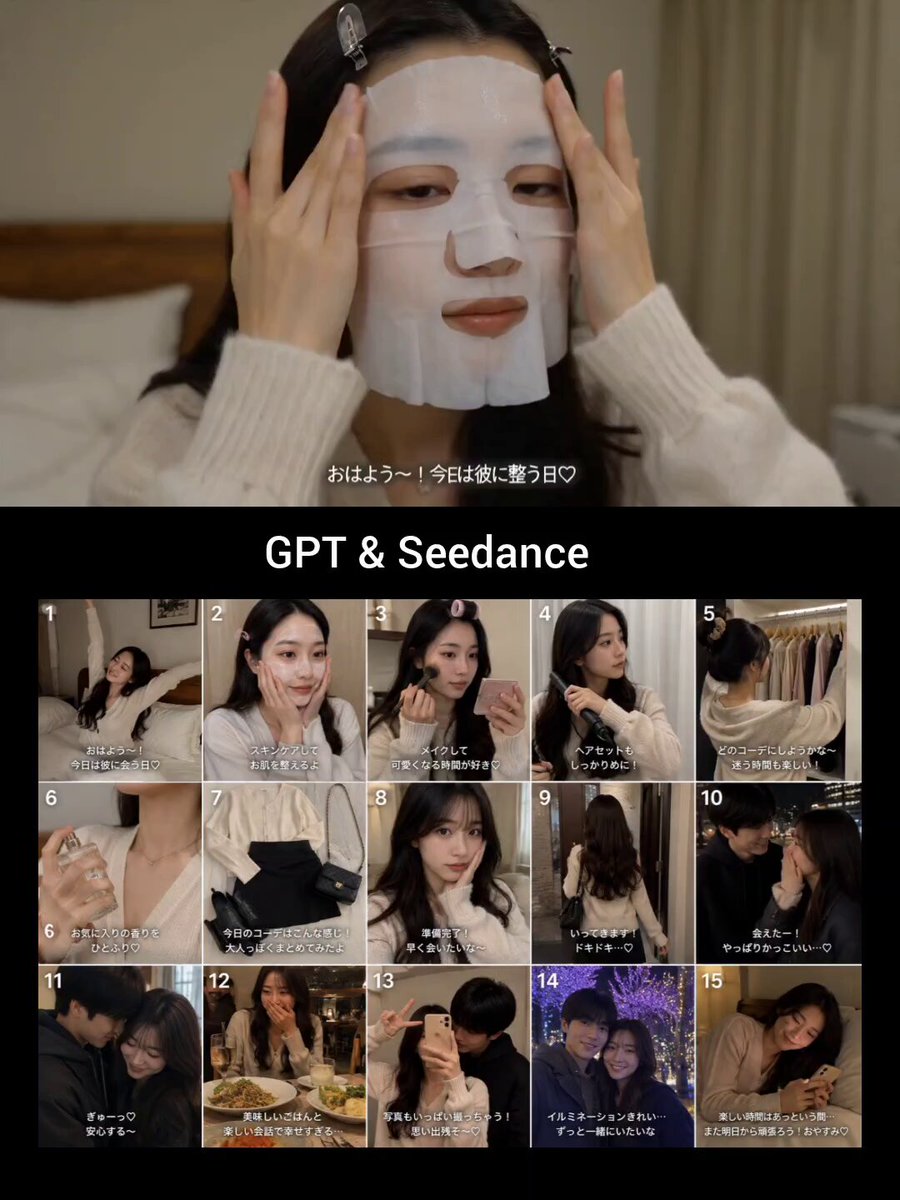 Identity reference
Add a clear picture of everyone (or every pet) who should be in the hug. The model you pick decides how many references fit.
Pick one of six moments. Its prompt fills in automatically while your model and output settings stay put.
Look closely at both faces and the hands where they touch, then refine the approach or camera if needed.
A style only fills the prompt, so your model and output settings don't change. Rewrite how they approach, the emotion, the camera, the place or how long the hug lasts. The motion is newly generated, not copied from another video.
Use one as a complete prompt, or borrow its approach, camera move and final hold.
A graduate crosses the hall and runs into a proud parent's arms.
Use the attached reference images as identity sources and preserve each subject's recognizable face, hairstyle, clothing, and proportions. At the end of a graduation ceremony, the graduate sees their parent waiting near the aisle, walks quickly toward them, and shares a tearful, joyful hug. Use warm window light, a slow push-in, natural breathing, readable hands, and a short final hold.
A spontaneous hug after a shared win, shot like a live reaction.
Use the attached reference images as identity sources and preserve each subject clearly. In a lively stadium crowd, the two people react to a winning moment, turn toward each other laughing, and share a natural celebratory hug. Keep the camera close but steady, let the surrounding crowd move independently, and hold both faces in view.
Two stylised characters share a small, expressive embrace.
Use the attached reference images as identity sources. Render the referenced subjects as polished 3D animated friends in a warm living room. One character hesitates, opens their arms, and the other steps in for a gentle hug. Use expressive eyes, small secondary motion, soft sunset light, clear silhouettes, and consistent character designs.
Your photos tell the model who is in the scene; the prompt tells it what happens. Upload a photo of each person, character or pet, pick a hug style, adjust the relationship and setting, and generate.
Yes — that's the point. Add each person as their own reference and the model brings them together in one hug. How many references you can add depends on the model.
Clear waist-up or full-body photos with visible faces and clothing. Matching angles and lighting help the two people look like they belong in the same scene.
Yes. Edit the prompt to change the relationship, expressions, how fast they approach, the camera, the location, the light and how long the hug is held.
The prompt asks the model to keep each identity, but small details of faces, hands and clothing can shift during contact. Review the result before sharing it as a keepsake.
Yes. Add the person and the pet, or the characters, as references. Pet Hug keeps the motion small and gentle; Animated Hug gives a more stylised scene.
 Image to VideoAnimate a single photo with motion you describe.
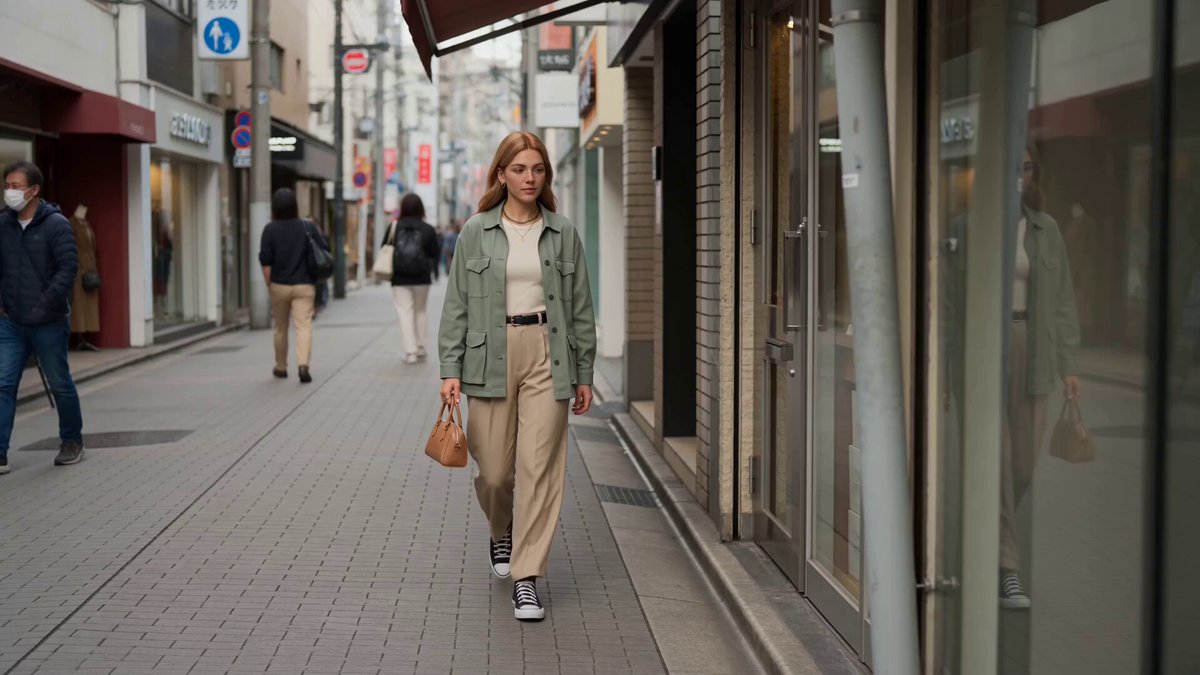 Reference to VideoCombine several people, styles or products in one new scene.
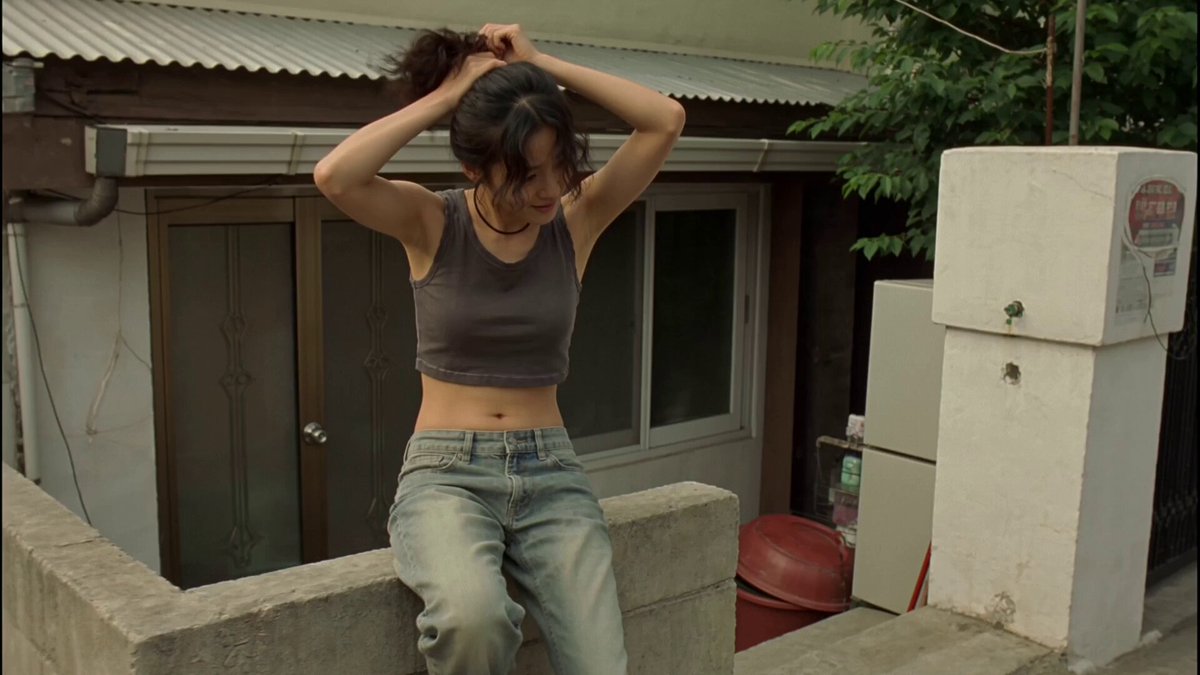 Video to VideoGive an existing memory clip a new look.
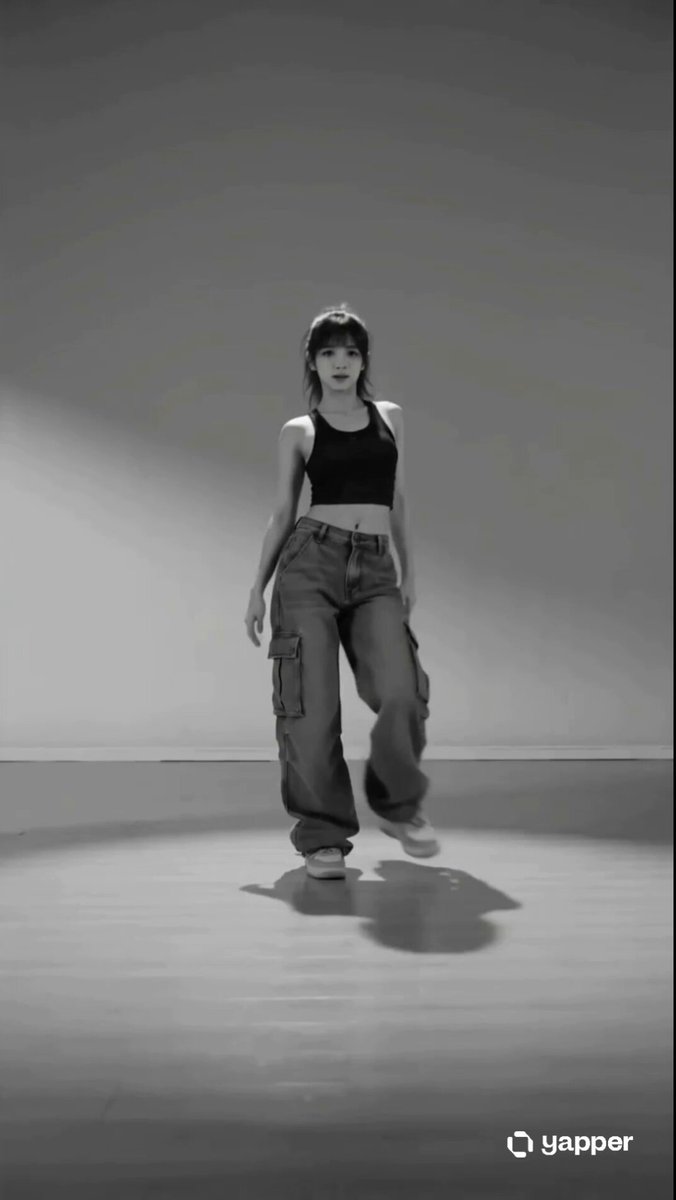 AI Dance Video GeneratorMake the person in a photo dance.
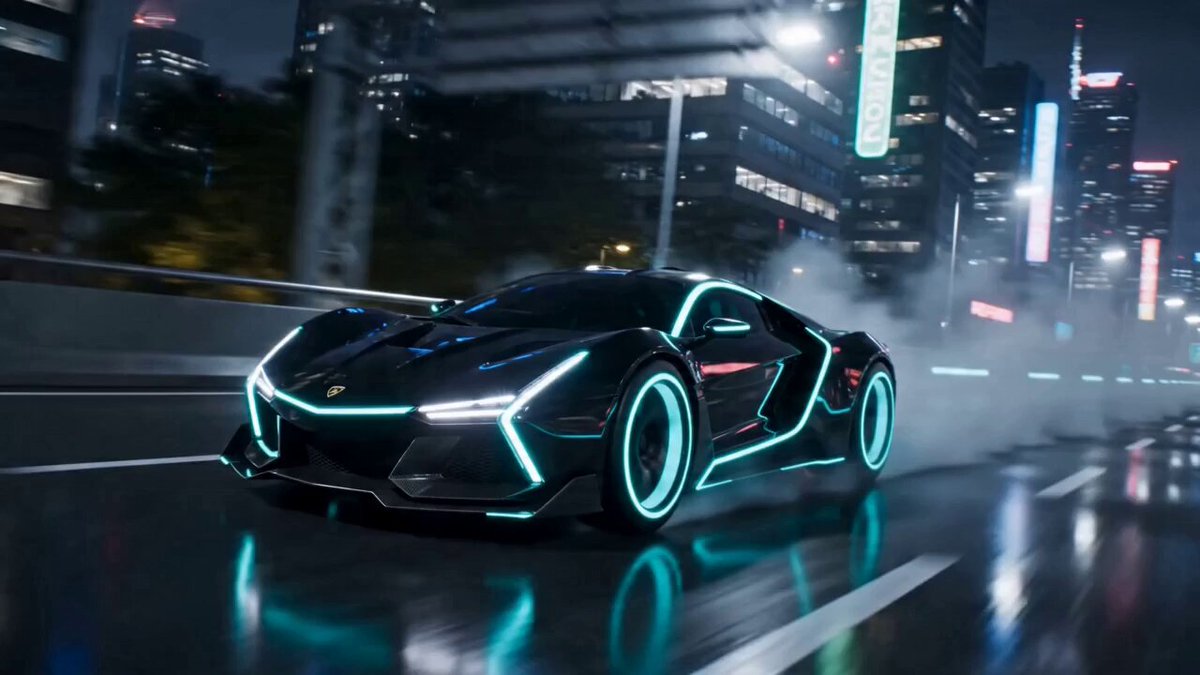 AI Transformation Video GeneratorTurn a person or object into something new.
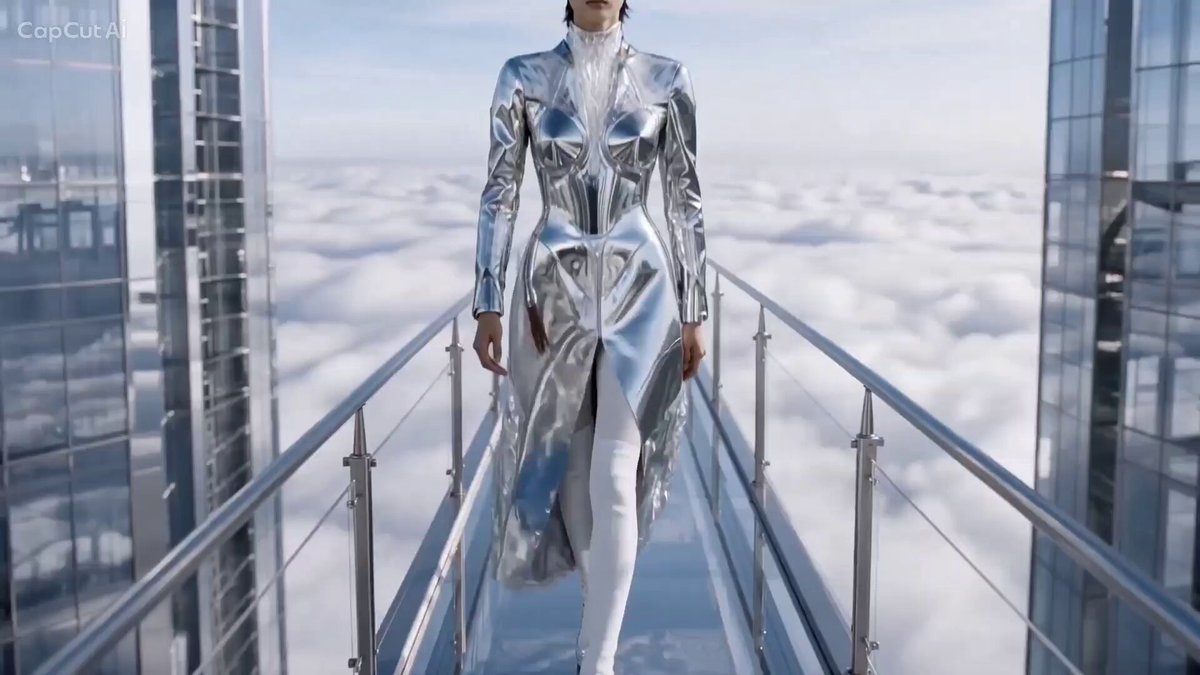 AI Catwalk Video GeneratorTurn a photo into a runway walk.
Pick a hug style, upload a photo of each person or pet, and adjust the moment before you generate.
Create the hug