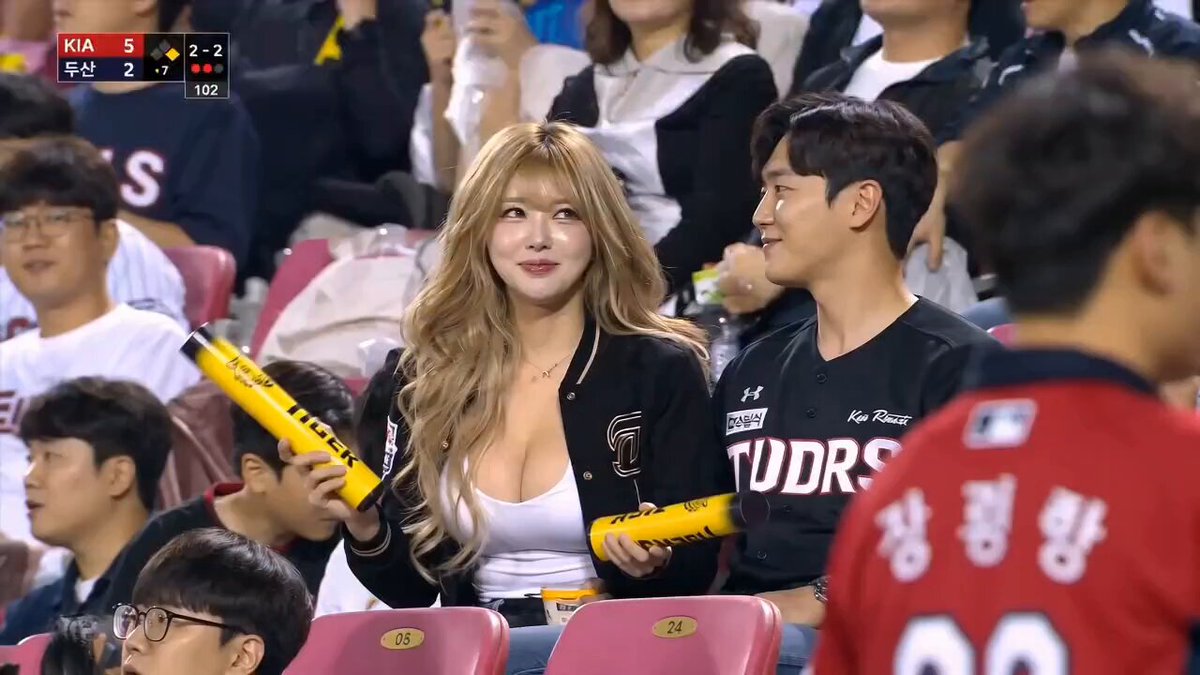
Generated kiss scene
Kiss Cam
A candid stadium kiss, then a shy grin at the big screen.
The Open Sora AI kiss video generator creates a short, gentle kiss between two adults from their photos. Upload a picture of each person, choose a scene — kiss cam, wedding, animated, sci-fi — and adjust the moment in the prompt.
These are earlier AI results. How closely faces, timing and framing match depends on your photos, prompt and model.
Each scene has its own setting and camera, around the same simple action: two adults lean in, share a brief kiss and part naturally.
A candid stadium kiss, then a shy grin at the big screen.
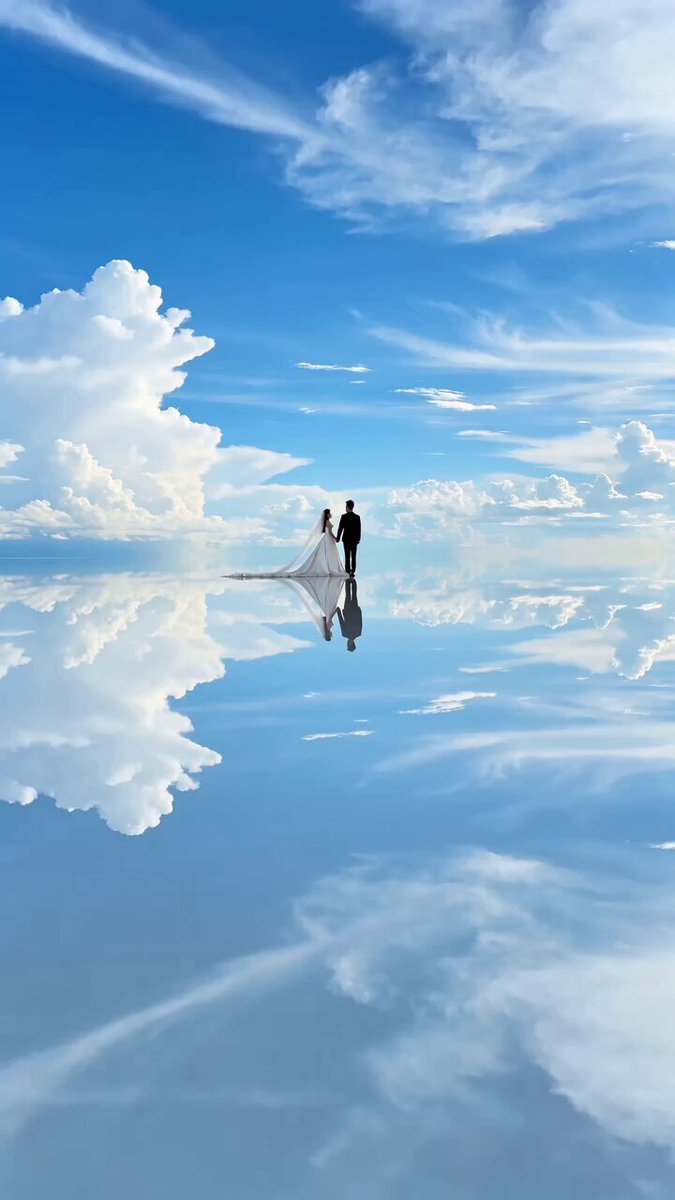
A gentle forehead kiss in a bright, open landscape.
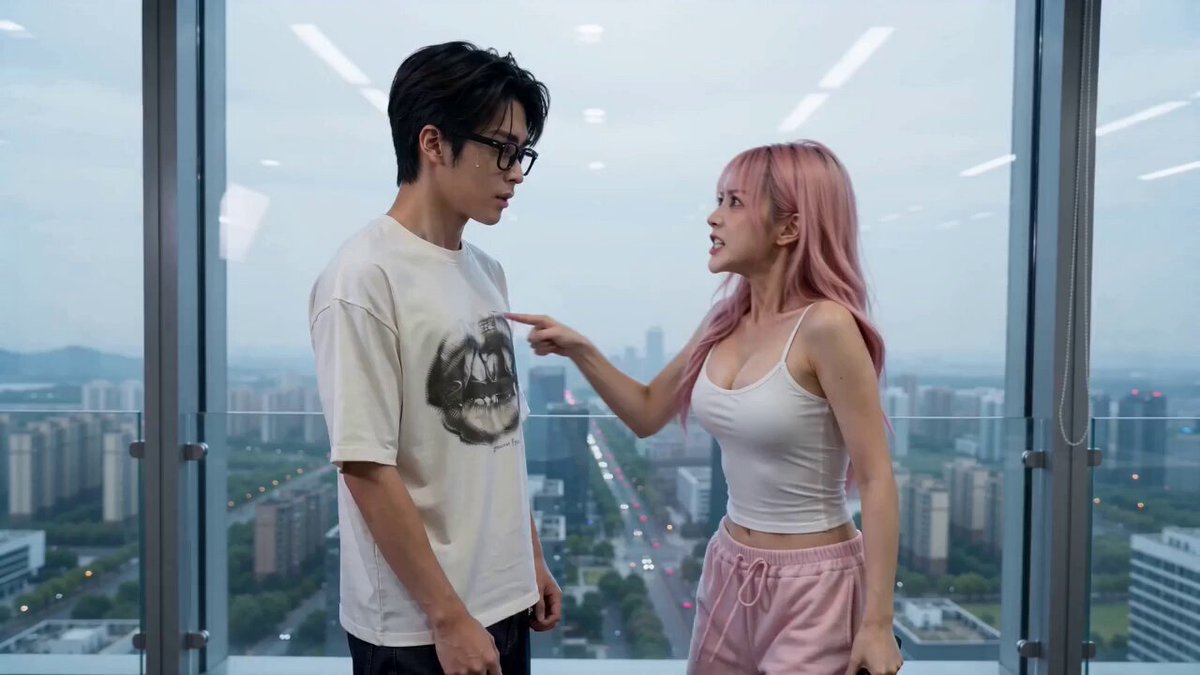
A dramatic kiss as an explosion lights up the window.
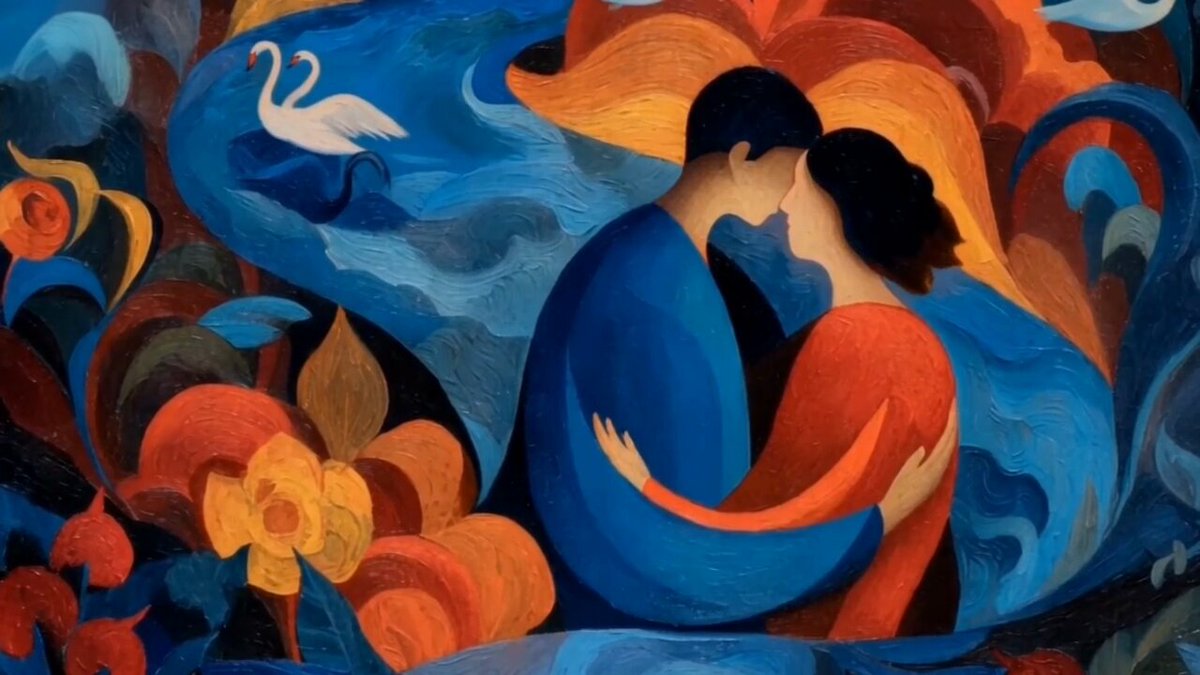
A painted, stylised moment with clean silhouettes.
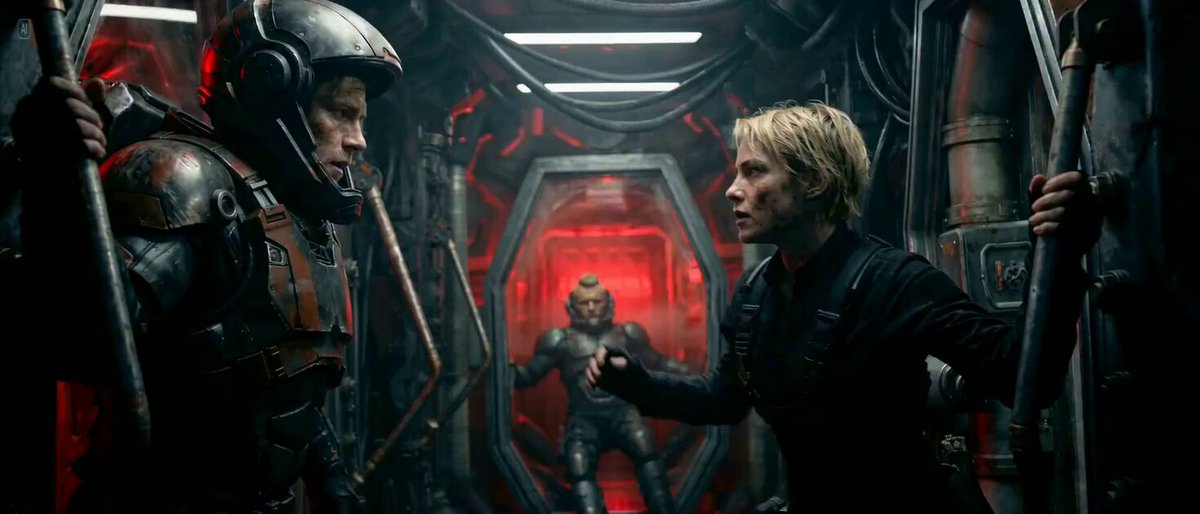
A tense kiss aboard a moving spacecraft in hard light.
Each person gets their own reference photo, so they don't need to be pictured together. Similar image quality, matching angles and unobstructed faces help the AI kiss video generator keep both people recognisable.
Use clear, front-facing or three-quarter portraits where the face is easy to see.
Kiss cam, wedding, apocalypse, animated or sci-fi. The scene fills the prompt; your photos and settings stay as they are.
Watch the result, then tweak the approach, camera distance, setting or expression if the moment needs to look cleaner.
Edit the prompt to decide the relationship, place, eye contact, how quickly they lean in, camera distance, how long the kiss lasts, the reaction and the audio mood.
Use these prompt structures with your own adult references and rewrite the setting, lighting, camera, and emotional tone.
A quiet reunion under warm streetlights and soft rain.
Use the attached adult reference images as separate identity sources. On a quiet city street in light rain, the two adults recognize each other, step closer under one umbrella, exchange relieved smiles, and share one brief tender kiss. Use warm streetlights, a slow camera push-in, realistic wet reflections, and natural facial motion.
A tender ceremony moment in soft daylight, camera steady.
Use the attached adult reference images as separate identity sources. During a simple outdoor wedding ceremony, the two adults turn toward each other, hold eye contact, and share one short gentle kiss as flower petals move in a soft breeze. Keep both faces recognizable with natural posture and a steady medium shot.
A stylised romantic scene under the moon with gentle motion.
Use the attached adult reference images as identity guides and translate both subjects into polished animated characters. On a moonlit balcony, they step together and share one soft kiss while fabric and distant lights move gently. Preserve their facial traits, hairstyles, clothing colors, and clear silhouettes.
It's a tool that takes photos of two adults and a short prompt, and generates a brief scene where they lean in and share a kiss in the setting and style you choose.
Separate reference photos let the model keep each person's identity on its own, which works far better for a two-person moment than treating one photo as a start and the other as an end frame.
Clear portraits or upper-body photos of adults with unobstructed faces, similar angles and similar quality. Avoid group photos and extreme expressions.
Yes. Picking a scene only fills the prompt. Rewrite the place, approach, expressions, camera, lighting and timing as you like; model and output settings stay available.
The photos guide both identities, but close contact between faces is hard for any model and small details can shift. Clear photos, a short action and a steady camera help.
No. This effect is only for consenting adults. Only upload photos of adults that you have permission to use.
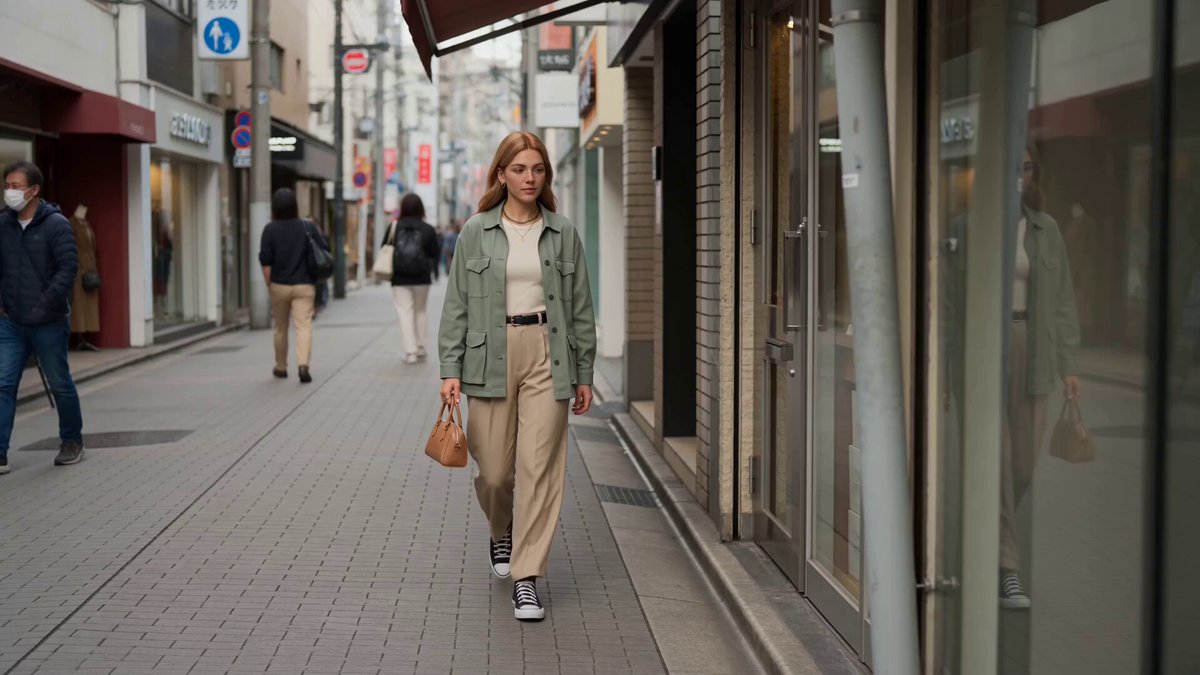 Reference to VideoCombine several people, styles or objects in one new scene.
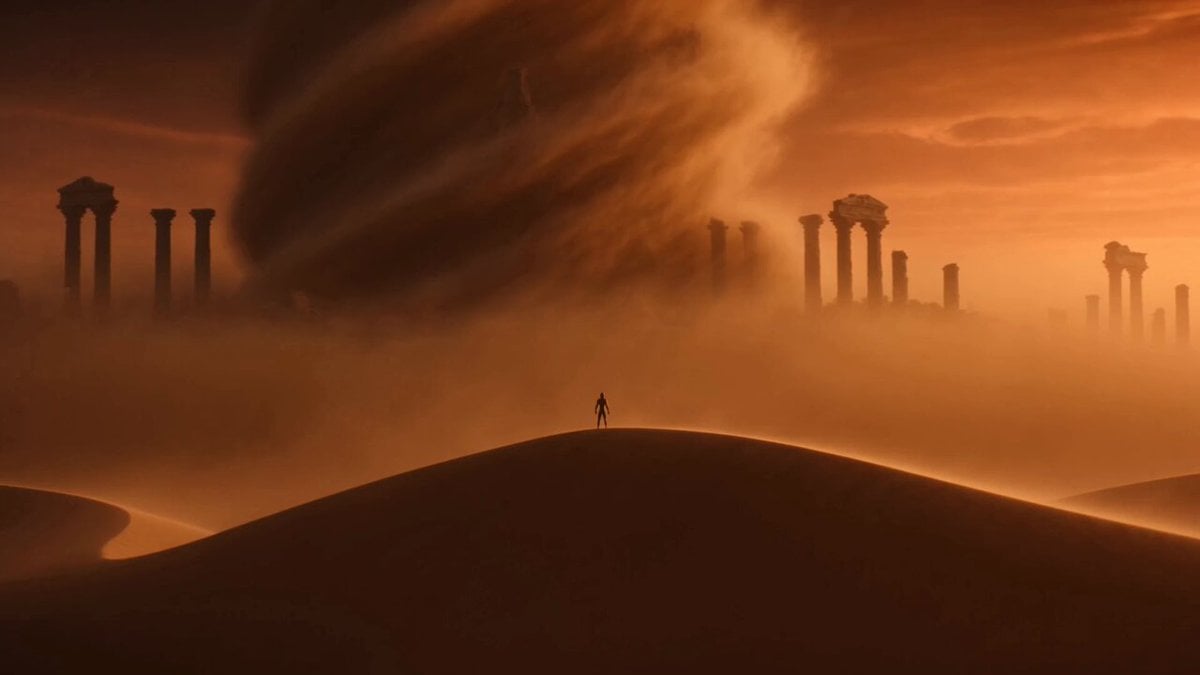 Image to VideoAnimate a single photo with motion you describe.
 AI Hug Video GeneratorBring two people together in a warm embrace.
 AI Dance Video GeneratorMake the person in a photo dance.
 AI Catwalk Video GeneratorTurn a photo into a runway walk.
 AI Camera Orbit Video GeneratorCircle the camera around a person or scene.
Upload a clear photo of each adult, pick a scene and adjust the prompt until the moment feels right.
Create the kiss