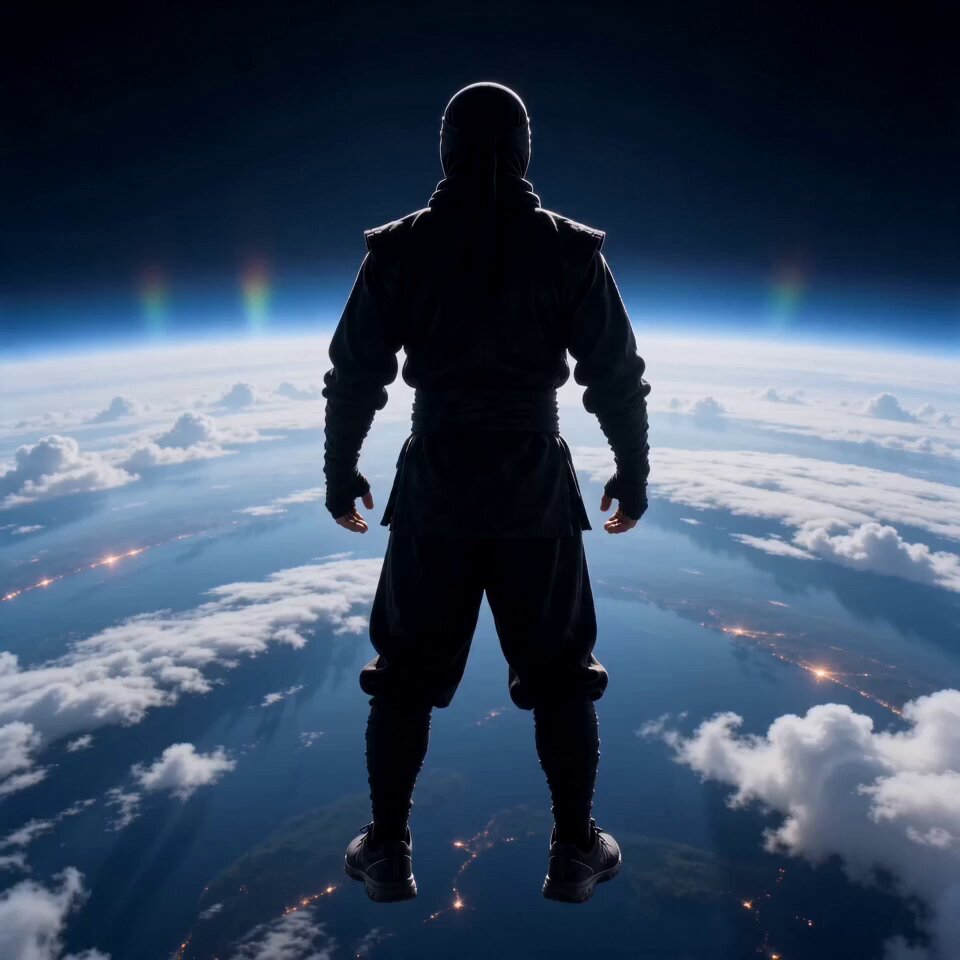
Generated flight
Superhero Flight
Burst above the clouds and power forward.
The Open Sora AI flying video generator makes the person or character in your photo take off — superhero flight, levitation, skydiving, anime, witch or wuxia. Upload one image, choose how they fly, fine-tune the prompt and generate.
These are earlier AI results. Faces, bodies, speed, wind, backgrounds and camera moves depend on your photo and model.
Each style has its own pose, speed, camera path and world. Picking one fills the prompt; the settings stay yours.
Burst above the clouds and power forward.
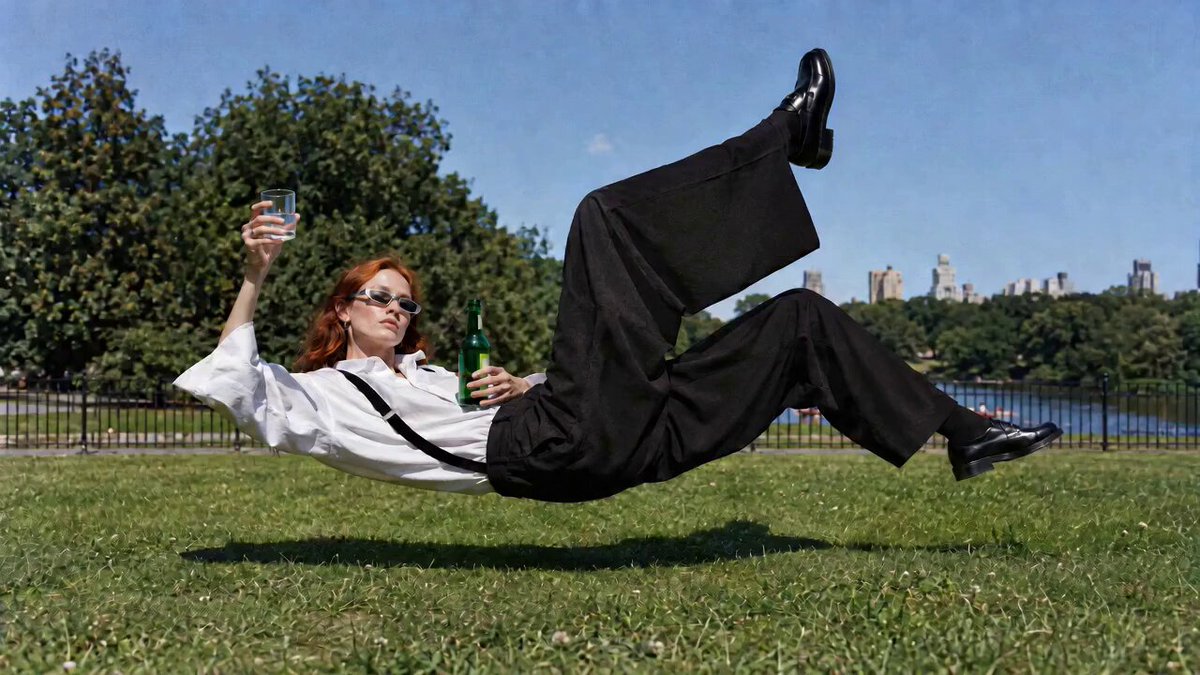
Float calmly off the ground, camera still.
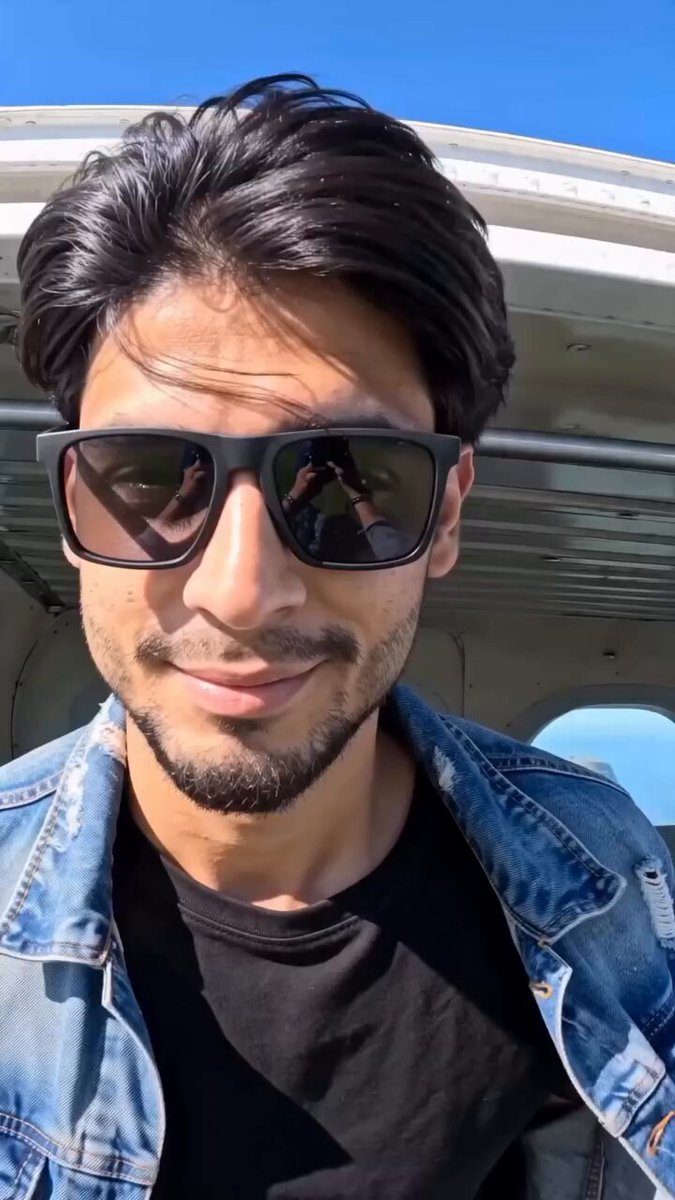
Free-fall through open sky, then the chute opens.
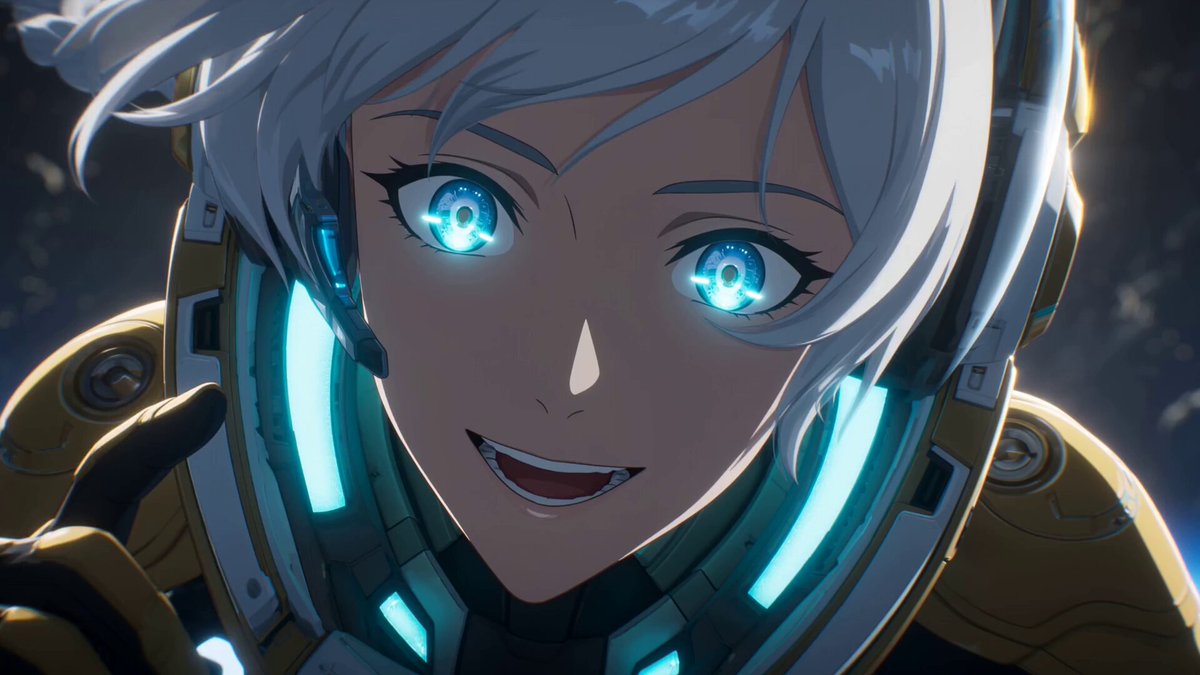
Glowing, high-energy anime flight with bold angles.
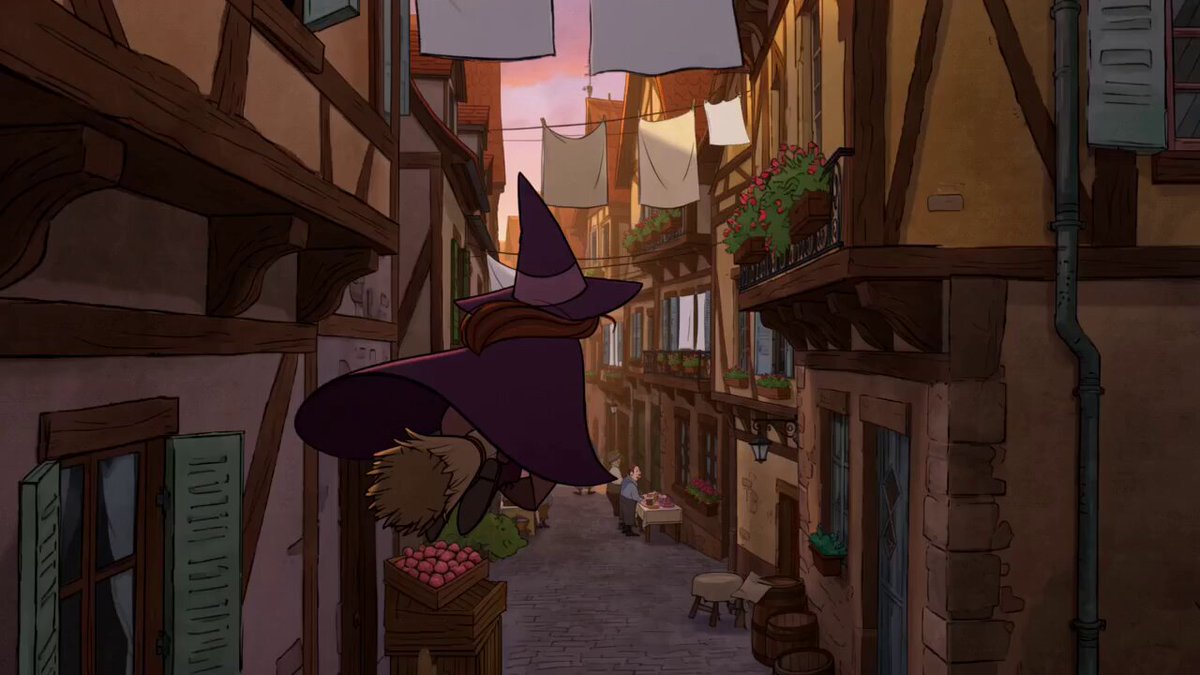
A broom ride over a cosy storybook town.
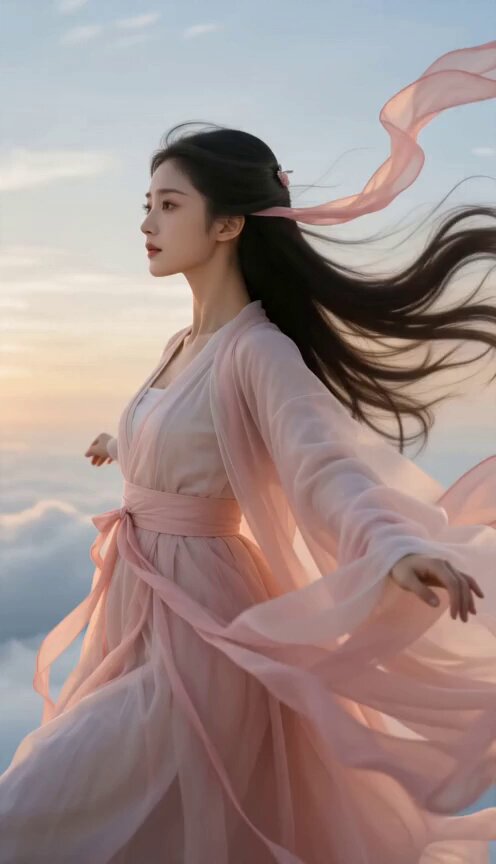
Robes flowing, gliding through clouds to meet a dragon.
To make someone fly, the AI flying video generator has to imagine the rest of their body in the air. A clear outline, visible arms and legs, a plain background and a centred subject give it what it needs for a steady take-off.
A clear full-body or three-quarter image with visible arms and legs, and some space around them, works best.
Superhero, levitation, skydiving, anime, witch or wuxia. The style fills the prompt; your photo and settings don't change.
Check the body and camera tracking, then tweak speed, height, pose, scenery or length if the flight path needs work.
Describe how they launch, which way the body faces, how high and fast they go, the wind, the route, the scenery, the camera distance and how the flight ends.
Start from one and change the subject, world, weather, camera and ending.
Skim low over wildflowers, then climb above a lake.
Use the uploaded person image as the exact identity reference. Begin with the person floating horizontally half a meter above a meadow, then accelerate gently over wildflowers toward a lake. Track from the side at body height, let hair and clothing respond to the wind, skim above the water, and rise into a wide sunset shot.
A carpet chase through desert ruins, wind and all.
Use the uploaded character image as the identity reference. Place the character on an ornate flying carpet racing low through ancient desert ruins. The carpet banks around pillars, lifts over falling debris, and climbs above a sand cloud while the camera follows close behind. Preserve the face, outfit, hands, and seated balance.
A leaf parachute drifts an explorer through a huge canyon.
Use the uploaded person image as the exact identity reference. Suspend the person beneath a large handmade leaf parachute and glide through a sunlit canyon. Alternate a first-person downward view with a close side-tracking shot, show believable straps and wind pressure, pass a waterfall, and finish in a wide aerial reveal.
It animates the person or character in your photo taking off, hovering, gliding, falling or flying in the setting and style you choose, guided by an editable prompt.
A clear full-body or three-quarter photo with visible limbs, a simple outline and space around the subject. Avoid crowds and tight crops.
Yes. The Superhero Flight style covers the hover, the burst of speed, banking through clouds and a tracking camera — and you can edit all of it.
No. A style only fills the prompt. Your photo, model, ratio, length, resolution and audio stay as you set them.
The photo guides the face and clothes, but fast motion, distance, spins and things passing in front can change fine details. Clear photos and simpler camera moves help.
Flight shows the whole body while perspective and wind change fast. A clear photo, one flight path, moderate speed and fewer camera changes keep it steadier.
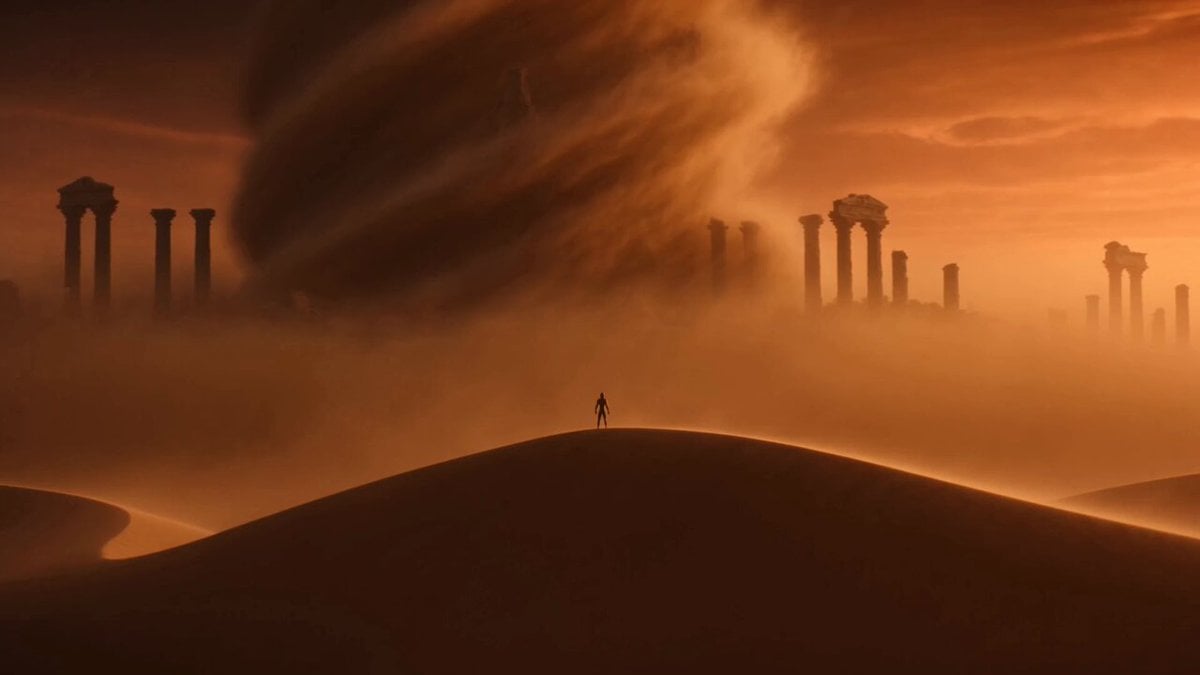 Image to VideoAnimate a character with motion you describe.
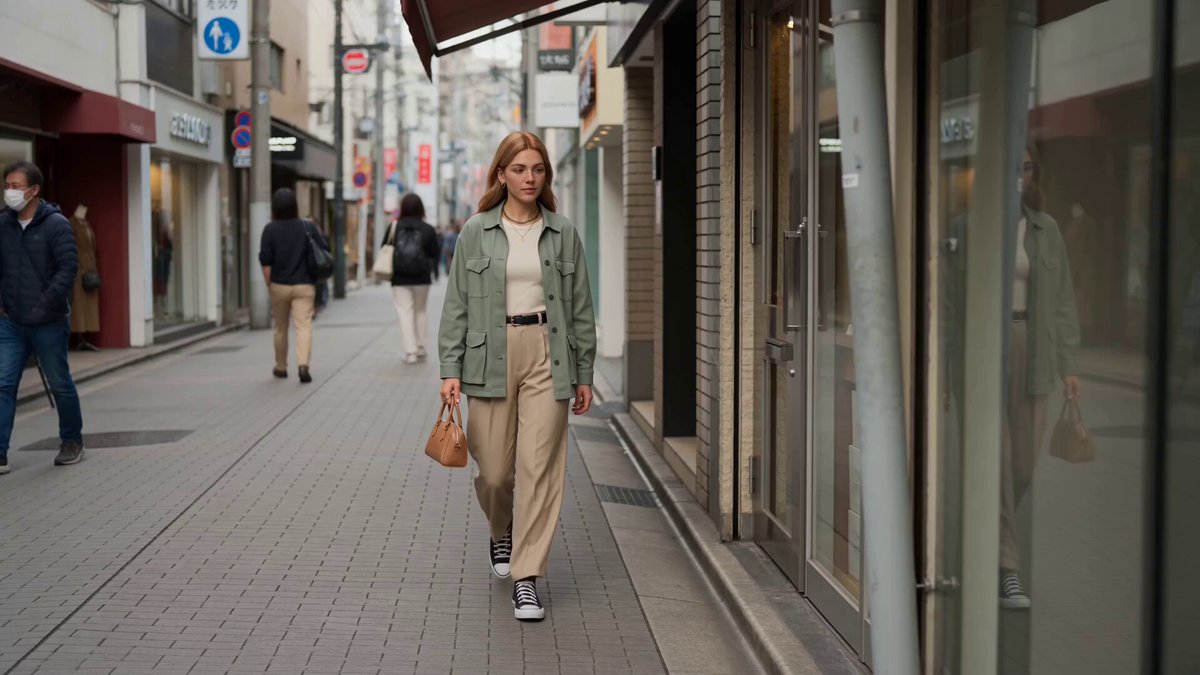 Reference to VideoKeep characters and styles consistent across shots.
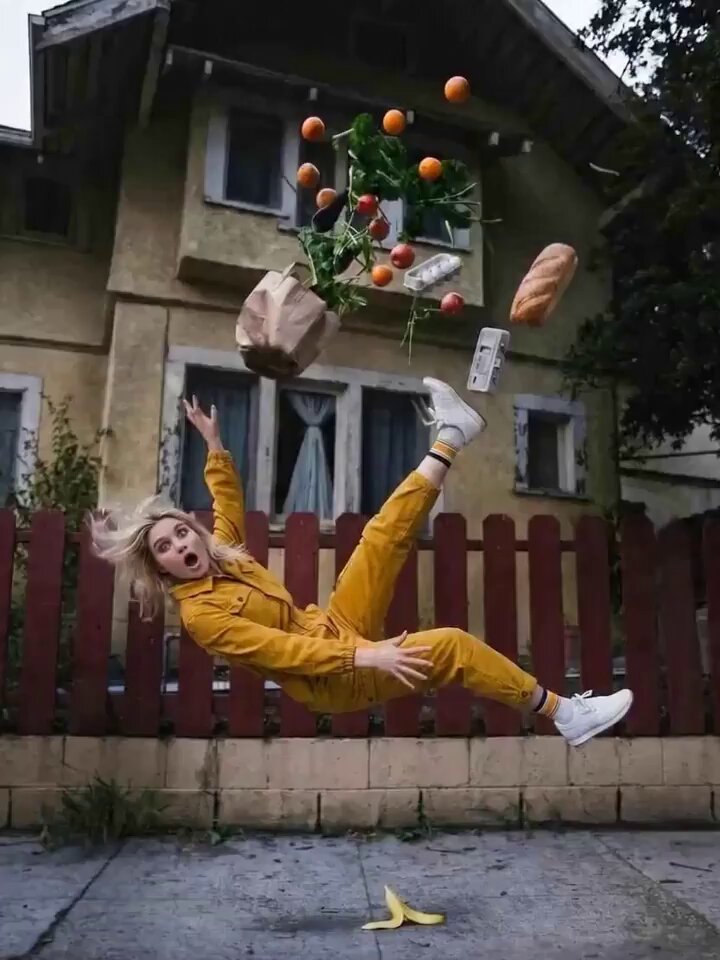 AI Camera Orbit Video GeneratorCircle the camera around a person or scene.
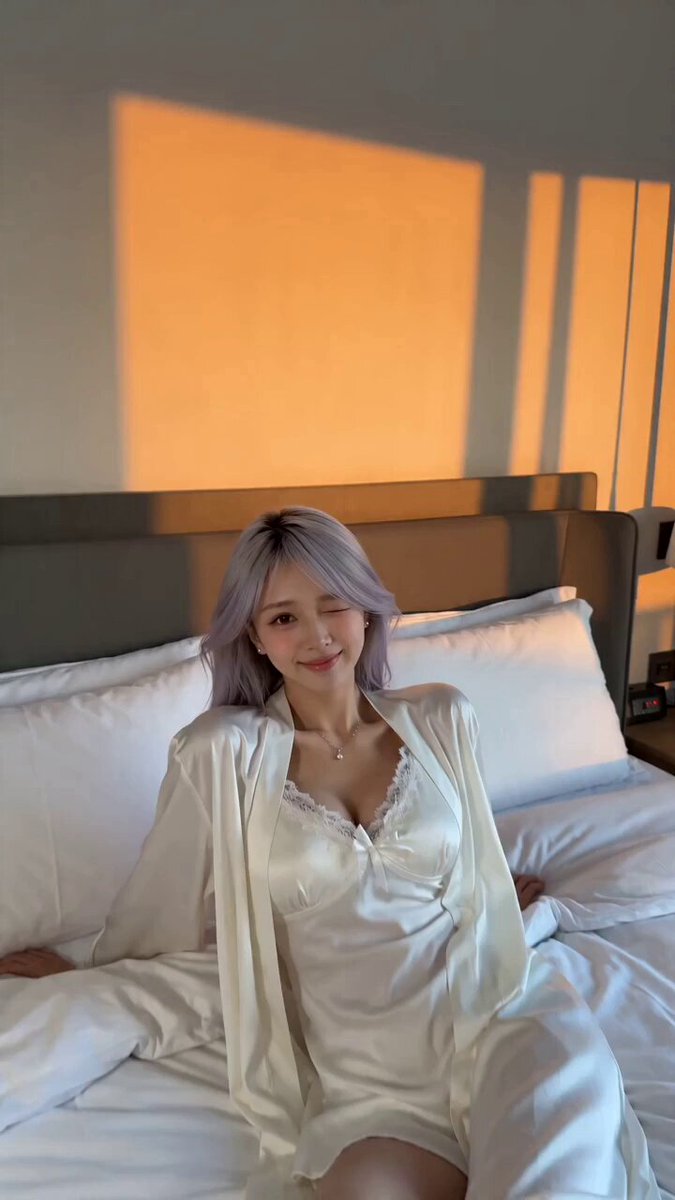 AI Video Transition GeneratorLink scenes with match cuts, wipes and morphs.
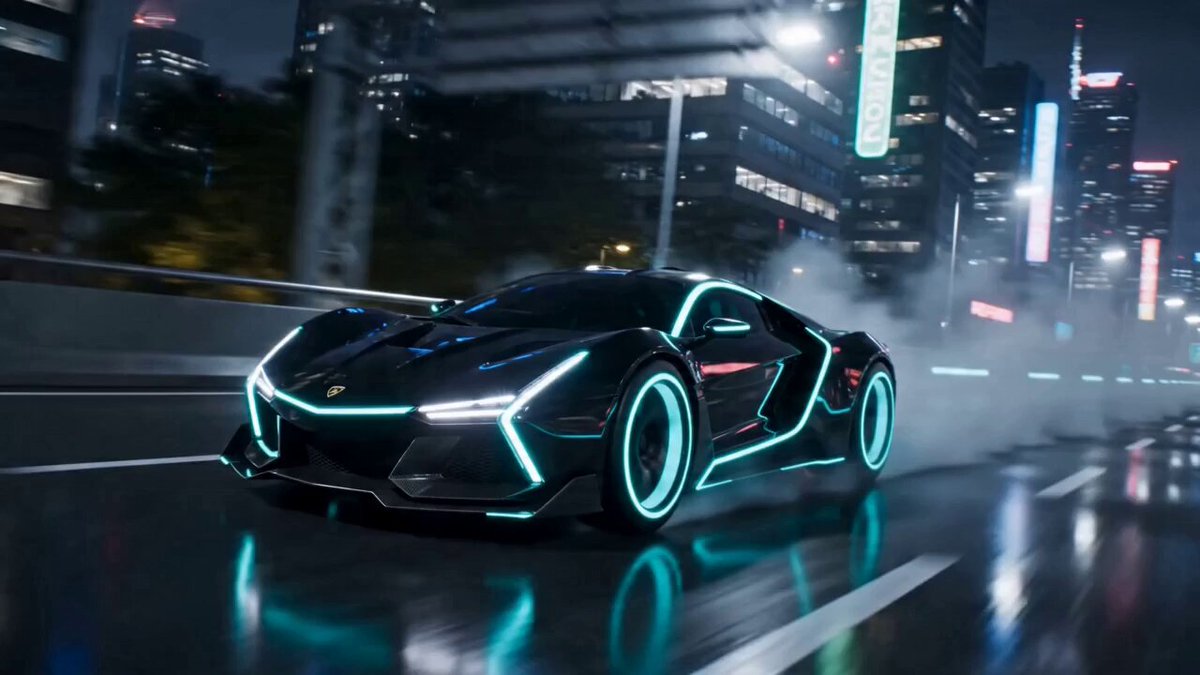 AI Transformation Video GeneratorTurn a subject into a new character or creature.
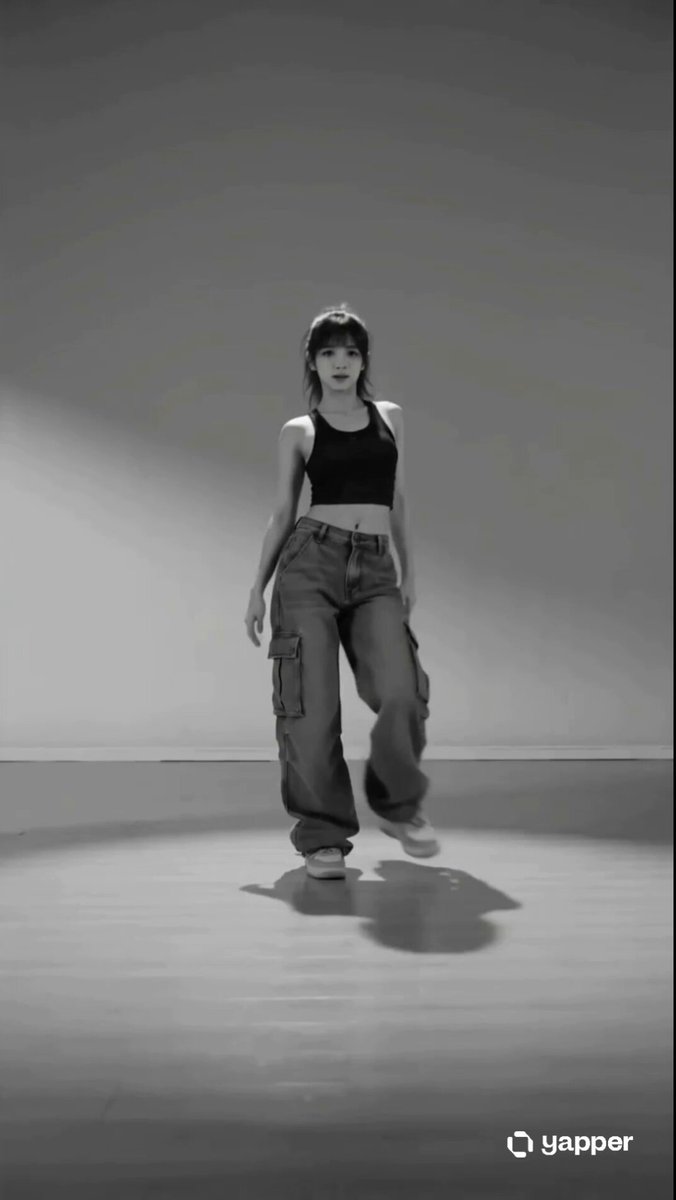 AI Dance Video GeneratorMake the person in a photo dance.
Upload a clear photo, pick a flight style and set the pose, speed and scenery before you generate.
Take flight