Any format from one upload
Generate widescreen, vertical or square versions of the same picture. The model extends the scene to fit the ratio you pick, so one image covers YouTube, Reels and a website hero.
Our image to video AI takes a photo, product shot or illustration and animates it the way you describe. Your picture becomes the first frame, and the model moves everything after it — people, cloth, water, light and camera.
You need an account to generate. Each run spends credits according to model, duration and resolution, and the exact cost is shown on the button. Failed tasks are refunded automatically.
Each pair shows the uploaded still next to the clip generated from it. Notice what the model invents — depth, weight, wind — and what it keeps exactly as it was.
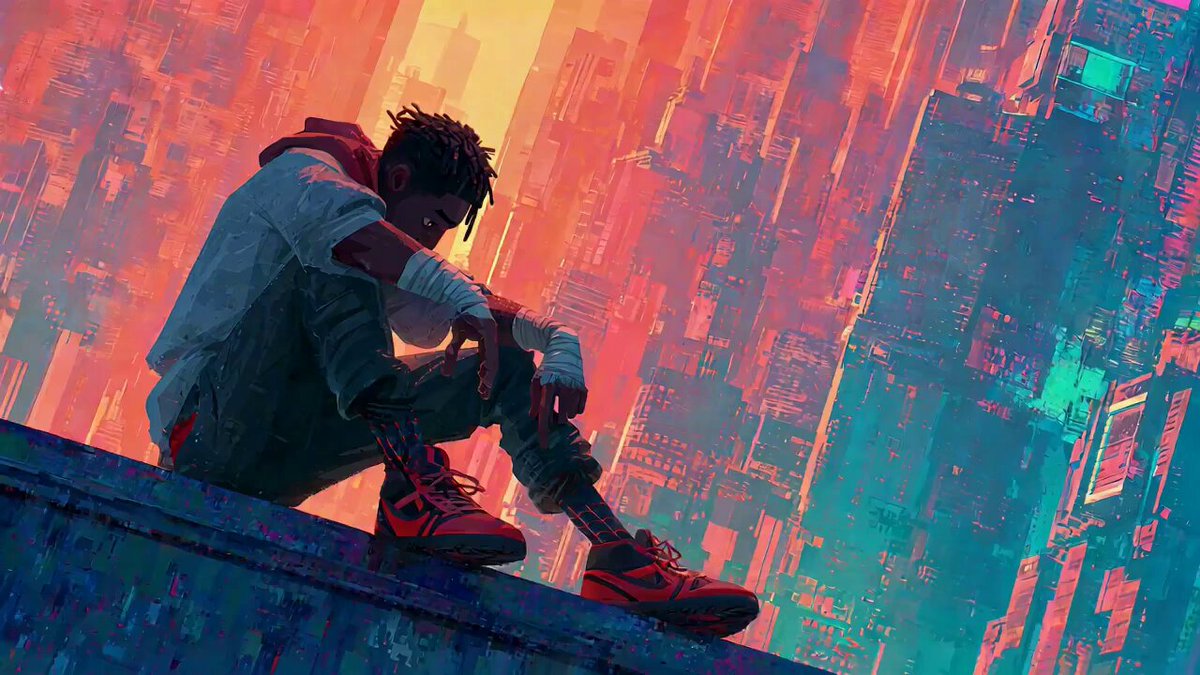 Uploaded image
Use @ Image 1 as the first frame of the scene. The camera rotates and pushes in. The character suddenly looks up. The character’s facial features should be based on @ Image 2. They begin to roar loudly, full of excitement with a touch of comedic flair, referencing the facial
A photograph already fixes the subject, the colours and the composition. Turning a photo to video adds the one thing it is missing — time — so the scene can move, turn and breathe.
Every model here can start from a still image. Some favour gentle, faithful motion; others push camera moves and physics harder, and some add sound. Test a short take on two of them before rendering a long version.
Text leaves the look to chance. A photo pins it down, so every generation starts from the frame you already approved.
Generate widescreen, vertical or square versions of the same picture. The model extends the scene to fit the ratio you pick, so one image covers YouTube, Reels and a website hero.
Crisp, stable motion and consistent lighting at up to 1080p on supported models, with no Open Sora watermark on the download — ready for a store page, an ad or a client review.
The model infers depth and mass from a single frame: dough stretches, flour drifts, fabric settles and the camera can move around objects as if the scene were real.
The pictures you already have become a steady stream of video. No reshoot, no new location, no editing timeline — just a new clip each time you change the prompt.
Upload, describe, render — picture to video in minutes. The image does most of the work, so the prompt only has to cover motion.
Add a JPG, PNG or WebP. It becomes the opening frame, so choose a sharp picture with the subject clearly visible and some room around it to move.
Describe the action and the camera — "she lifts the cup and smiles, slow push in". Then set duration, aspect ratio and resolution.
Render a short take, check the motion, and regenerate with one adjusted instruction if it drifted. Download the MP4 when it looks right.
Anything with a clear subject works. These six are where photo to video pays off fastest.
Give a packshot a slow orbit or a gentle push in for a listing, a marketplace video slot or a paid social ad. The product stays exactly as photographed because it is the first frame.
Bring a kitchen, a street corner or a living-room scene to life with small, believable movement — steam rising, a door swinging, someone turning to the camera.
Add a blink, a head turn or a smile to a headshot for a channel intro, a speaker slide or a profile banner. Subtle motion keeps the face recognisable.
Animate a character drawing, a manga panel or a 3D render while keeping its line work and palette, instead of having the model redraw it as a photo.
Glide the camera through a room, a hotel lobby or a garden from a single picture. A slow dolly reads as a tour and gives a listing something to autoplay.
Turn images you have already published into short vertical clips. The feed rewards video, and you get new posts out of assets you already own.
Real prompts with the clips they produced. Pick one to load its wording into the generator, upload your own picture and adjust the motion to fit it.
Every run shows its credit cost before you click. Check the movement on a short, low-resolution draft first, then render the final at the length and quality you need.
It takes a still picture as the first frame and generates the frames that follow, so the scene moves. You describe the motion and camera in a prompt; the model works out depth, lighting and physics from the image itself and keeps the subject consistent with what you uploaded.
You can explore the tool and examples without paying. Generating uses credits; when welcome credits are enabled, new accounts get a starter balance for a few short clips. The exact cost of each run is shown on the Generate button before you confirm.
JPG, PNG and WebP all work. Use a sharp image at a decent resolution with the main subject in focus. Very small, blurry or heavily compressed pictures give the model less to work with and usually produce softer motion.
The first frame matches your upload, and the subject is carried forward from it. As the clip plays, the model has to invent what was not visible — the far side of an object, a hand that moves into frame — so small differences can appear. Gentle motion prompts keep the result closest to the original.
It depends on the model you pick; the duration control shows the lengths it supports. Four to six seconds is a good starting point for checking motion, and you can extend once the movement looks right.
Yes — it is one of the most common uses. Ask for a slow orbit, a gentle push in or light moving across the surface. Keep the prompt focused on camera and light so the product itself stays unchanged.
Some models can generate native audio — ambience, effects or short dialogue — alongside the picture. Others produce silent clips. The audio switch appears when the selected model supports it.
Seedance 2.0 Mini is the default for fast, low-cost drafts. Veo 3.1 and Seedance 2.5 are strong for realism and sound, Kling v3 is good with people in motion, and Hailuo 2.3 is known for expressive, stylised movement. Try the same image on two models and keep the one that suits the shot.
Yes. Scan or photograph the print at a good resolution and ask for small, natural movement such as a blink, a slight smile or a slow camera drift. Big actions tend to change the face, so subtle prompts work best for keepsakes.
Open Sora does not add its own watermark. You download the file the model generated, so you can animate a photo and publish it straight away.
Simplify. Describe one action and one camera move, say what must stay still, and try again. If a model keeps distorting the subject, switch to another — models differ a lot in how faithfully they hold an input image.
Commercial use follows your plan and the current terms of service. You need the rights to the image you upload, and you are responsible for any people, brands or characters it shows.
Upload one picture, write a line about how it should move and watch the first image to video draft. It takes a few credits to find out.
Animate My Photo