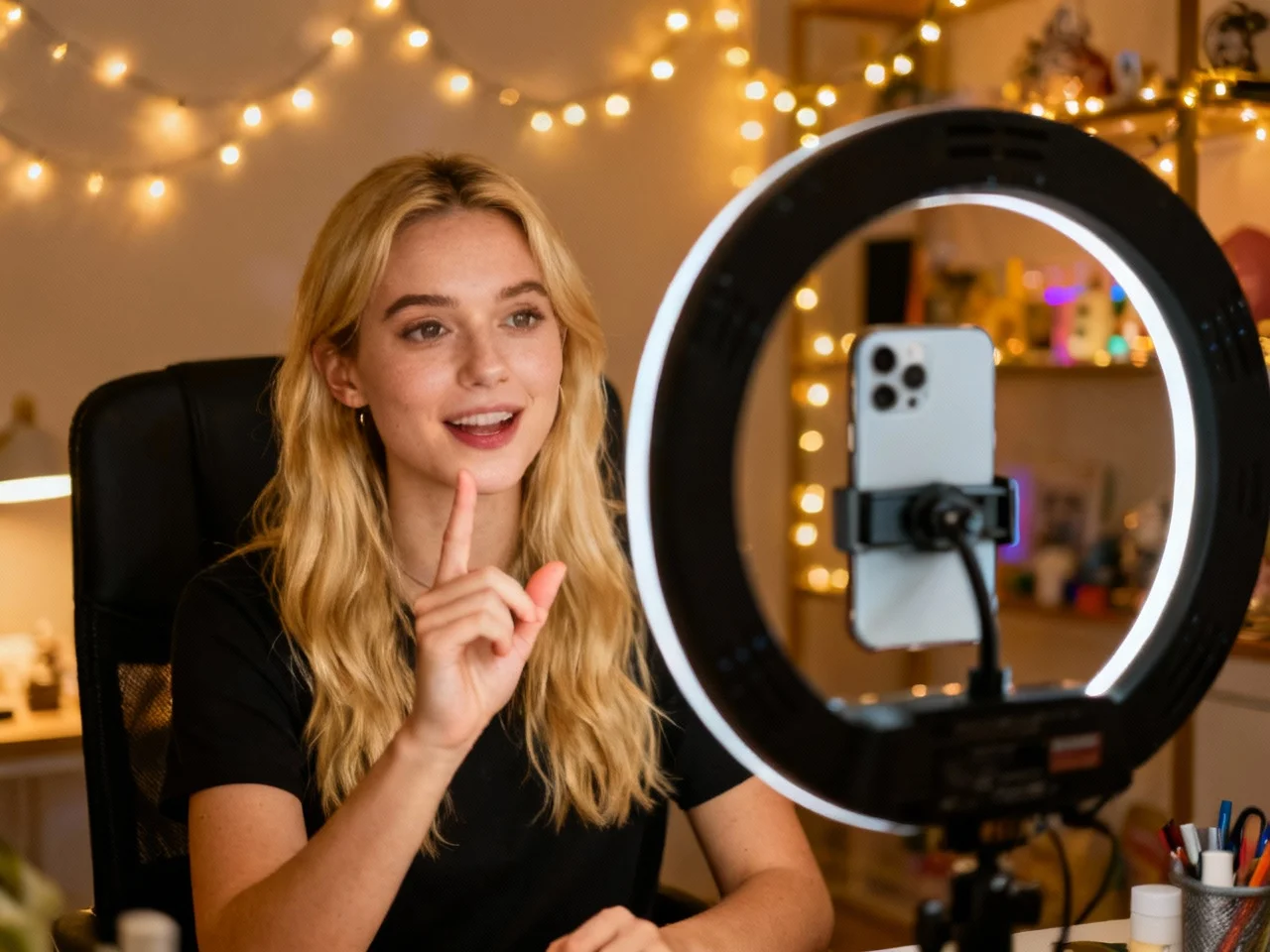
Influencers
Go viral 30x faster
Open Sora helps you produce scroll-stopping short videos in minutes. Turn any photo or idea into shareable content across TikTok, Reels, and Shorts — without editing software.
Open Sora brings together Sora, Veo, Kling, and more — the most powerful AI video models in one platform. Generate stunning videos from text, images, or video clips instantly.
Generation requires an account and uses credits based on the selected model and settings. Failed tasks are refunded automatically.
Upload a photo, type a prompt, or remix an existing clip. Open Sora transforms your creative vision into cinematic AI video in seconds — all models, one platform.
Original image

Prompt
Animate the scene with natural cinematic motion.
Generated video
Influencers
Open Sora helps you produce scroll-stopping short videos in minutes. Turn any photo or idea into shareable content across TikTok, Reels, and Shorts — without editing software.
Open Sora aggregates the world's most advanced AI video models — Sora, Veo, Kling, Seedance, and more — into a single, intuitive workspace. No subscriptions to multiple tools. One platform, all models.
Access Sora 2 Pro, Veo 3.1, Kling AI, Seedance 2.0, and more from a unified dashboard. Switch models instantly and compare results side-by-side to find the perfect output for every project.
Start from any creative asset. Open Sora supports text-to-video, image-to-video, and video-to-video generation, giving you maximum flexibility to bring any idea to life.
Our AI understands creative intent. Enter a simple idea, and Open Sora automatically enriches your prompt for optimal generation quality — turning basic descriptions into cinematic masterpieces.
Export videos optimized for TikTok (9:16), YouTube (16:9), Instagram (1:1), and cinematic (21:9). Every clip is ready to publish without extra editing or reformatting.
Get your first draft in seconds, not minutes. Open Sora optimizes queue management and model routing for the fastest possible turnaround, so your creative flow is never interrupted.
Begin creating with free daily credits. Upgrade to Pro for higher limits, watermark-free downloads, and priority access to premium models like Sora 2 Pro and Veo 3.1.
Everything you need to know about our multi-model AI video generator platform. Can't find your answer? Contact our support team anytime.
Open Sora is an all-in-one AI video generator that brings leading generative video models into one interface. Enter a text prompt or upload an image, choose a compatible model and settings, then submit the job. Open Sora handles task creation, progress tracking, result storage, and credit refunds for failed generations so you can focus on the creative direction.
The current generator exposes models and variants such as Google Veo 3.1 and ByteDance Seedance 2.0, with controls that adapt to each model's supported duration, resolution, aspect ratio, audio, and reference inputs. The available list can change as providers and model capabilities evolve.
Most AI video tools center on one model. Open Sora provides a shared workflow for multiple models, so you can keep prompts, references, generation history, credits, and results in one place while choosing the model that fits each shot.
You can create cinematic scenes, product demonstrations, animated artwork, social clips, explainers, concept shots, and short ads. Depending on the model, Open Sora supports text-to-video, image-to-video, first-and-last-frame guidance, and workflows with image, video, or audio references.
Yes. Choose a supported aspect ratio for the destination: vertical video for TikTok, Reels, and Shorts; square for feed posts; or widescreen for YouTube and presentations. Exact formats depend on the model selected in the generator.
New accounts receive 10 starter credits when registration credits are enabled. Each generation has a visible credit cost based on its model and settings, and failed generation tasks are refunded automatically. Additional credits or plans are shown on the pricing page when payments are enabled.
Describe the subject, action, setting, camera movement, lighting, and style in natural language. Select Text mode, choose a model and compatible output settings, review the displayed credit cost, and submit the prompt to generate a video.
Select an image-based mode and upload the required source image or frames. Add a prompt describing the motion and camera behavior you want, then choose a compatible model. The generator validates the required inputs before enabling submission.
Commercial usage can depend on your plan, the selected model provider, and the rights to your uploaded material. Review the applicable provider and plan terms before using generated videos in advertising, client work, or other commercial projects.
Generation time depends on the selected model, duration, resolution, provider load, and queue conditions. Open Sora keeps the task identity while a job is pending, so progress can resume after a reload and the completed video remains available in your recent results.
Access the world's best AI video models in one place — completely free to start